UPDATE 3.23.2012 – We’ve published a cheat sheet that shows you how to install ICS on your Galaxy S2 i9100. Rootin’, Flashin’, Rockin’ – Clint
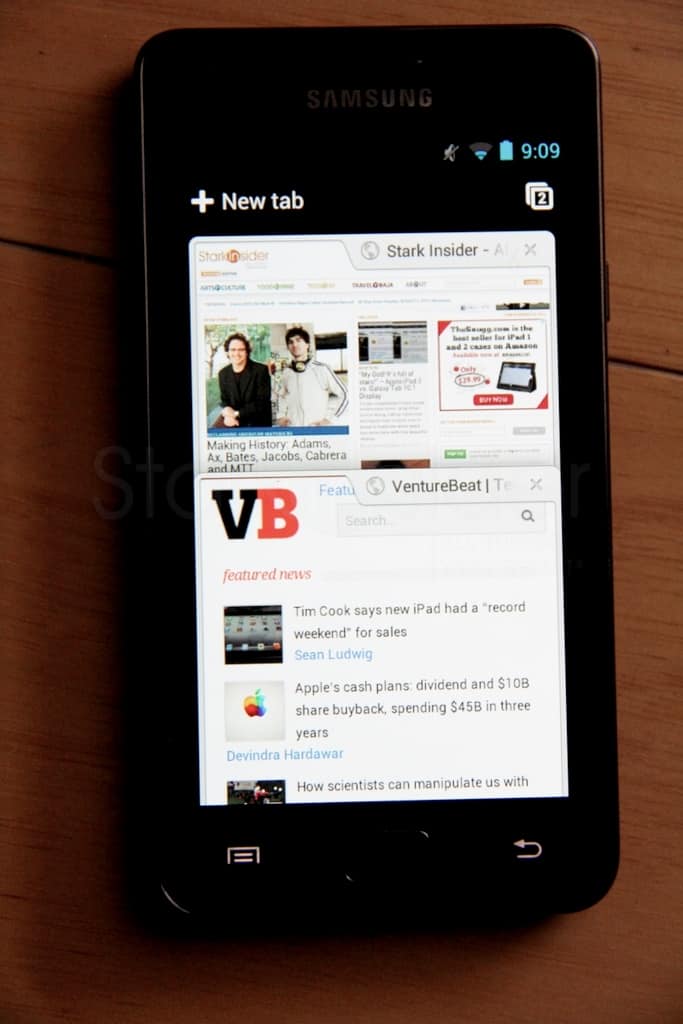
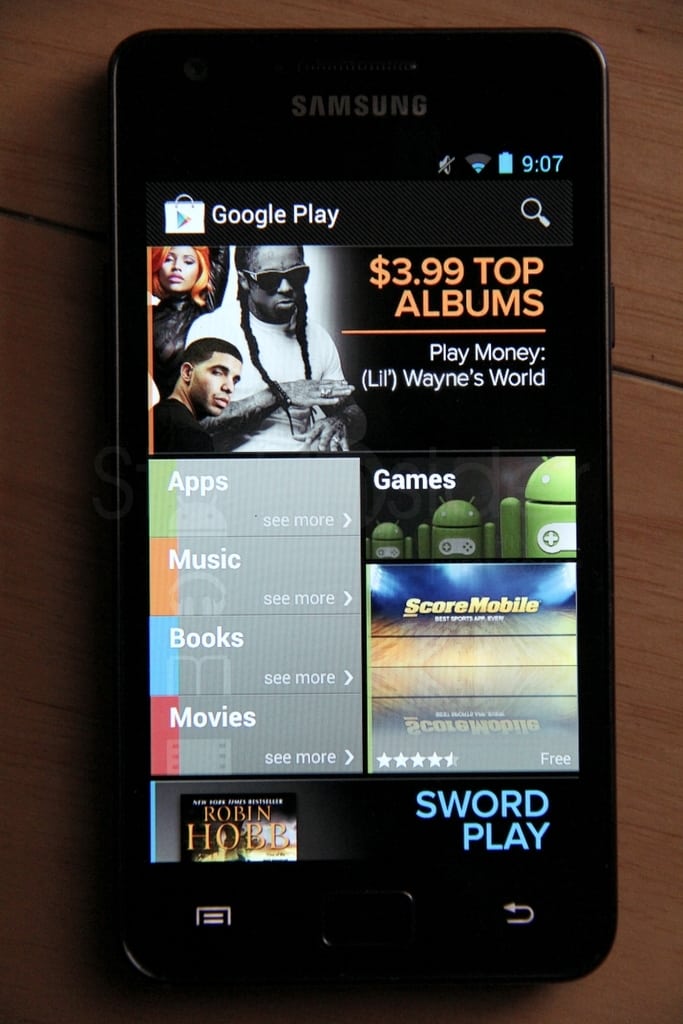
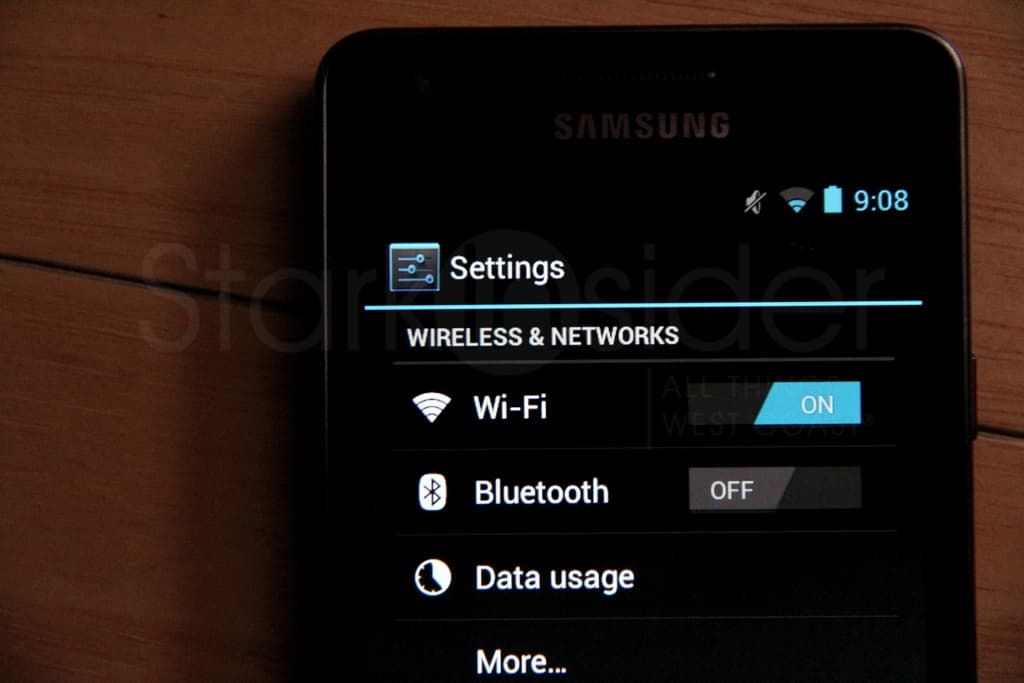
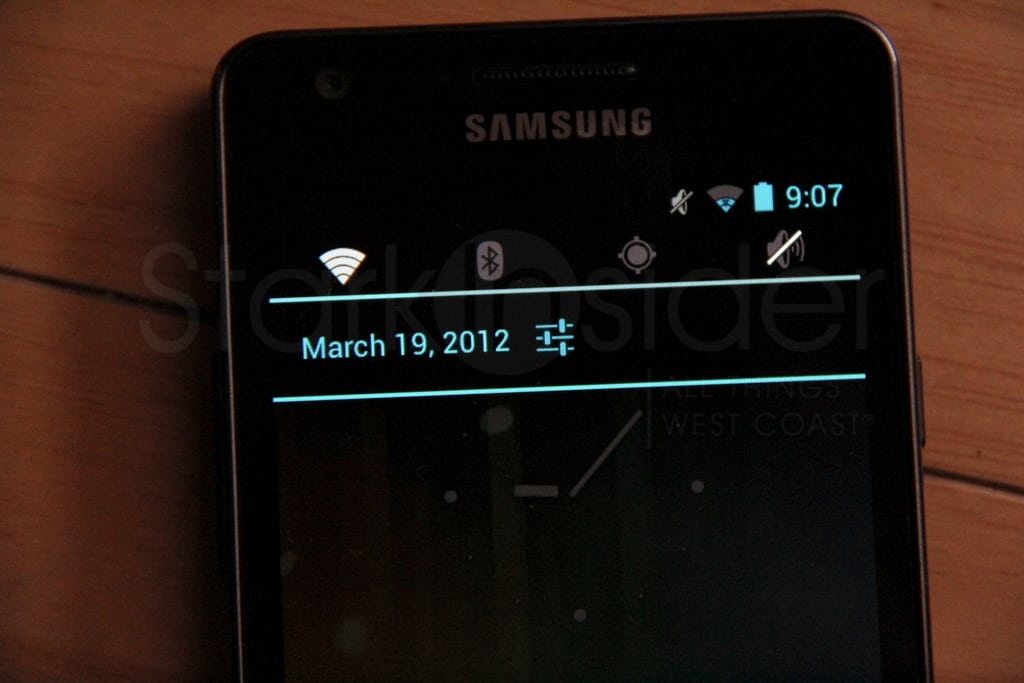
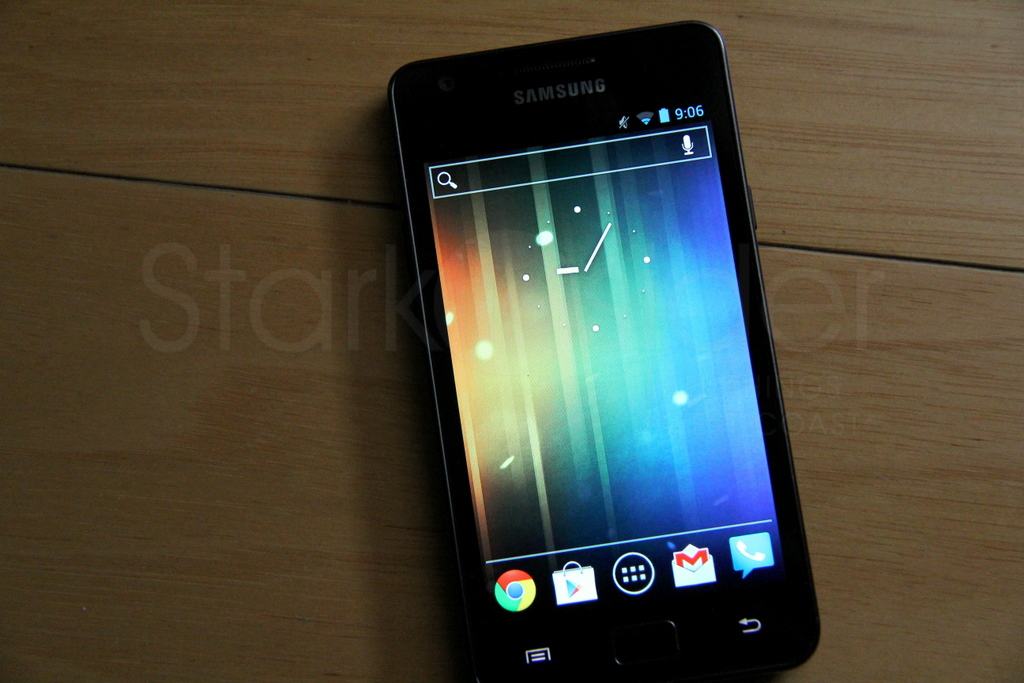
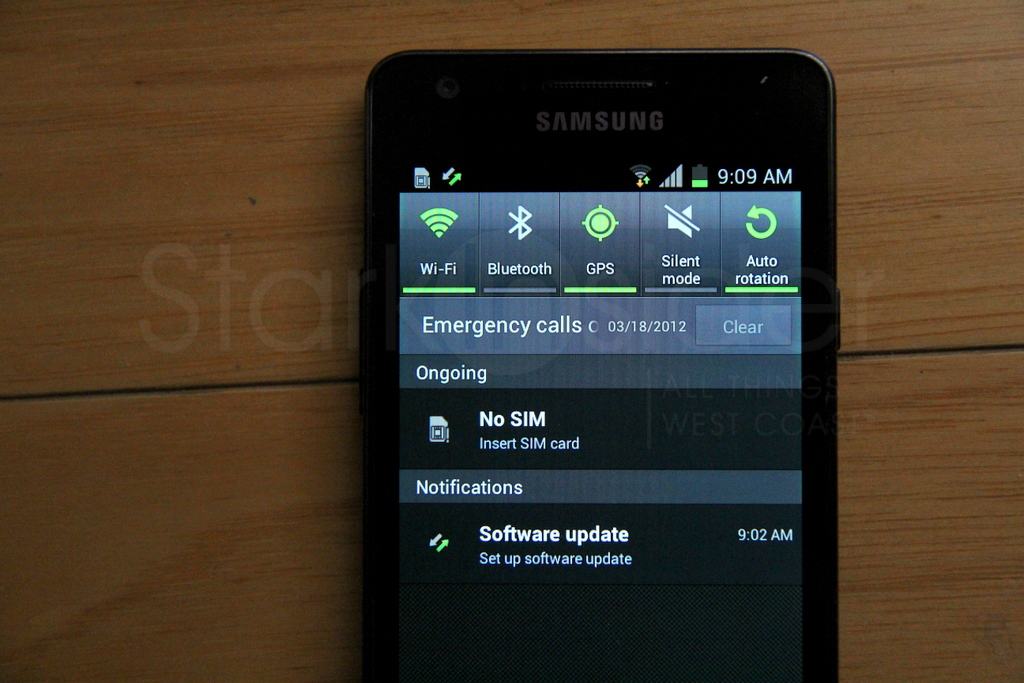
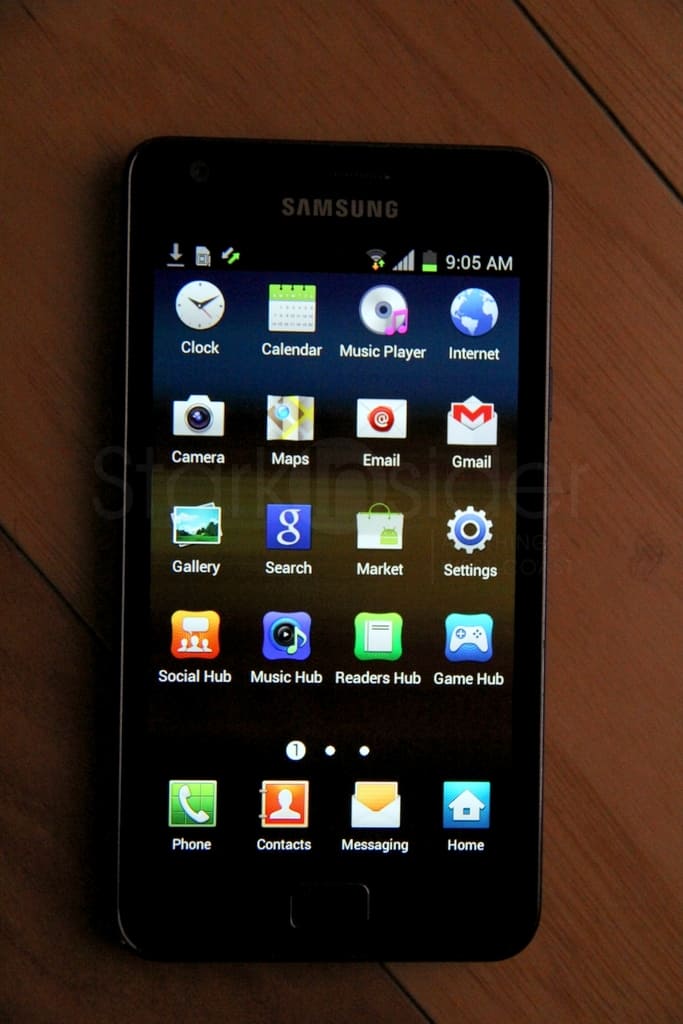
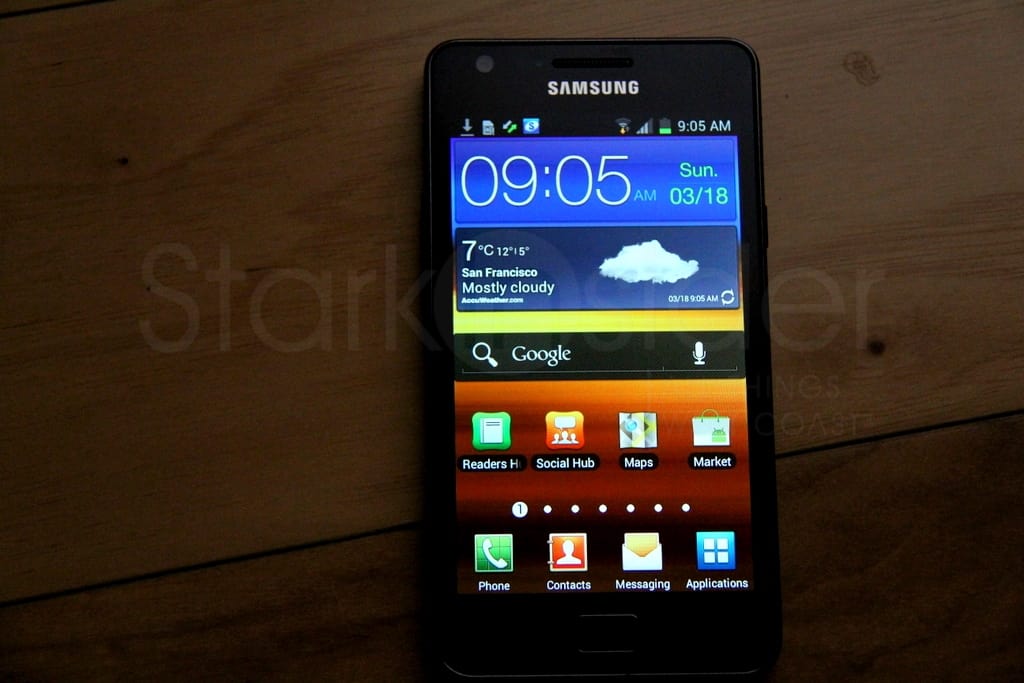
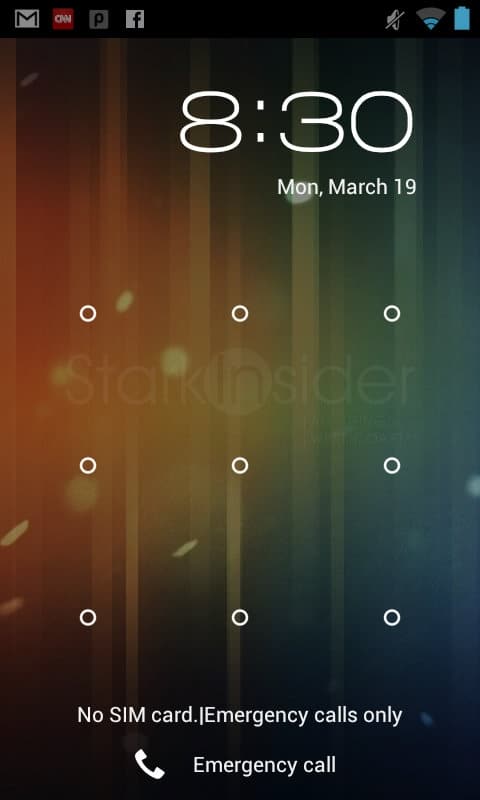
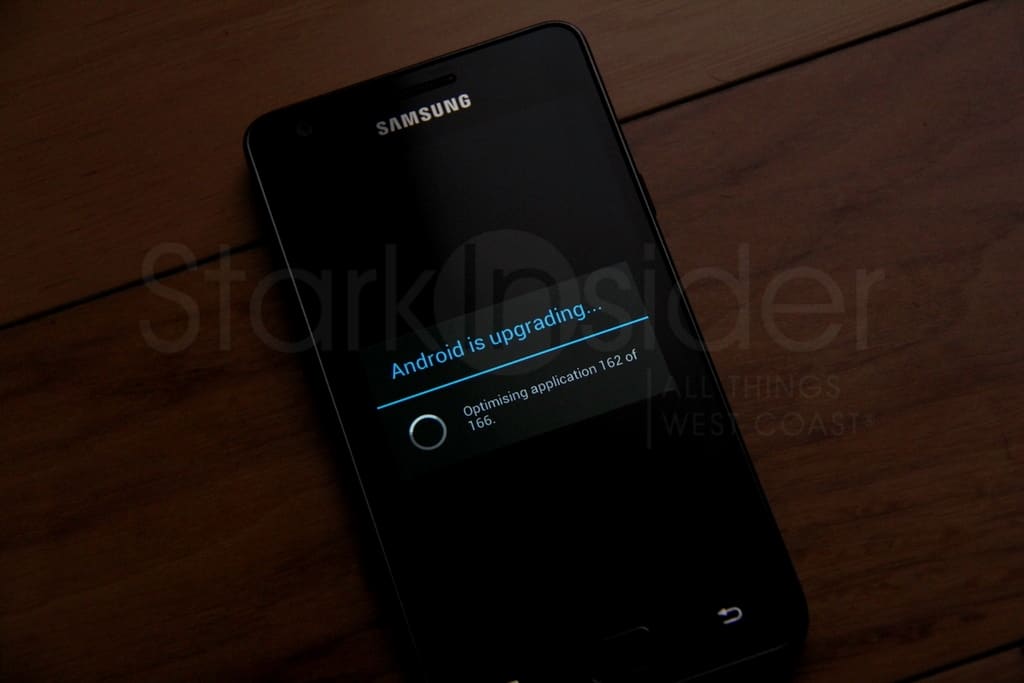
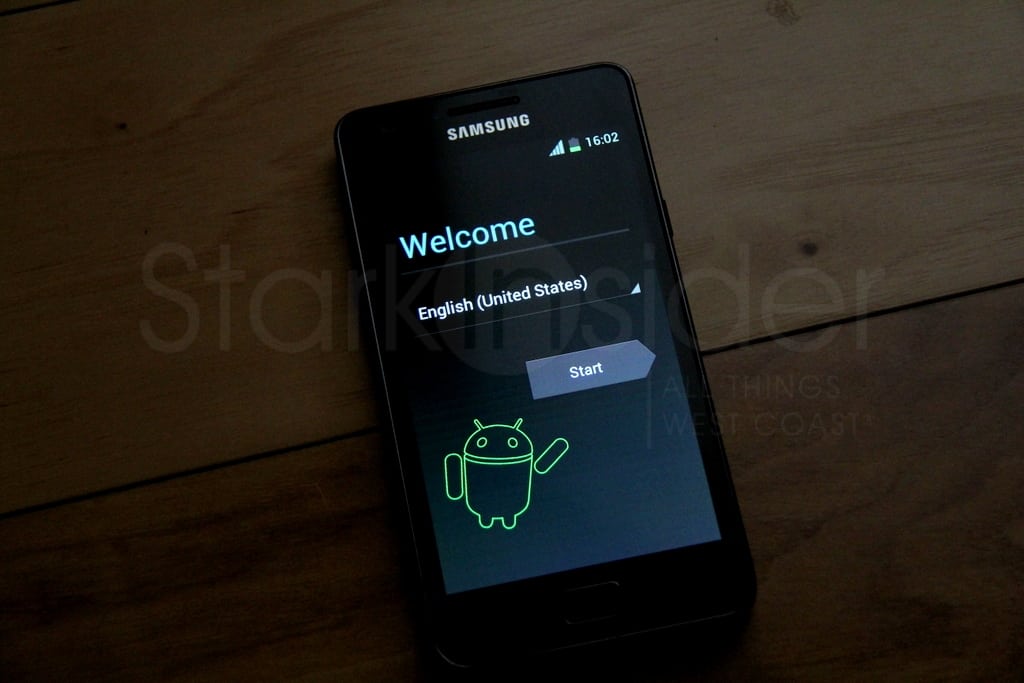
Samsung has started to roll out Android 4.0, aka Ice Cream Sandwich, overseas for the Galaxy S II. But if you have the nerve, or know someone who has the nerve, you too can join the Nexus crowd by flashing the ROM (though I recommend you wait for the official rollout). A friend of Stark was able to do just that and gave me a hands-on look at the new rom running ICS in all its glory. Well, sort of. More on that in a sec. Seems like “glory” is all relative. Here’s some shots I took of a Samsung Galaxy S II (International version – about $550 unlocked) running ICS. Since this is not the US rom there could be some minor changes by the time it hits here in the coming weeks.
How is ICS on the S II?
There’s some goods news and bad news.
First, the good.
The Galaxy S2 runs ICS smoothly. In fact, brilliantly well. Actions are fast. In my hands-on testing I experienced no lag, stutter or issues that would want me to return to Gingerbread. The very first thing you’ll want to do after the upgrade is to download the Google Chrome Beta. Great stuff… and only available for now on Androids running ICS.
But, here’s the rub. There’s an elephant in the room. And it’s called:
Touchwiz.
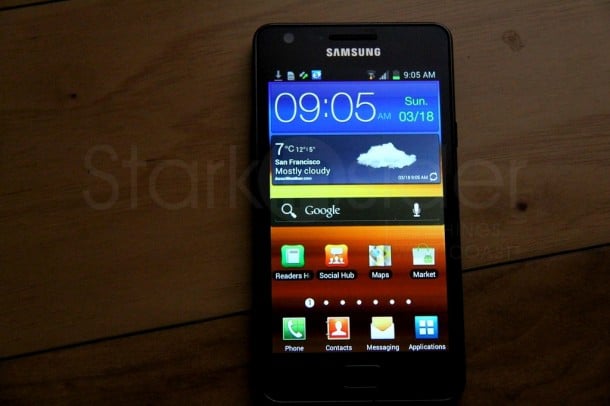
Yes, that horrible overlay that Samsung shoehorns atop the Android OS is here to spoil the party.
To my eyes it looks virtually identical to Touchwiz on Gingerbread. It’s quite ugly, what with its blocky widgets, over-use of color, and general nonsensical layouts. Worst of all, it completely ruins the look and feel of stock ICS. To be fair, Samsung isn’t the only manufacturer guilty of tampering with Google’s work. Motorola (Motoblur) and HTC (Sense) also ship with their own themes. They need to. Otherwise all Androids would look identical. Ironically, Google is coming out with its own tablet in a few months that will reportedly give consumers — much like the Nexus smartphone — a pure Google experience. I now completely understand why this is necessary if Google has any hope of showcasing Android in the best possible light.
more STARK Android
For the intrepid, there is hope.
Friend of Stark showed me how to flash the phone using a Nexus rom that is available from CyanogenMod. I watched as he rebooted the phone into recovery mode, selected a stock Android ICS file, and flashed the rom. It only took a few minutes. After a restart, the Samsung Galaxy S II was running Android 4 the way it was meant to be. It looked like a Nexus, which is to say, gorgeous. All of the effort that Google went into refining the experience — the cool blue aesthetic, the Roboto font, the dragging of icons to create folders — was there, intact. Not only did it look better, it was wickedly fast. Combined with the slim design of the S II, I was smitten. In pure form, ICS on the S II is, in a word, stellar. My poor old OG Droid looked positively ancient by comparison. I keep holding out for a quad-core Android. But, I may be waiting a long, long time.
Could the S II running this stock ICS rom be the perfect Android?
Maybe I should convince my Friend of Stark to sell me his, and run out and get an AT&T sim el pronto (if anyone has any tips on that let me know!).
Install ICS on your S II
To install the ICS mod on your Galaxy S II, check the web and you’ll find scores of helpful guides, most coming from a site called xda-developers. In short, it’s a three step process:
1. Root your phone.
2. Install ClockworkMod.
3. Backup your existing rom (important!).
4. Install the new ICS rom file.
5. Enjoy your “new” phone.
Note: if there’s enough interest we may put together a cheat sheet with all the detail.
UPDATE: Your wish is our (or Mike’s) command. Cheat sheet on how to install Ice Cream Sandwich on the Samsung Galaxy S II is now live!
IN PHOTOS: Ice Cream Sandwich on Samsung Galaxy S II