

Got to hand it to Pebble. Time and time again, the Palo Alto-based start-up gets the little things right in its bid to keep it relevant in a market dominated by giants (most notably Apple and Samsung).
Sleep tracking is something I never really cared much about. The last thing that popped into my mind while smartwatch comparison shopping, would be: all great, but can this thing tell me how many hours I sleep each night?! That. I. Must. Know.
No, no, no. I was far more interested in cool watch faces (that show weather, steps, sunrise/sunset, etc.), voice recognition capability, and NHL score notifications.
Late last year, Pebble quietly introduced a new native Health app (it’s built into the firmware and Time app, and doesn’t require a separate download to use). It can track steps, hours of sleep, and neatly sums up trends with a weekly view. The app comes built-in to the Pebble Time ($129) and the sleek, thin Pebble Time Round ($179), and can be accessed like any other app (push right middle button to view list of apps). Decent enough, I thought at the time, an innocuous bit of news among a tech world dominated by headlines about self-driving cars and virtual reality headsets.
But, here’s the thing… sleep tracking really isn’t that big of a deal.
Sleep as Android has been around for a long time, an excellent app that will even record audio of your sleep and provide all manner of (okay, somewhat creepy) analysis.
Android Wear has it too.
So what did Pebble do to get it right, and make sleep tracking better than the competition?
Simple:
It works automatically.
All you need to do is wear your Pebble smartwatch to bed. The Health app and built-in sensors take care of the rest.
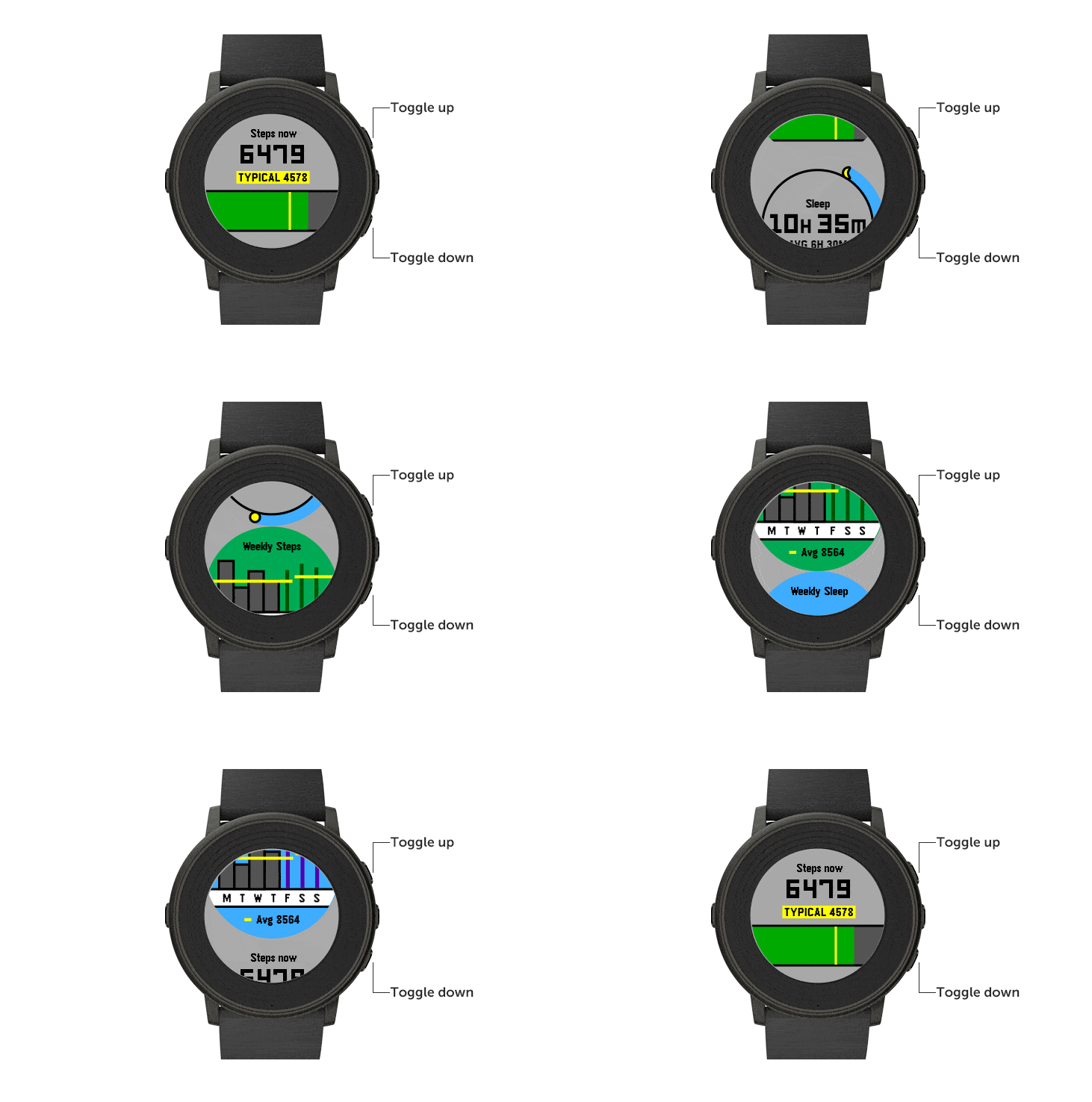
When you wake up in the morning you can click over to the Health app and see how many hours of sleep you enjoyed (or how little… was that Hackathon worth it?!). It will even show how much “deep sleep” you were lucky enough to bank (presumably when you’re moving around less), and the start and end times. I’ve even discovered that Pebble is clever enough to know when you’ve woken up earlier than planned, decided to surf Facebook and Flipboard a bit, before falling back to sleep for that — most luxurious — last hour or so. That’s all considered part of your sleep. Net-net: the new sleep tracking feature thanks to the native Pebble Health app works a peach.
Pebble’s approach is different than its competition. On Android Wear, for instance, you need to tell the (third party) sleep app when you’re starting a sleep. Ditto that with the Apple Watch, and, so far as I can tell (and I could certainly be wrong about this), every other smartwatch out there.
Because Pebble makes things easy — automatically detecting when you’re asleep in this case — it wins.
And because the sleep tracking is so accurate, and is there every morning to give me an update, I can now decide whether or not I need to sneak a 20-minute nap in my day somewhere — or do the dreaded caffeinated week, and make up for the whole shebang next weekend.
Stark Insider on Smartwatches
 Stark Insider on Smartwatches
I think there’s a message here about product design.
Yes, whizbang and sexy demos are all good. And, no doubt, I fall for them everytime.
But, it’s the small day-in, day-out stuff that if designed well — that is, having it based on actual real life use cases — increases a consumer’s experience, and hence affinity, with a given piece of technology.
So… my flashy Asus ZenWatch 2 display with its amazing Google voice recognition beckons, and yet I find myself ever a Pebbler.