
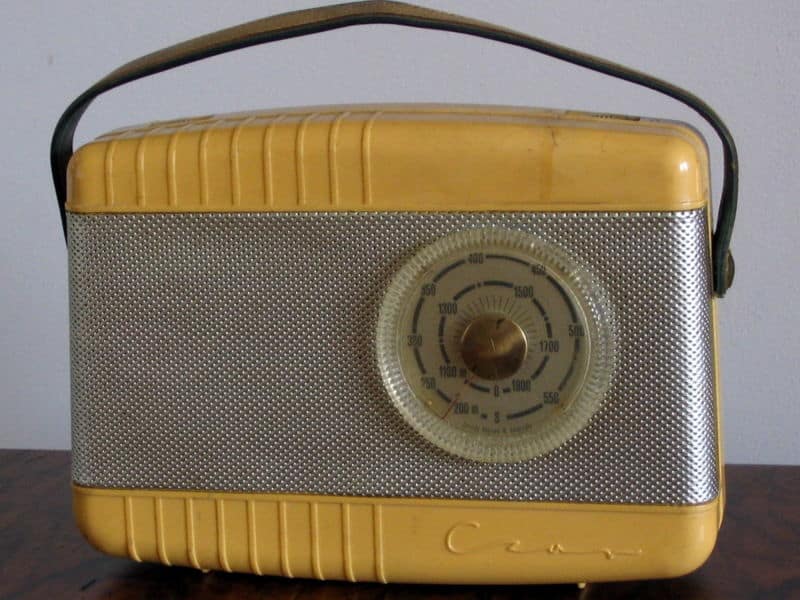
I figured since this is my first post here, I’d talk about one of my favorite topics… that being Internet Radio.
In Part 1, this post, I’ll give a backgrounder on what it’s all about. Part 2 will cover the hardware options available. And Part 3 will be the most fun because I’ll feature some of the best Internet Radio stations out there, and how to get them.
The idea of AM/FM radio to me and I suspect a lot of people out there is so 1970s (the music was a different story though: Elton John, The Eagles, CCR… and then disco, hmmm). Now, instead of limiting yourself to just a few local stations (with lots of annoying ads), you can access thousands of the best radio stations. Better still you can choose a channel specifically tailored to your tastes. Dance away to Salsa music 24/7, dial in some great talk shows from half way around the world, enjoy bopping to non-stop oldies from Buddy Holly, or live dangerously and choose a random station. Doesn’t a little music just brighten your day!
The great thing about Internet radio, is that it follows you. So it doesn’t matter if you’re away from home, visiting family or at a political rally, you can hear your favorite stuff. Of course, you do need an Internet connection.
WHAT YOU NEED TO ENJOY INTERNET RADIO
It’s really not that difficult, although the options available to you can be somewhat confusing. So here’s the basics:
1. Internet Connection – as I said earlier, no internet = no fun. So that old AM/FM radio scores a point against us here, but do you really enjoy static?
2. A Player – you need something to play the music. It can be a computer (laptop or desktop), a mobile phone, or a dedicated media player for your home, such as the ones offered by Roku Labs, Slim Devices and Sonos. In part 2 I’ll focus on these offerings, the pros and cons of each, and give you tips and tell you a little about my setup.
3. A Music Server or Big Hard Drive (optional) – this used to be required, and made setting up Internet Radio somewhat confusing. Fortunately, you can pretty much do away with this, as most of the players these days can connect directly to the Internet and stream without needing a computer. I like that. There are reasons though you may want a server. If you have a music collection that you want to stream through the house for example, you’ll need a hard drive of some kind.
4. Internet Radio stations – once you’ve successfully got 1, 2 and possibly 3, you can tune in your favorite stations, or just stream your own music. There are a lot of great, free stations like I said that are usually “listener supported”, meaning they rely on donations. Most have none to very few ads. Some great providers out there include Shoutcast, SKY.FM radio, Radio Paradise and more. Don’t forget that chances are even all your local stations from your city are also available via an Internet stream. In Part 3 I’ll tell you more about the best, and provide links and tips to get you going.
So far so good, if you’ve made it this far, then you’re ready for Part 2, stay tuned and I’ll get that out soon.
An Everyday Guide to Enjoying High Quality, Internet Radio: