
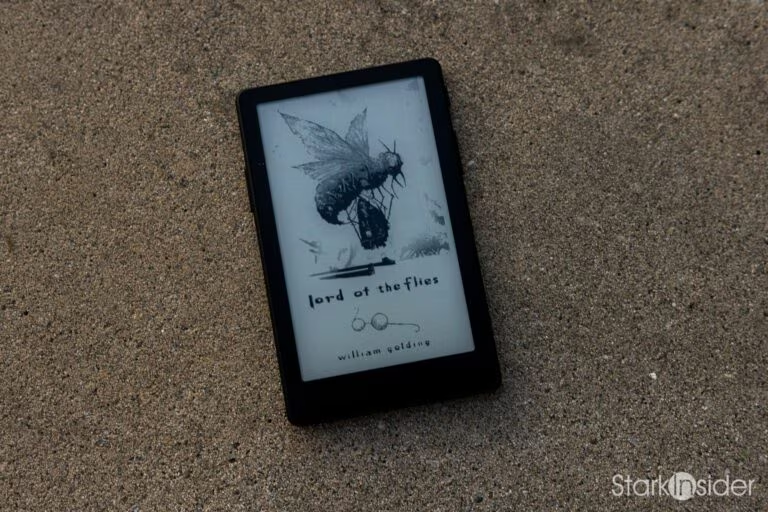
XTEINK X4 Pro

XTEINK | X4 Pro | 2026 | Pocket E-Reader | $99
- Genuinely pocketable at 72 g and 5.95 mm thin
- New dual-tone front light works well for dark-room reading
- Both physical page-turn buttons and a touchscreen
- Open, flashable firmware (CrossPoint) unlocks better fonts and easy Wi-Fi transfers
- E-ink readability holds up even at 4.3 inches once font size is matched
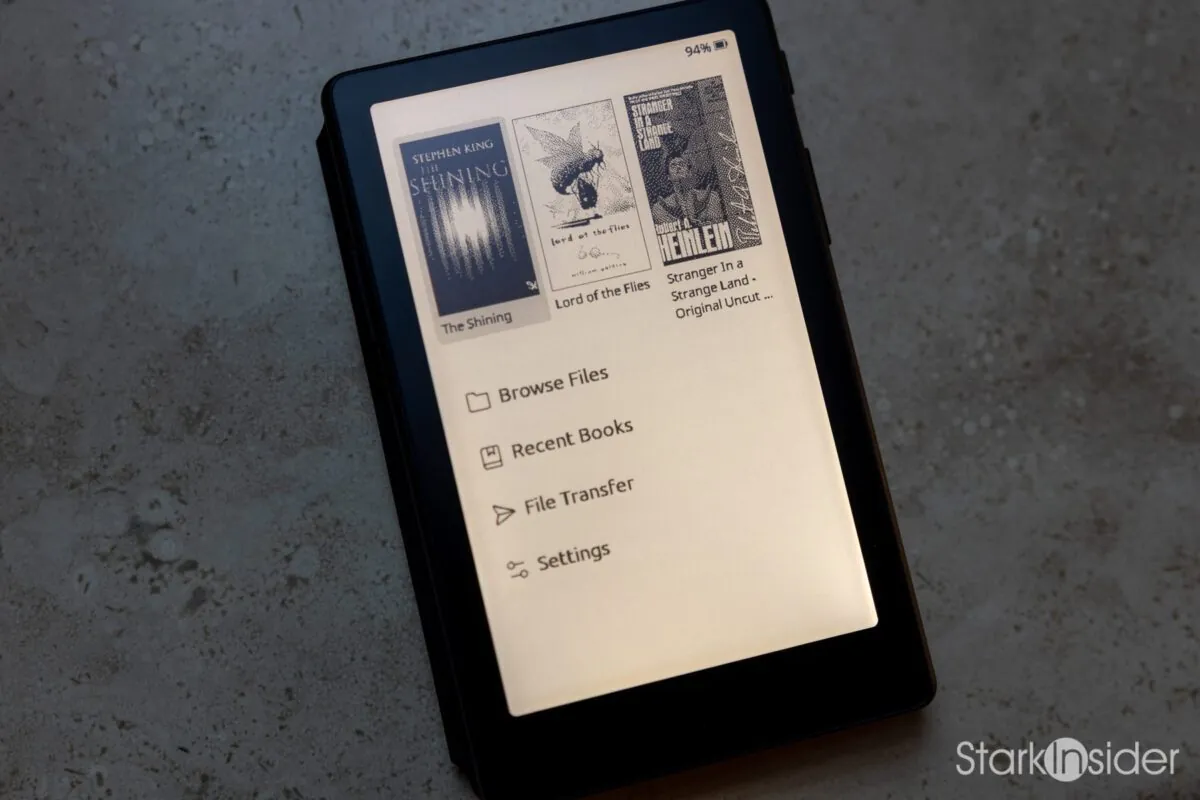
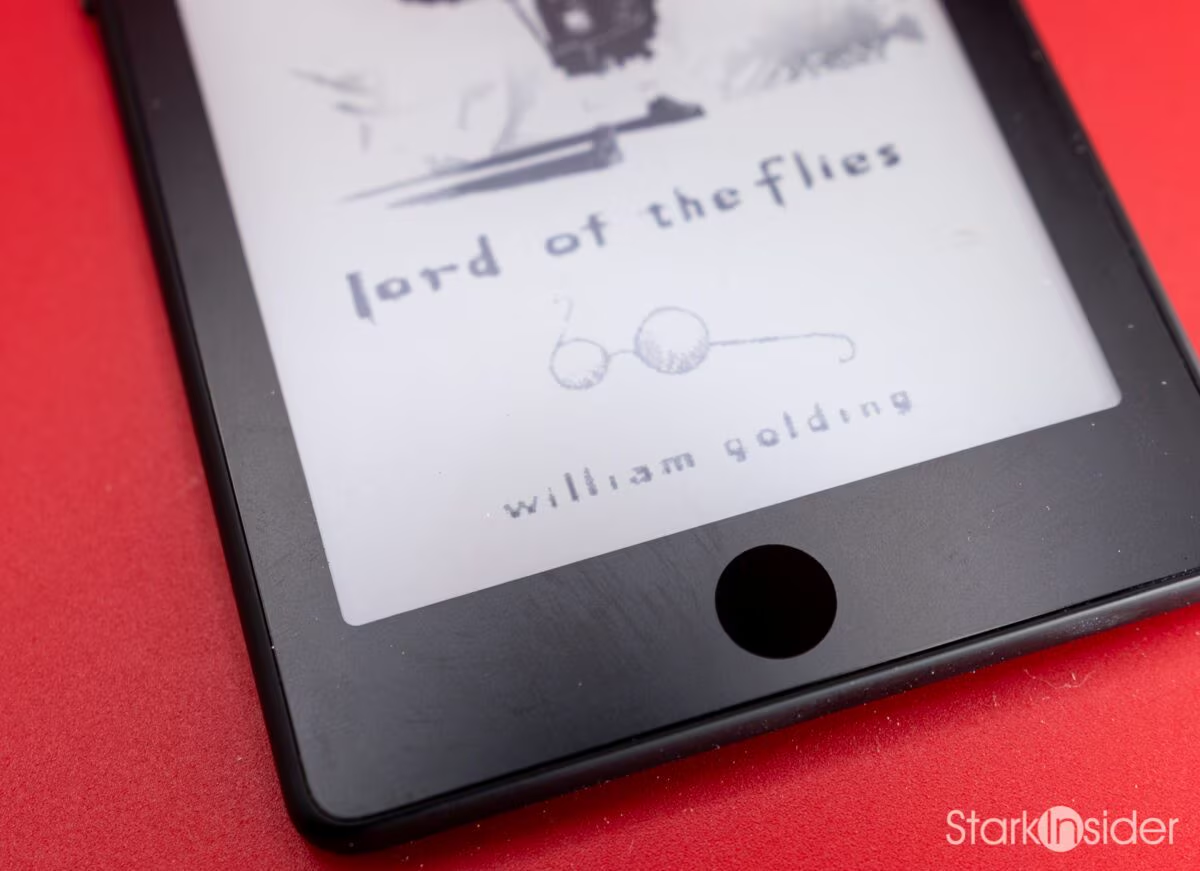
- Idle screen shows book cover art instead of a blank slab
- $99 is a fraction of the cost and size of a Kindle Oasis
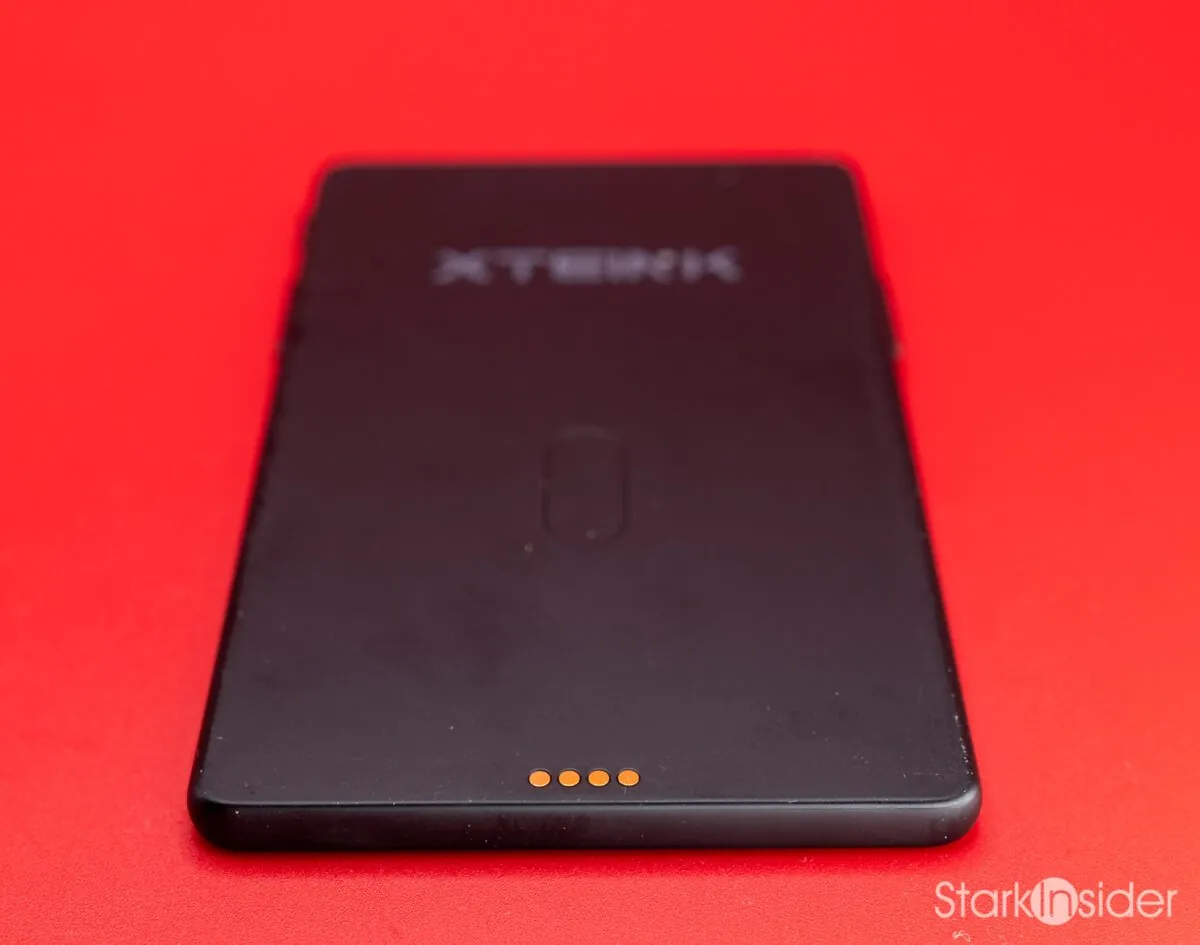
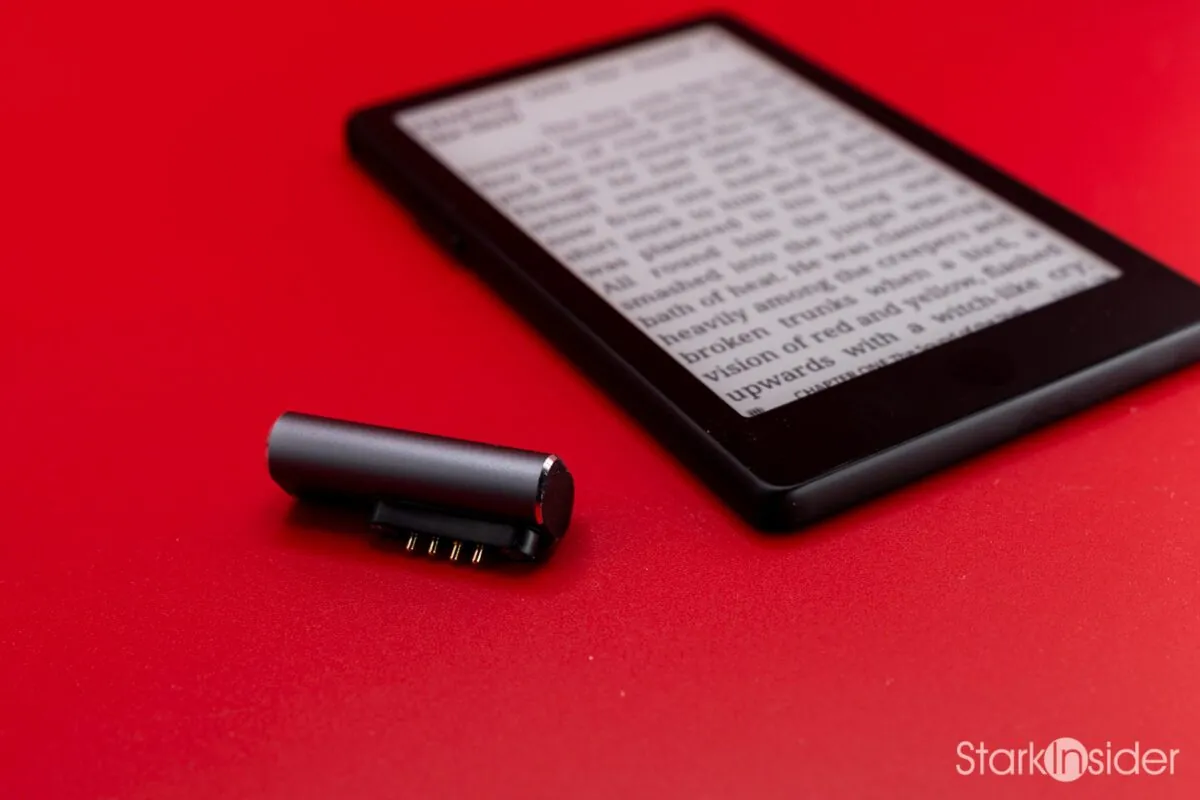
- Pogo-pin charging connector replaces the X4's plain USB-C port
- No charging cable included with the adapter
- No built-in bookstore or library-lending (Libby) support
- Stock firmware is thin; CrossPoint is close to mandatory for the best experience
- Frequently sold out
If you’ve been catching up on your latest reading and been too busy to notice, there’s a new trend in eReaders going viral: the pocket eReader. And by “pocket” I mean really tiny. In the best way possible, as I’ve discovered.
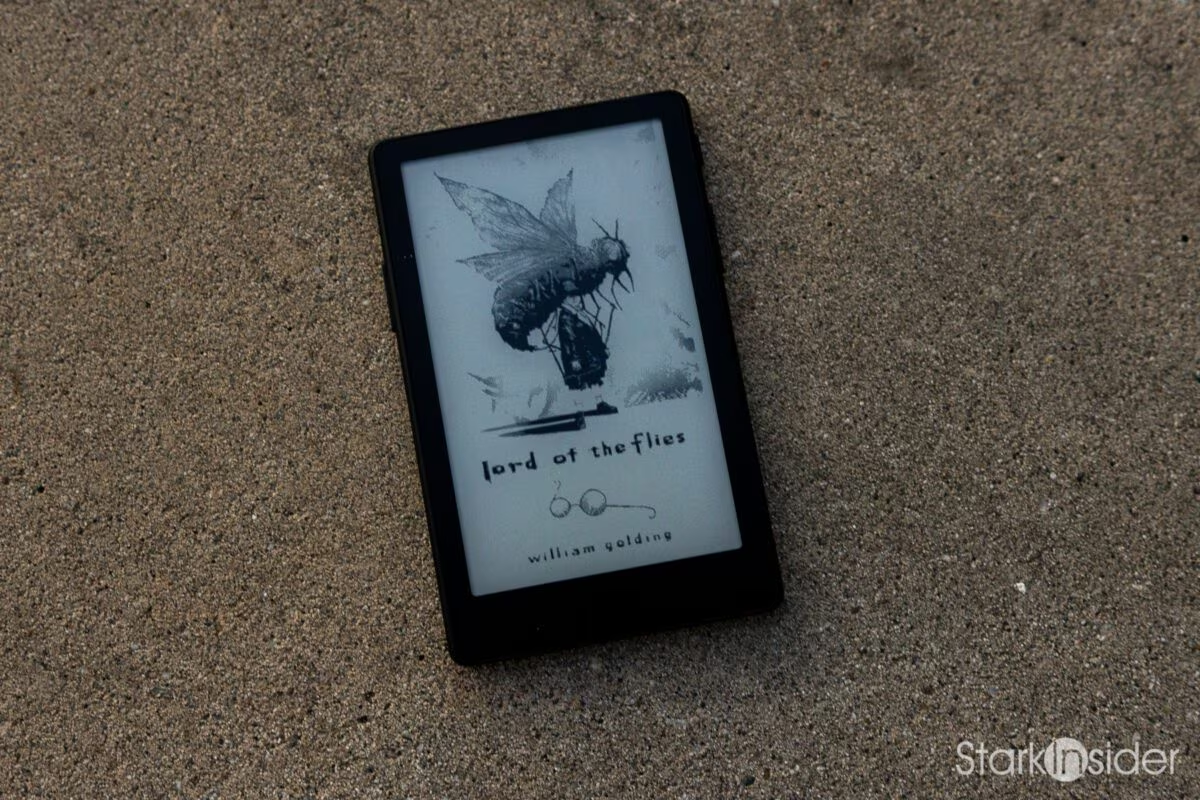
Meet the XTEINK X4 Pro
The company is called XTEINK, and their latest model is the XTEINK X4 Pro. The updated version of the standard X4, which was already an extremely popular entry in their expanding lineup, adds a few new bells and whistles.
Most notable is the addition of a front light. That means you no longer need to depend on natural light, and can read in the dark, or in dimly lit places like restaurants, airport lounges, cafes, and so on.
The other new feature on the X4 Pro is the touchscreen. Kindle and Kobo users will be all too familiar with touch navigation on their eReaders, and the paradigm carries over to this cute little thing.
Having already been a regular user of the X4, I knew I was fully on board: I pre-ordered my X4 Pro the moment their web page would accept my blind enthusiasm. Despite my anticipation, I did have one nagging bug. And that was the charging connector. Instead of the ubiquitous USB-C port found on the older X4, the XTEINK design team opted for a pogo-based connector. More on that later. For now, let’s focus on the basics and the good stuff.
Open Source, and What That Means for You
The first thing you should know is that XTEINK uses an e-ink panel. That means text is paper-like, without the sharp brightness you find on a phone or tablet. Relaxing is the operative word, so you can read for hours with minimal to no eye fatigue. And the screen sips power so sparingly that you can go days, if not weeks, before you need to top off the battery.
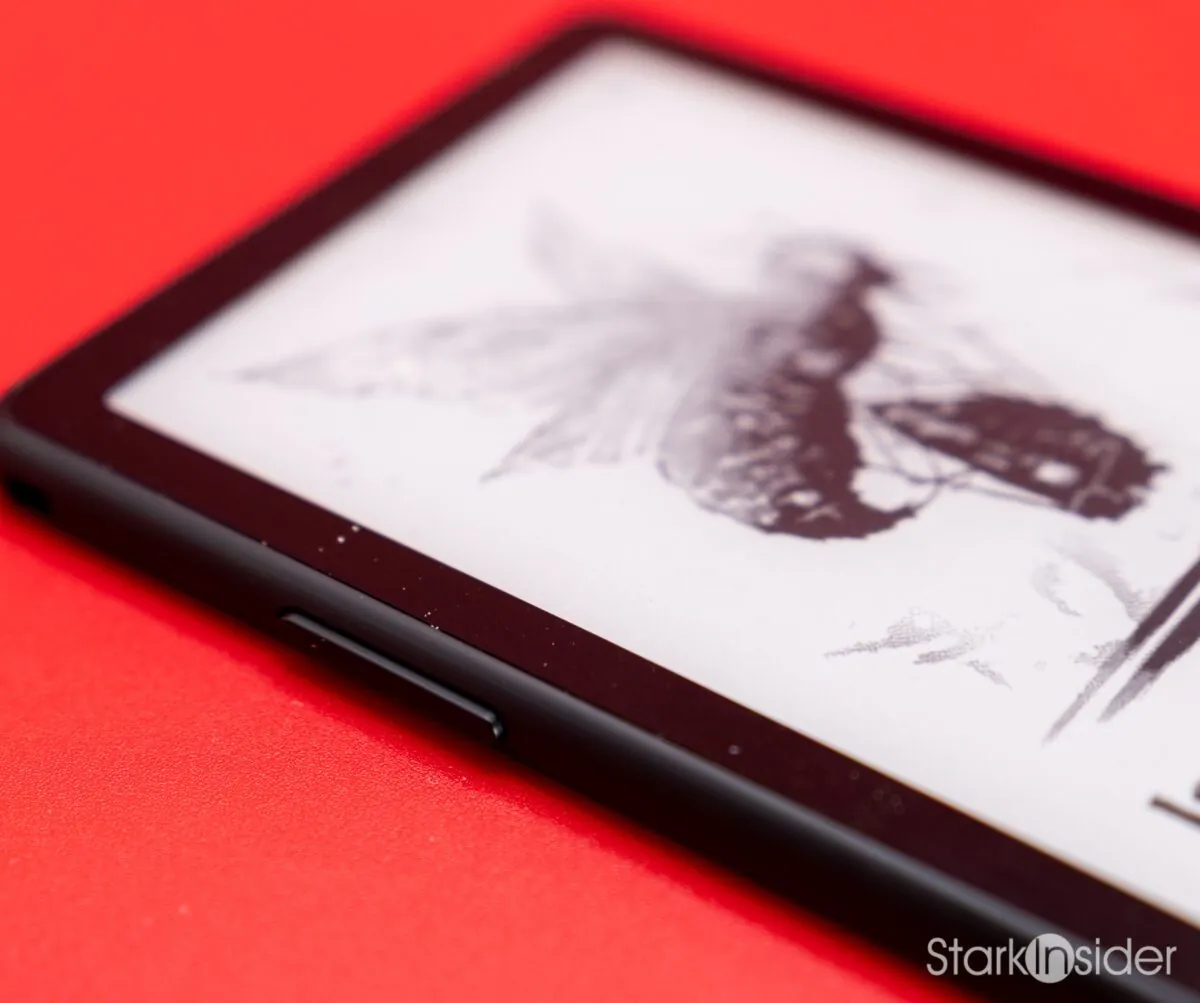
Then there’s the fact that the X4 Pro, like its siblings, is an open source design. There’s some good and bad, depending on your perspective.
On the upside, you can flash a custom operating system thanks to the unlocked firmware. There’s a popular one for XTEINK readers called CrossPoint, and it’s, in a word, fantastic. Intuitive to use, with lots of features you’d expect from such a device, and amazingly simple to install via a website (no downloading or funky command-line tomfoolery required).
However, there’s no built-in ecosystem for managing, buying, and borrowing books. You’re on your own. XTEINK ships with a microSD card, and using CrossPoint’s Wi-Fi-based transfer system, I found it easy to upload books I had on my computer. EPUB format worked best, and getting titles onto the device was dead simple, so long as they aren’t protected by DRM. That means Libby is a no-go here, and you’ll need to source books on your own from stores that sell EPUB-format ebooks. You can also look for copyright-free books from sources like Project Gutenberg, which has thousands of iconic titles like Frankenstein, Moby Dick, and The Odyssey.
The Reading Experience
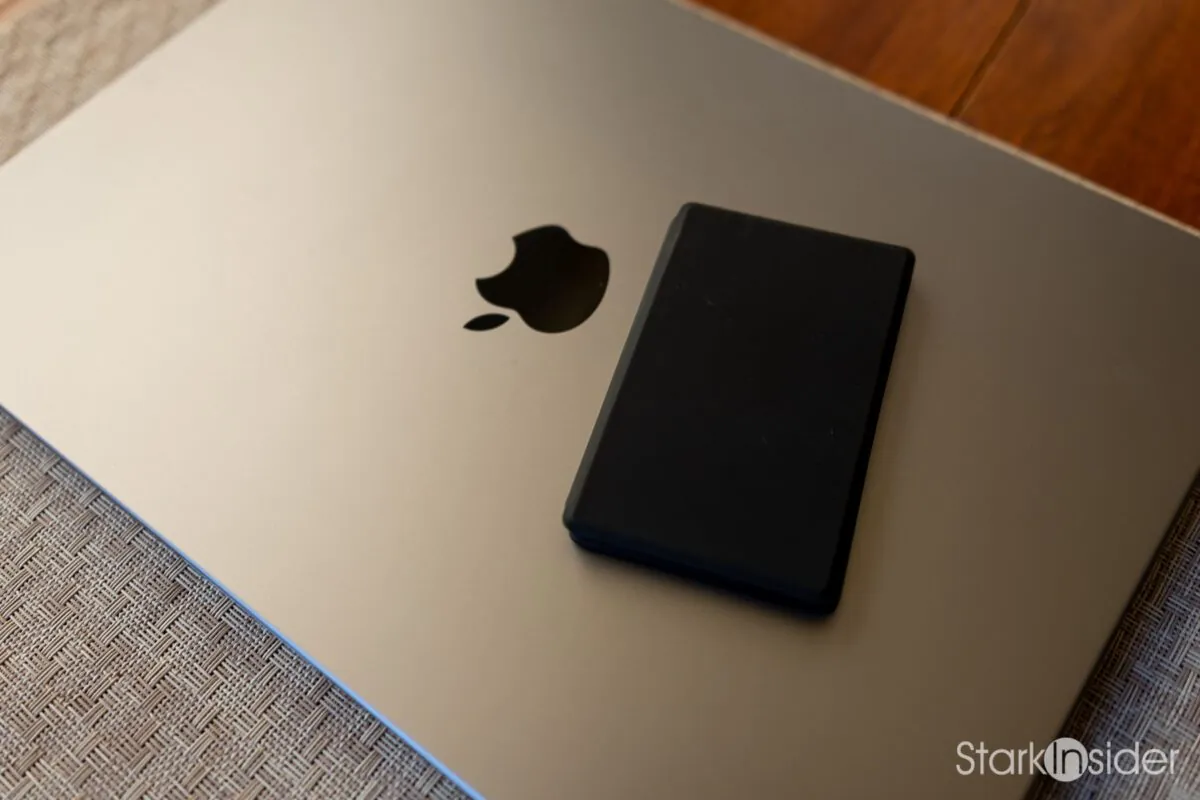
The thing that puts this device over-the-top is that it’s just so darn pocketable. Toss it into a purse, your laptop bag, your pocket (of course!)… pretty much anywhere. It’s so compact and minimalist you don’t need to think about it. And that’s the beauty of something like the X4 and X4 Pro (and the even smaller X3): it’s ready to go.
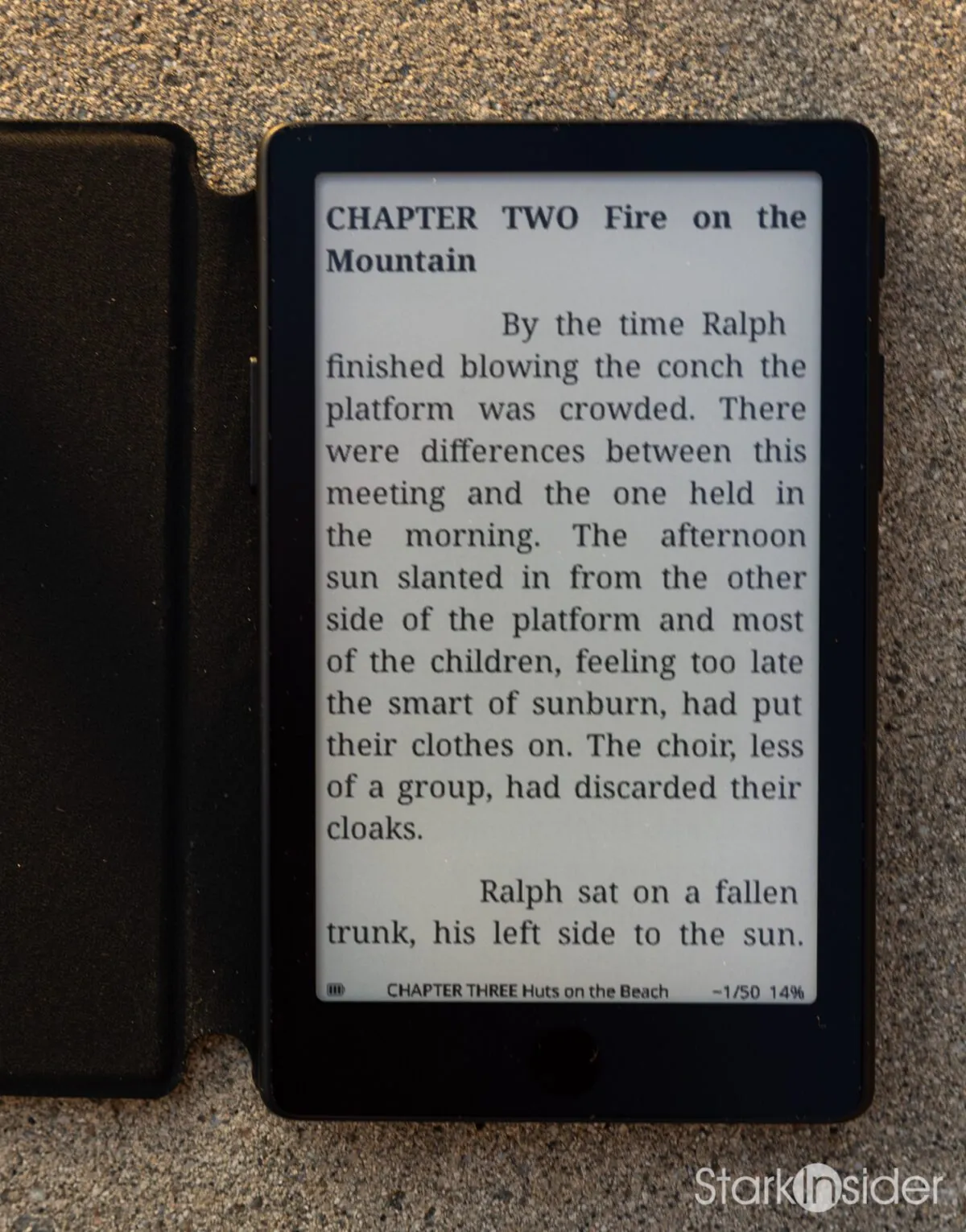
So I found myself sneaking in a chapter here and there. While waiting for Loni at SFO recently, I was able to return to The Overlook hotel, something I hadn’t done since I was a terrified 10-year-old reading the original yellow jacket back in my Ottawa days. Before I knew it, I had whipped off three chapters. The Shining. A masterpiece which has stood the test of time (the film too!).
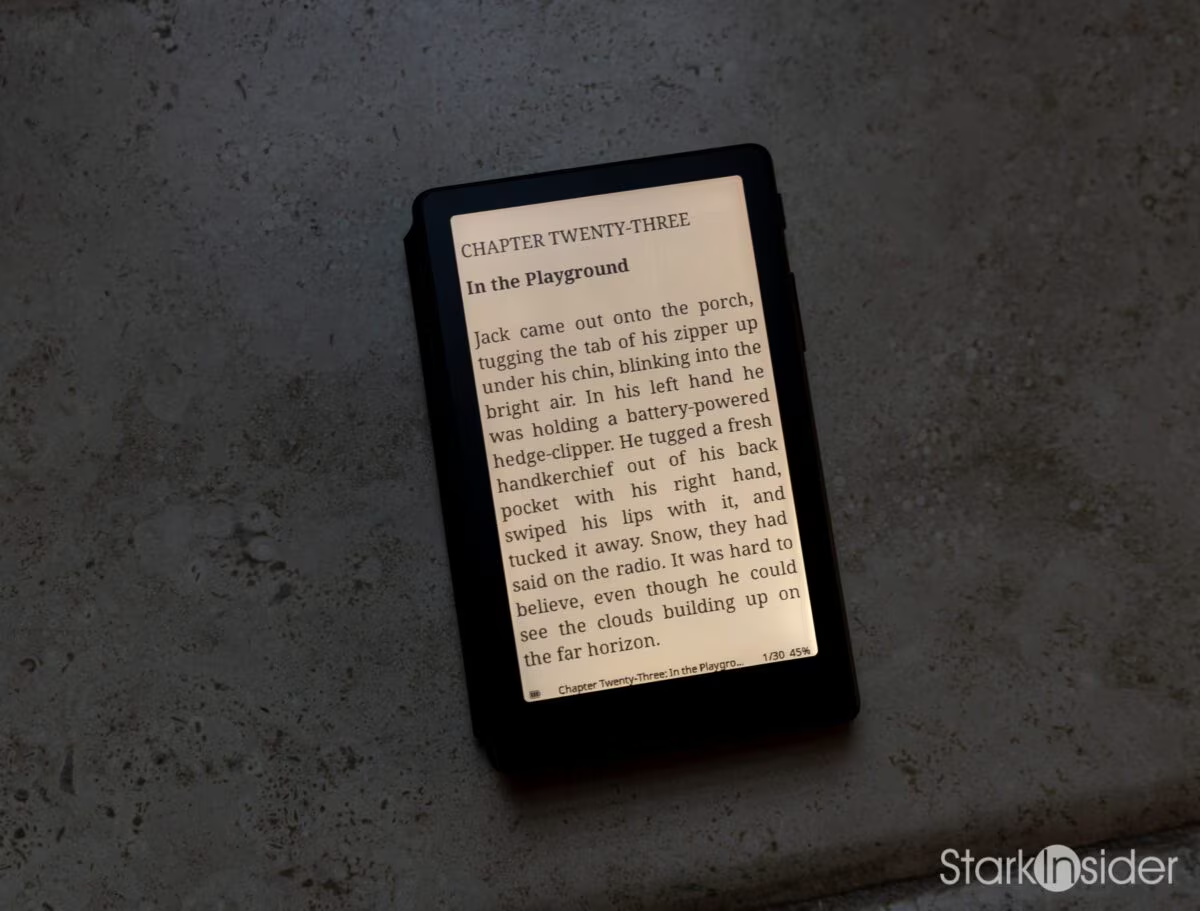
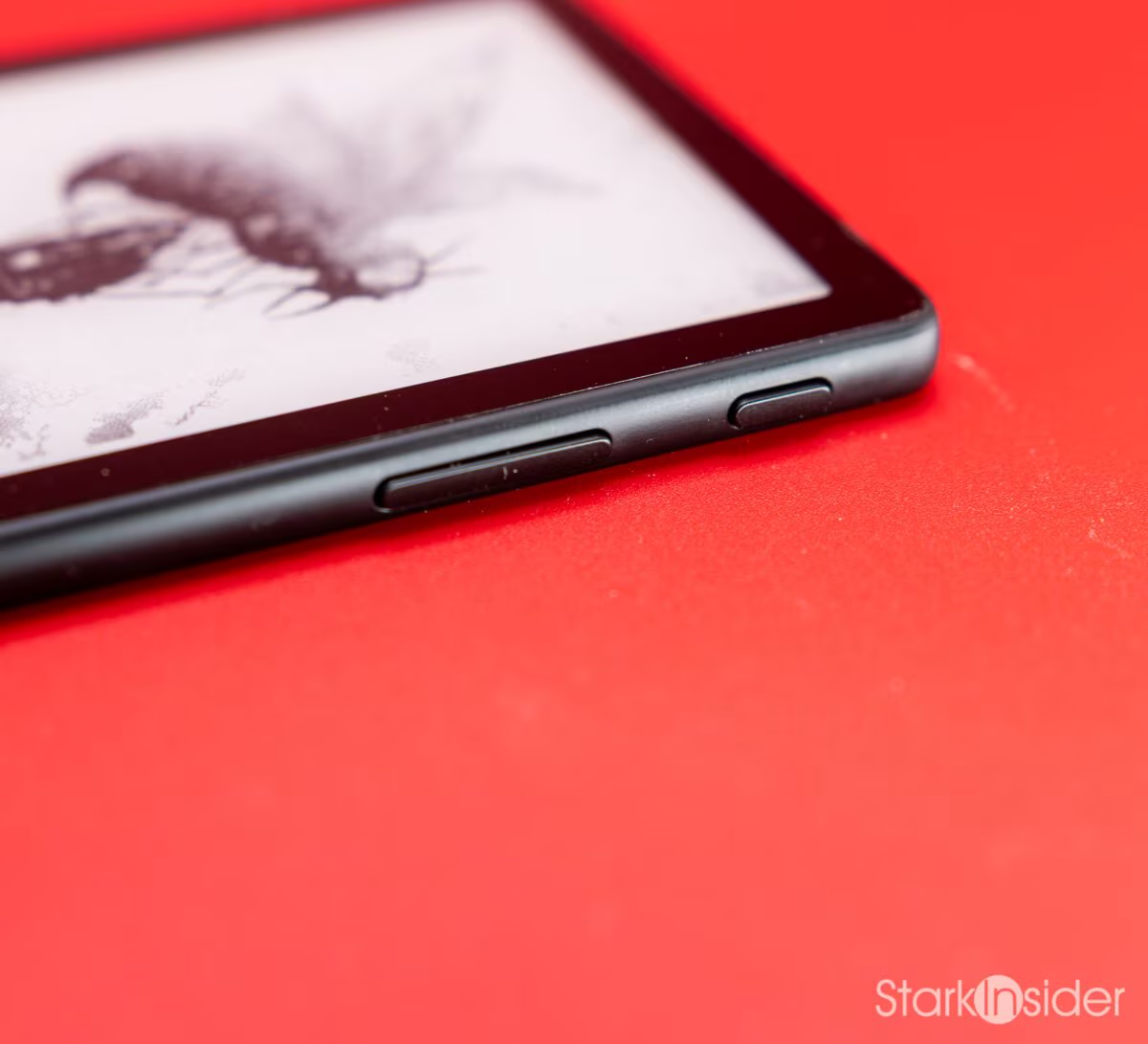
I was accustomed to the buttons on the original X4 for page turns, but I quickly grew accustomed to touch as well. Fortunately, the X4 Pro has a button on either side, so you can use whichever method you prefer.
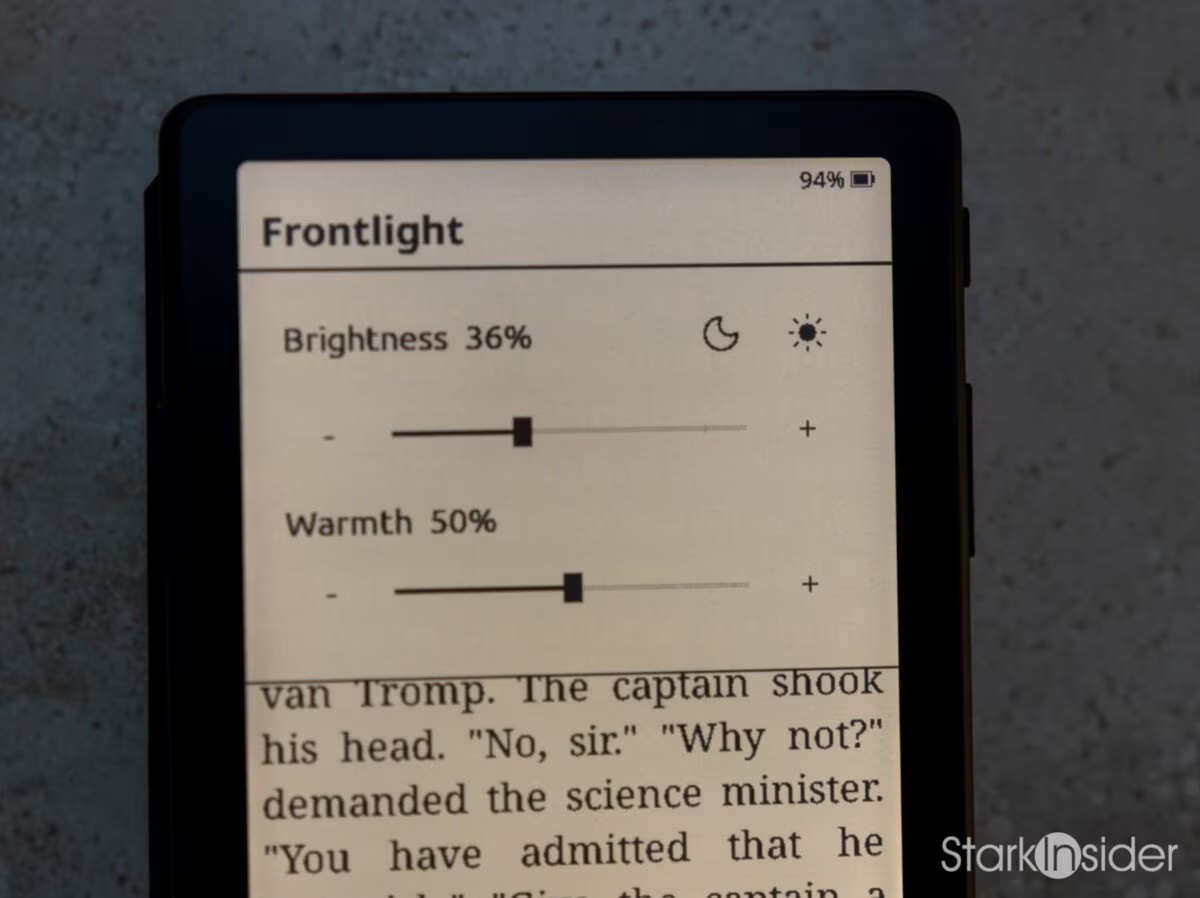
The front light is a really nice bonus, of course. Pull down from the top of the screen and you can adjust brightness (no auto mode available) and warmth to taste.
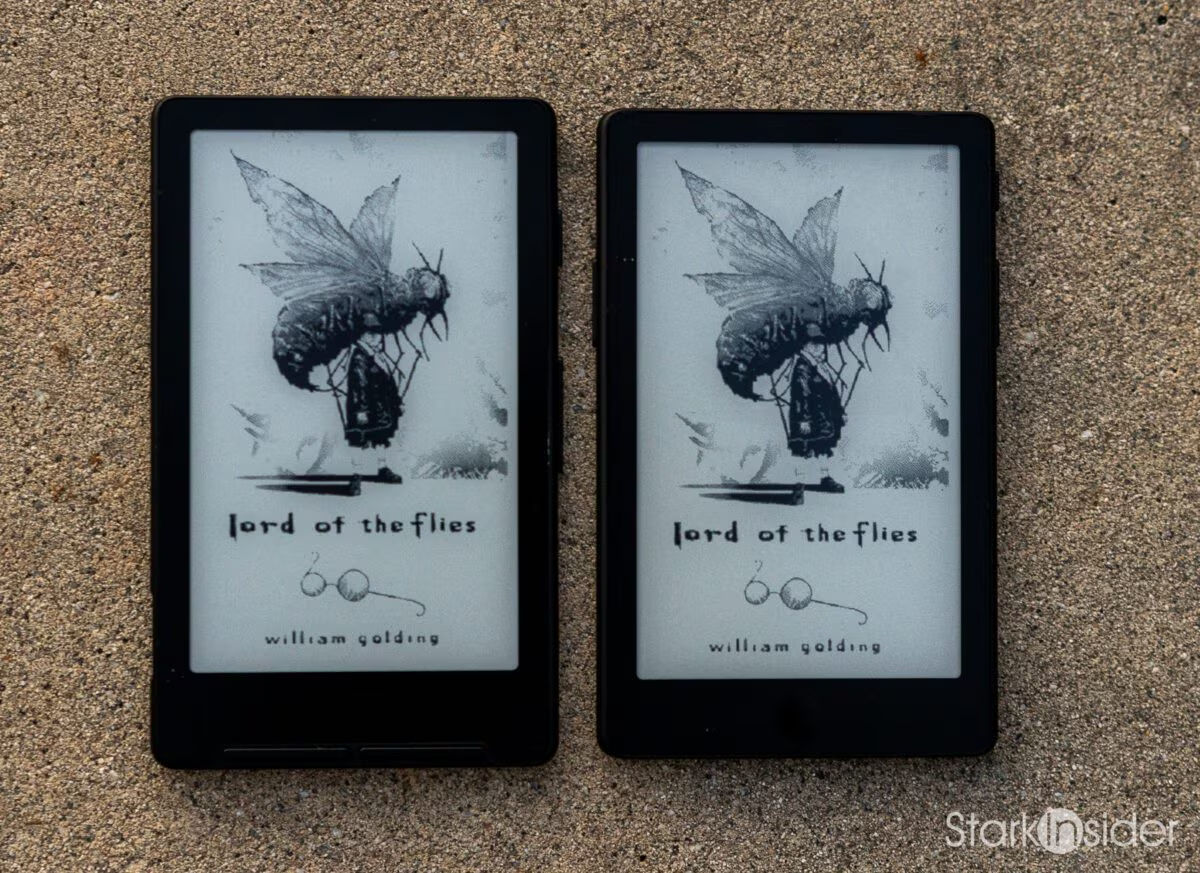
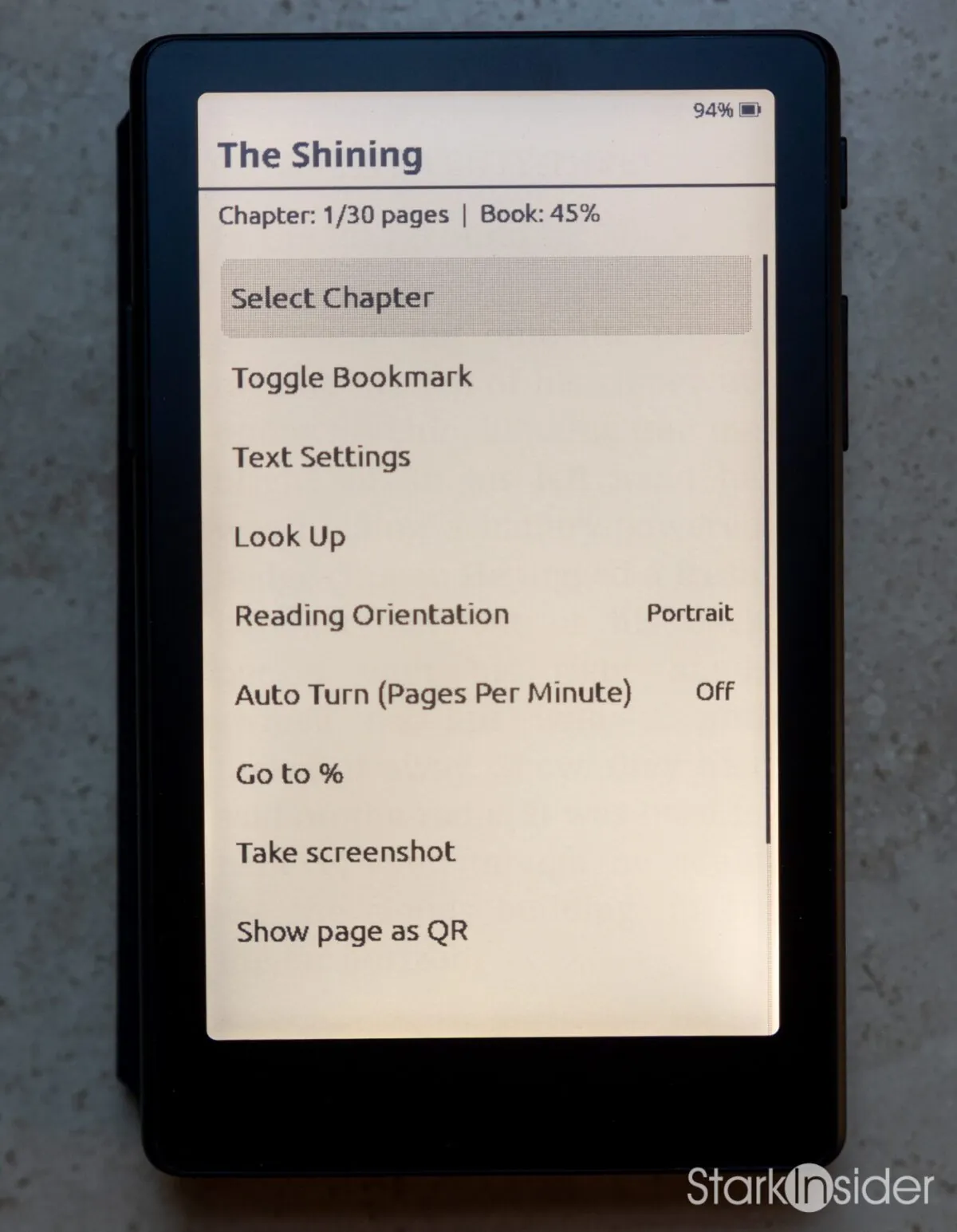
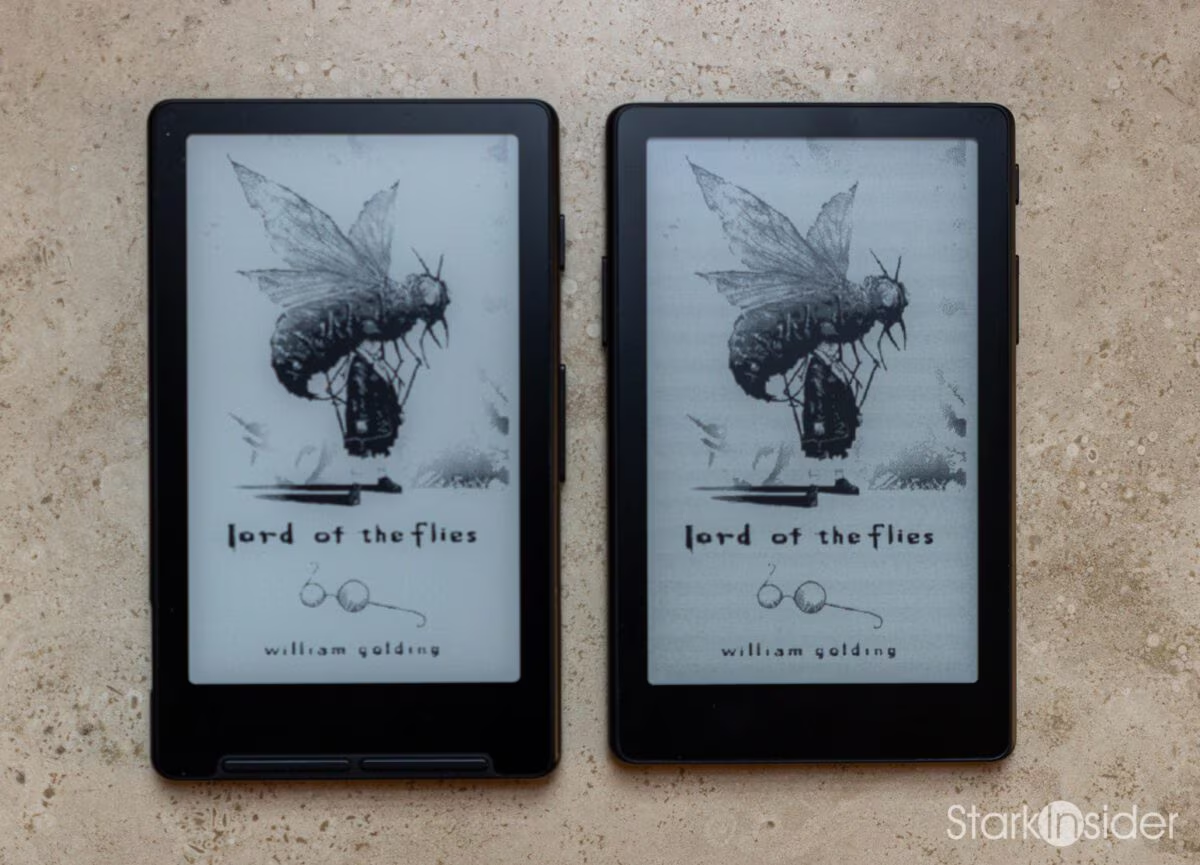
Of course, there are all the requisite options in the settings menu to adjust things like font, text size, spacing, and so on. And speaking of text size, that was my concern going in. How on earth was I going to read on such a tiny screen? It’s only 4.3 inches!!! Turns out my worries were misguided. I simply adjusted the font to match my Kindle, and even though the X4 Pro is much smaller in size, the text ended up pretty much identical in size. Holding them next to each other, the X4 Pro was as easy to read as my (now sadly discontinued) Kindle Oasis. Though, to be fair, if I pixel-peeped hard enough, I could tell the Kindle was sharper. Did that make a difference in the reading experience? Not at all. In fact, for fun, I pulled a real paper copy of The Shining off a long-forgotten shelf, and lo and behold, the text was definitively low-fi. We’ve become so accustomed to razor-sharp screens that it’s easy to forget the old-fashioned type press process was nowhere near 4K or 8K resolution. And yet, somehow, someway, we were still able to read books.
Then there’s the party trick. Apparently a big thing to do, especially across Asian countries from what I understand, is to attach the XTEINK to the back of your phone using a magnet. Then you have the best of both worlds: a modern, notification-heavy distraction on one side, and your chill e-reader for some joyful escapism on the go. For commuting, on a subway or train, for example, this seems like absolute genius. Your eyes will thank you, and you don’t burn battery cycles on your phone. Everyone wins.
The Price is Right
Part of why these XTEINK devices are blowing up right now and going viral definitely has to do with their throw-in-your-bag-and-forget-about-it aspect, but there’s also the price. And it is right, to be sure.
The X4 is a quite reasonable $69 USD, if you can find one — according to the XTEINK website, the original model is currently sold out. It’s a bit unfortunate, because if you don’t need the extra features, I think this is the choice pick. I actually prefer the plain USB-C port, and there’s usually plenty of natural or nearby light whenever I read. Keep an eye on Amazon for X4 restocks as well.
The X4 Pro, meanwhile, is available, and though $99 USD pushes the budget a bit, it does give you the front light and touchscreen. Kobo and Kindle users who have come to know and love those features will likely prefer not sacrificing them, and the Pro model delivers perfectly in that regard, I’m happy to report.
Basically, for avid readers, XTEINK has nailed the experience and opened up a market space that was wide open for the taking. Not everyone wants or needs a 6- or 7-inch screen to get the job done. For commuters, or those who enjoy leisurely reading at a cafe, in a park, or on a plane (or jet ski), these compact e-readers are bliss. Since I’ve owned my X4, I find myself filling time I’d otherwise spend doom-scrolling with chance moments to catch up with Jack Torrance and his roque mallet. REDRUM. Ah, so much more relaxing.
RELATED POSTS AND RESOURCES

Disclosure: Stark Insider participates in the Amazon Services LLC Associates Program. Links to Amazon in this article are affiliate links, and we may earn a commission on qualifying purchases at no additional cost to you. We bought our own X4 and X4 Pro.
Note on photos: You might look at these close-up photos of the Xteink X4 and X4 Pro and think: man, those looks terrible. I might agree. For some reason photos do not do it justice and seem to pick up a sort of bold-y unevenness to the text, and I’ve noticed others who have shared photos of theirs on Reddit and across the internet the same seems true. But in person the reading experience is truly wonderful.