
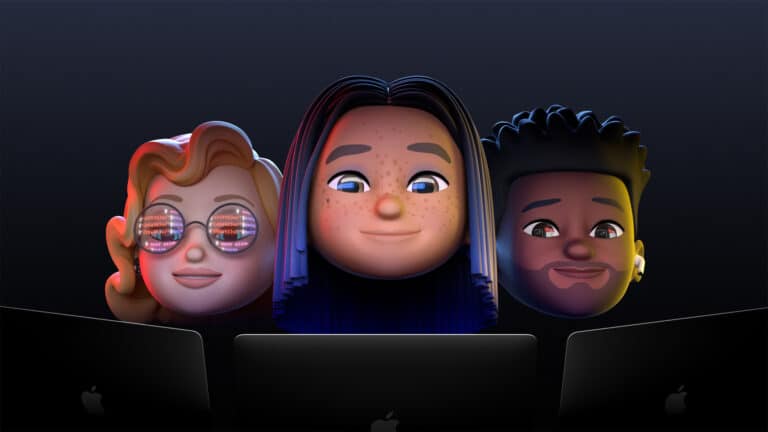
CEO Tim Cook kicked off Apple’s annual developer conference after several creative mocked up versions of the opening as directed by various filmmakers. Once the real Tim Cook took the stage — in front of a packed auditorium of raucous emojis no less — it was time to get a sneak peek of the company’s flagship operating system, iOS.
As you might expect from a major release, iOS 15 features a lot of, well… features. Refreshed designs, fonts, apps, and collaboration tools are just a few of the overall things I noticed being discussed as part of the all-virtual WWDC21.
Major updates were showcased for the major apps including Apple Maps, Messages, FaceTime, Weather (new version looks aesthetically beautiful), Apple Music (Dolby Atmos available starting today), among others. As part of the macOS 12 Monterey preview Craig Federighi demonstrated Universal Control which enables you to use the same keyboard and mouse across Apple devices. A win for declutter fanatics everywhere.
However, of all the pretty impressive stuff Apple is working on and rolling out this year, the one new iOS feature that stood out to me as most innovative and something that might positively impact our daily lives and the way we interact with family and friends was something called “Focus.”
Focus is, as the name implies, a new feature set that enables you to prioritize your day. The idea is to minimize distractions. For example, if you’re at work, you might want to emphasize apps like the calendar, email, Slack, Messages and things like Dropbox or similar productivity on your iPhone home screen. While at home, entertainment and social might be more important with apps like Netflix, Whatsapp, and Facebook taking center stage.
So with iOS 15 you can setup Focus profiles, like so:
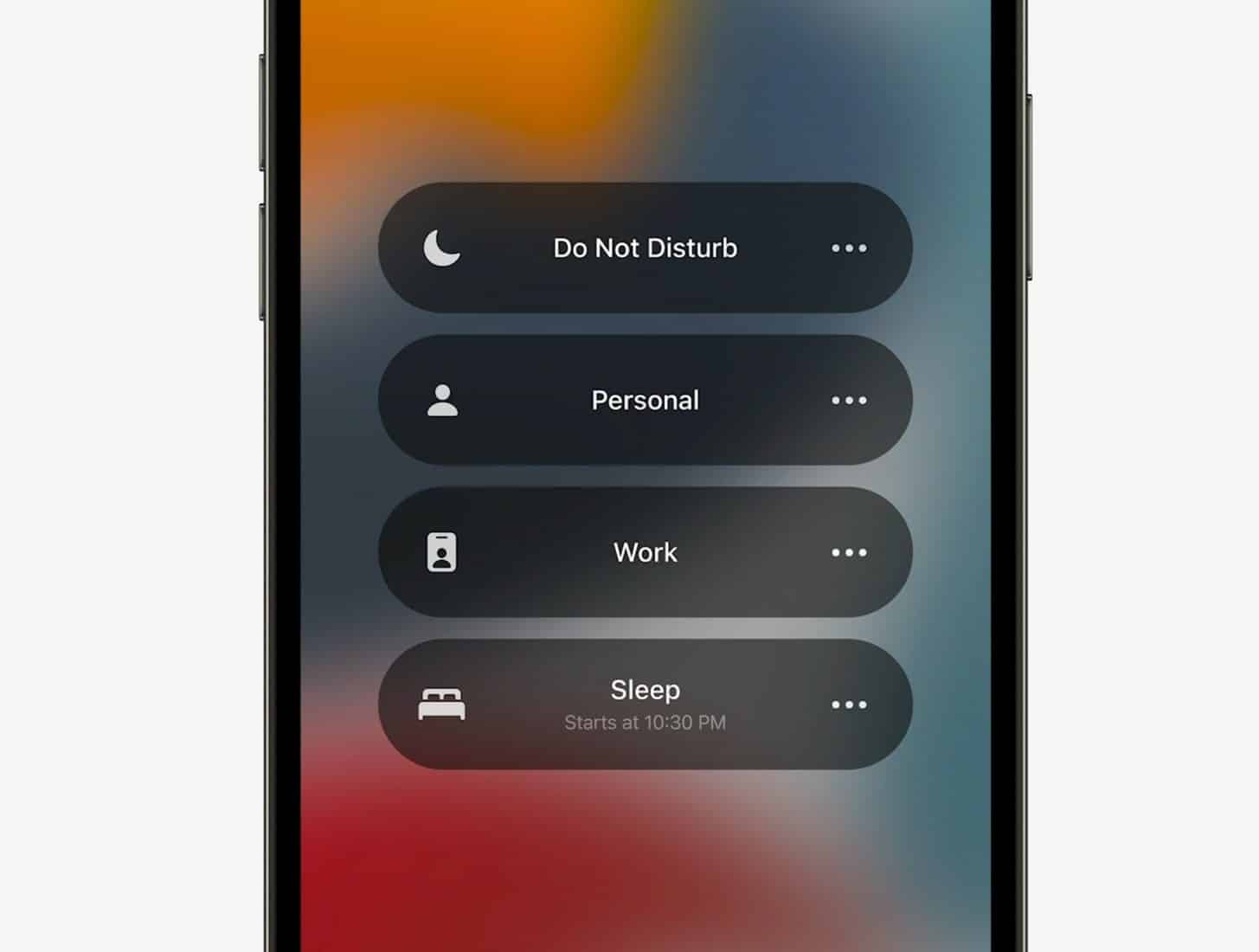
Then, if Apple knows you’re at work (an actual office!) then it will adjust your home screen accordingly — Do Not Disturb, Personal, Work, Sleep. You can also base this identity shift on time of day. And Apple will offer suggestions:
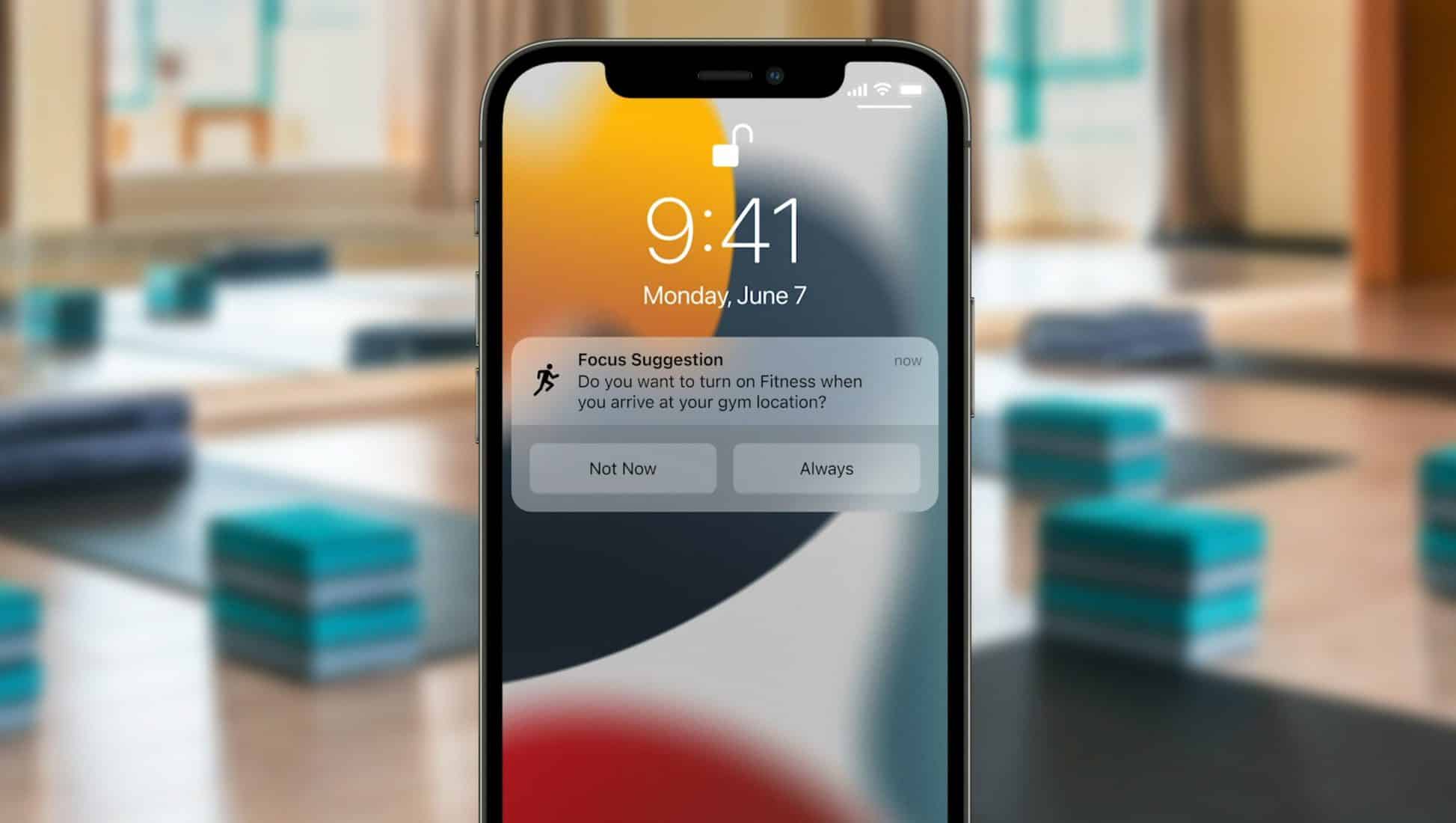
That’s pretty neat. It’s sort of like the active version of Screen Time. Yes, it’s good to know how much time we’re spending weekly on various apps, but now it’s even better as iOS will help us actively manage where we spend that time. Doom scrolling is something we all want to avoid. Here’s an interesting article on Psychology Today that reveals the potential negative effects of being distracted by our phones, and how it can disrupt our “flow” and ability to sustain prolonged periods of work.
In addition, Apple showed updated notifications, and I think these go hand-in-hand with the new Focus feature. You can choose to group notifications and de-prioritize their delivery quietly so you’re not constantly pinged and vibrated throughout the day. Instead they accumulate into a widget where they’re ready to be viewed when your schedule allows.
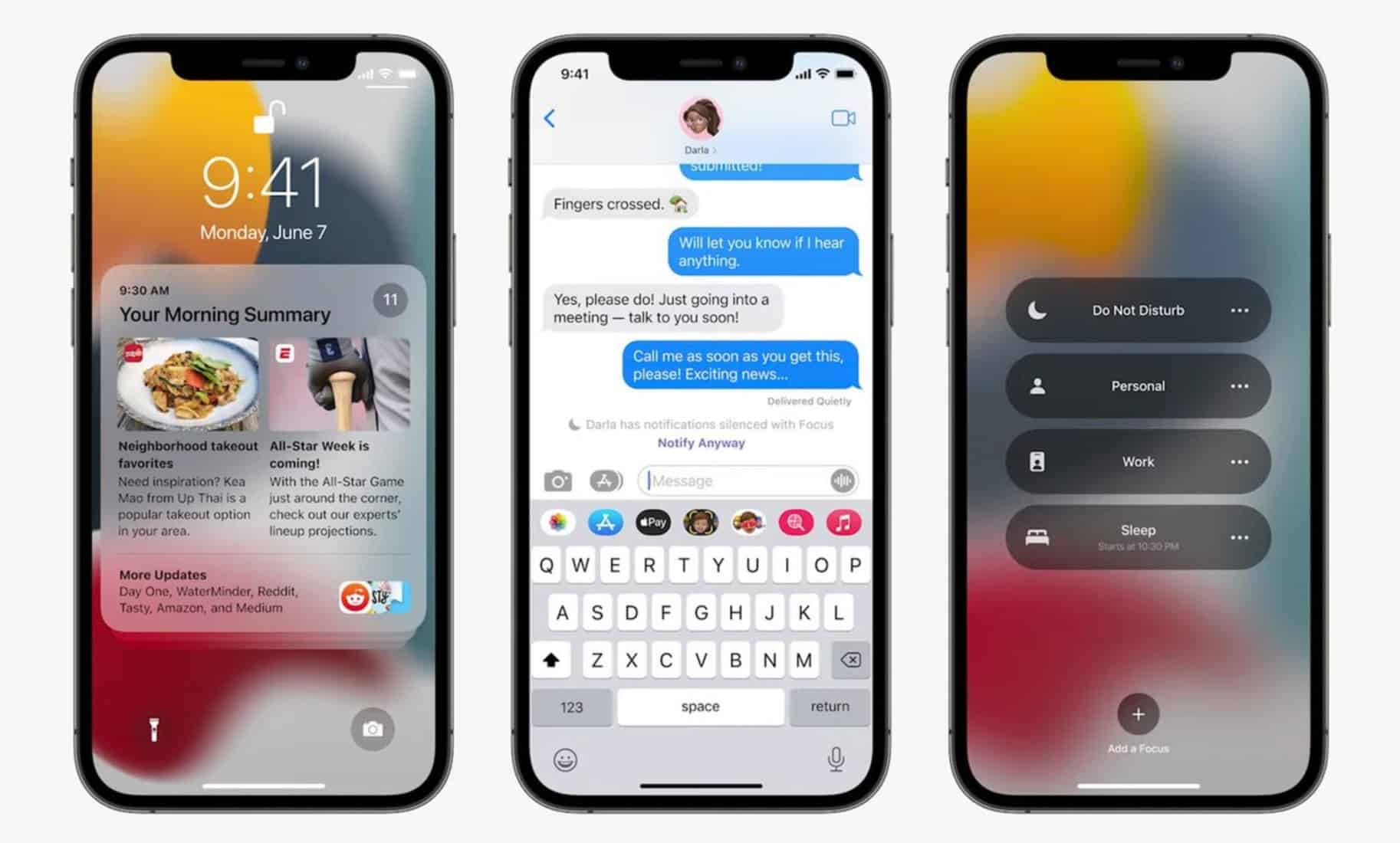
Grouped notifications can even be scheduled to appear in a sort of guide-like format. You might want to see a summary at, say, 8am, and then another summary at the end of your day. That’s also a pretty neat concept, that from what I could see at the WWDC21 keynote looks quite useful in everyday life.
WWDC21: Major Developments Summary
Summary of updates to iOS 15, iPadOS 15, macOS Monterey, watchOS 8. Click image below for more.

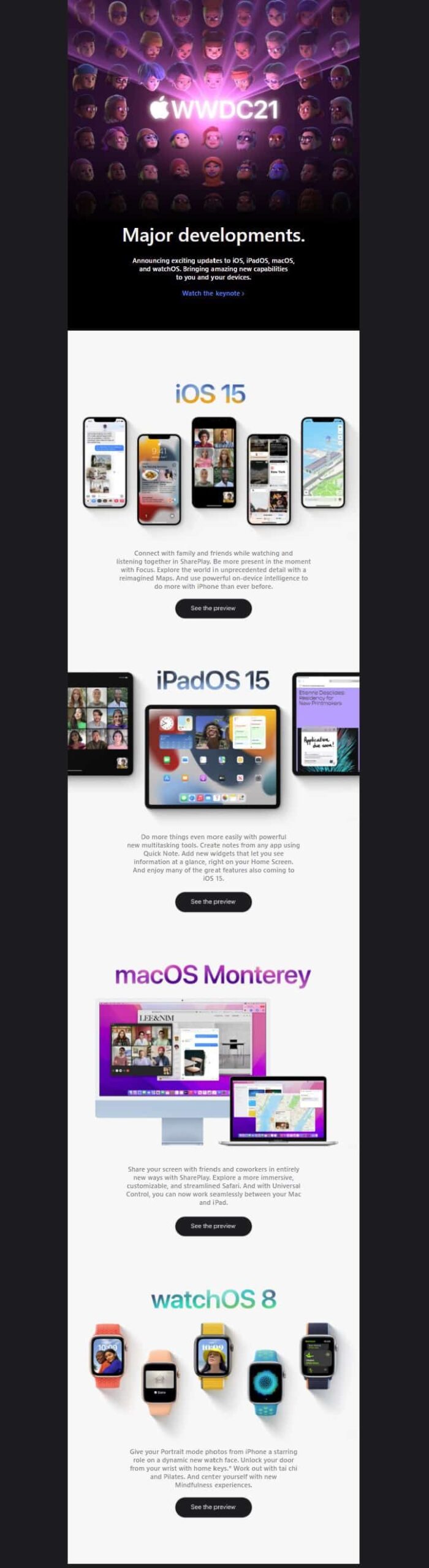
There’s a lot to dig through today if you’re an Apple user (or developer). Updates not only for iOS, but also for iPadOS (15), watchOS (8), tvOS (15) and macOS (12 Monterey).
Yet from what I’ve seen so far the Focus and grouped notifications look slick and well designed, and stand out among a slew of updates. A minor feature that can help positively impact how we use our device to be more productive — and not let technology over-run us with too many lo-fi distractions.