Tablified Market HD

- Helpful sorting; "Recently added" section; Eliminates hassle of discovering apps that are optimized for Android.
Cons:
- Sluggish; Force closed once or twice during testing; Purely an index – downloading an app still requires a trip to Google Play.
- Lite (free), Pro ($1.99)
- App discovery for Android tablets
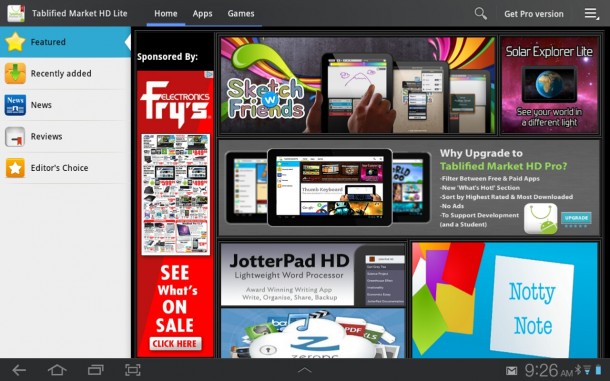
Looking for apps optimized for your Android tablet? Sure, there’s the Google Play Store (oh, how I miss the non Disney-ified “Android Market” of yesteryear), but discovering apps that take advantage of the extra screen real estate is not as easy as it is for iPad users using iTunes.
Thankfully, Android is open. That means we do things our iPad brethren can’t, like switch out keyboards, install widgets, and even make whole sale system changes with custom ROMs (tip: upgrade your Galaxy S2 to ICS). Third party market places for apps have also begun popping up too.
Now we can add Tablified Market HD to the ranks that include Amazon’s App Store for Android, SlideME, Android Zoom, Apolicious… and on and on. Tablified caters to tablet owners, and provides an index of sorts to Android apps specifically designed for the larger displays (i.e. non-smartphones).
I downloaded Tablified onto a Samsung Galaxy Tab 10.1 – one of my favorite Android tablets, though soon to be usurped I’m guessing by the Asus Transformer Prime that just arrived at the office – and flicked through the offerings to see if there was anything compelling.
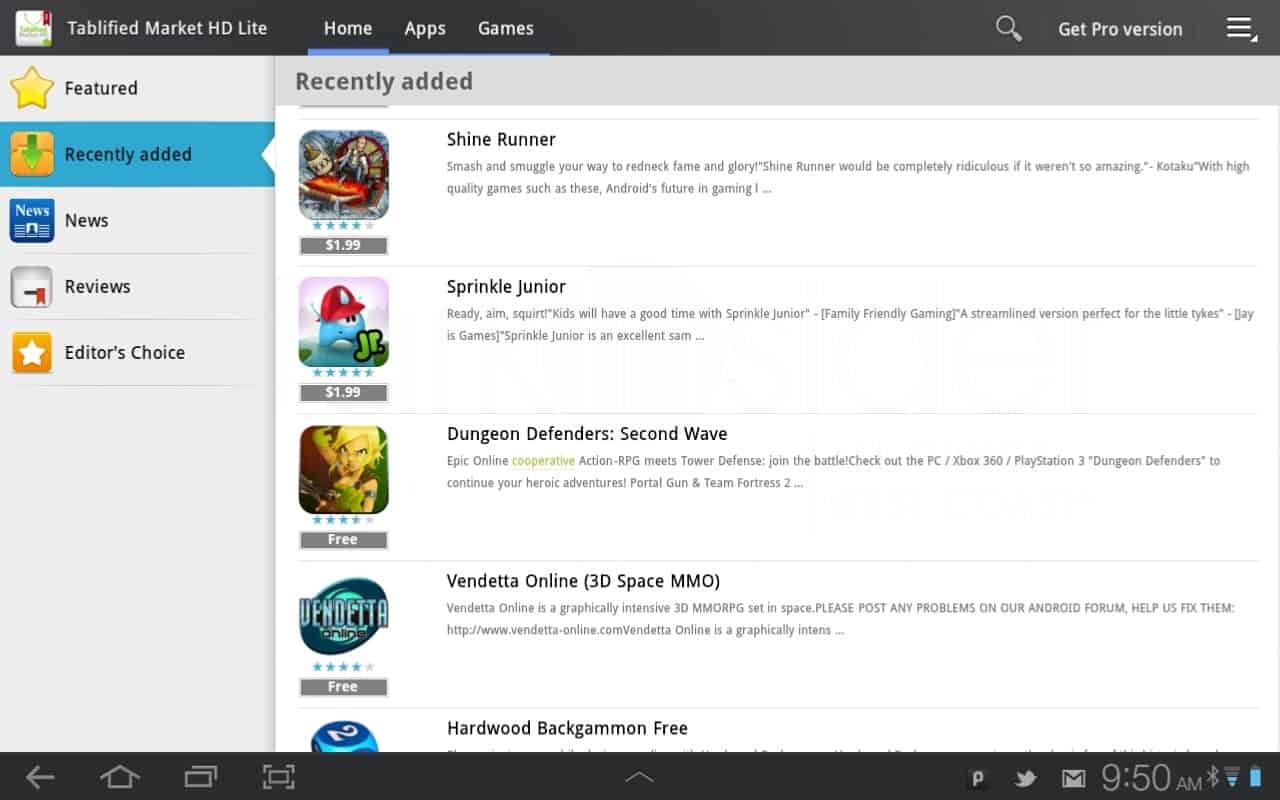
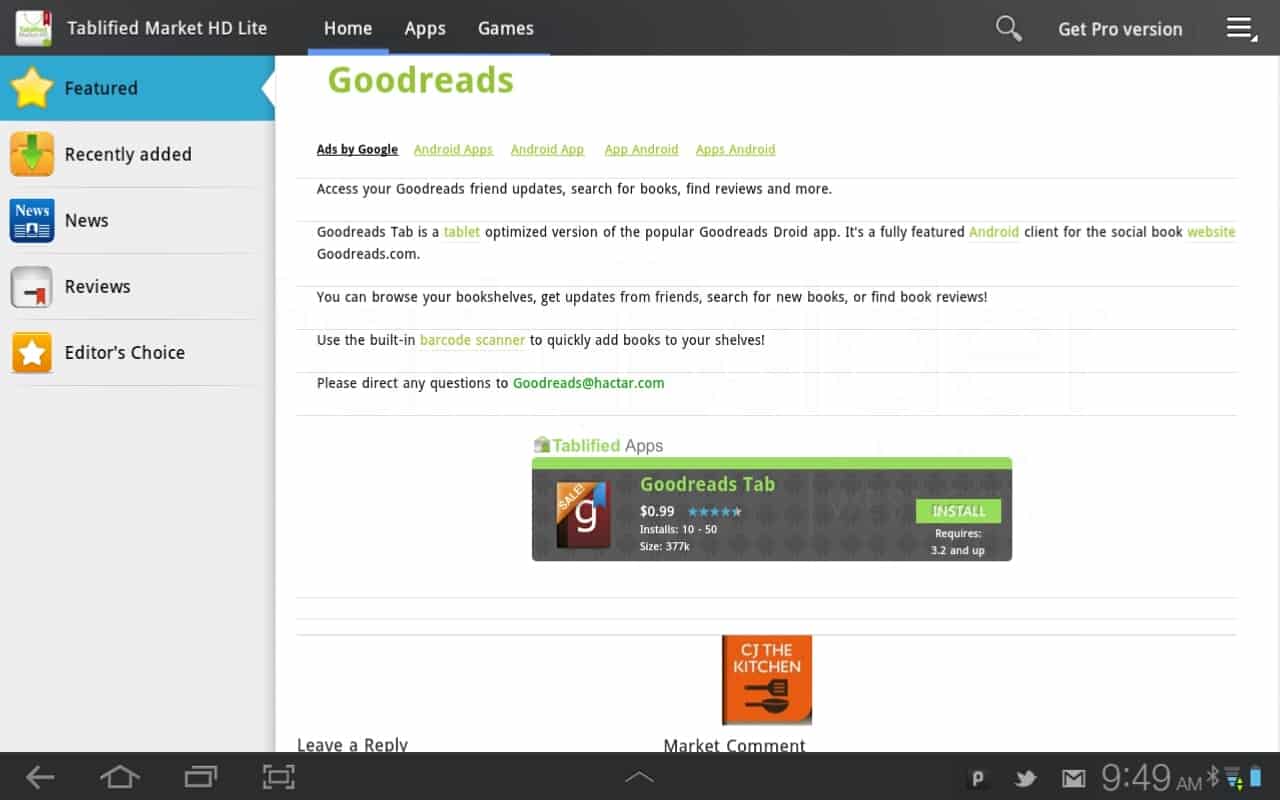
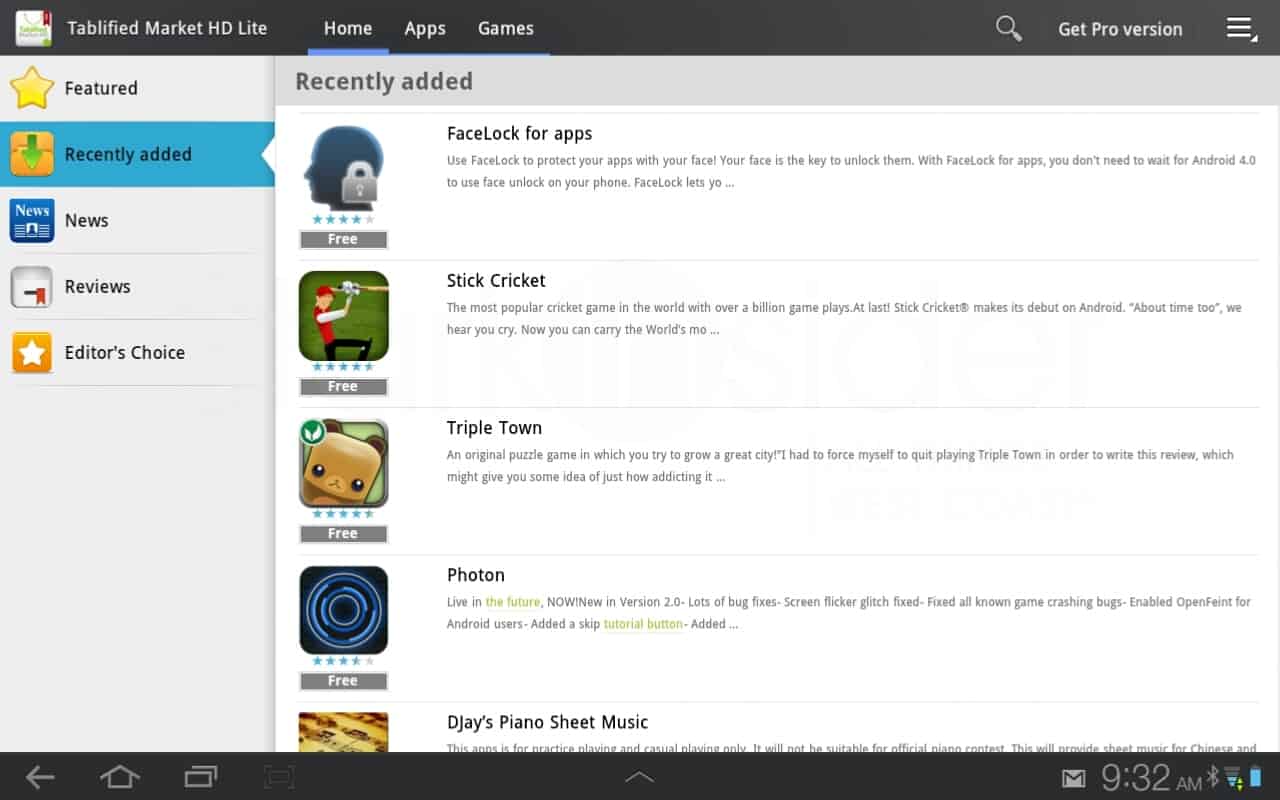
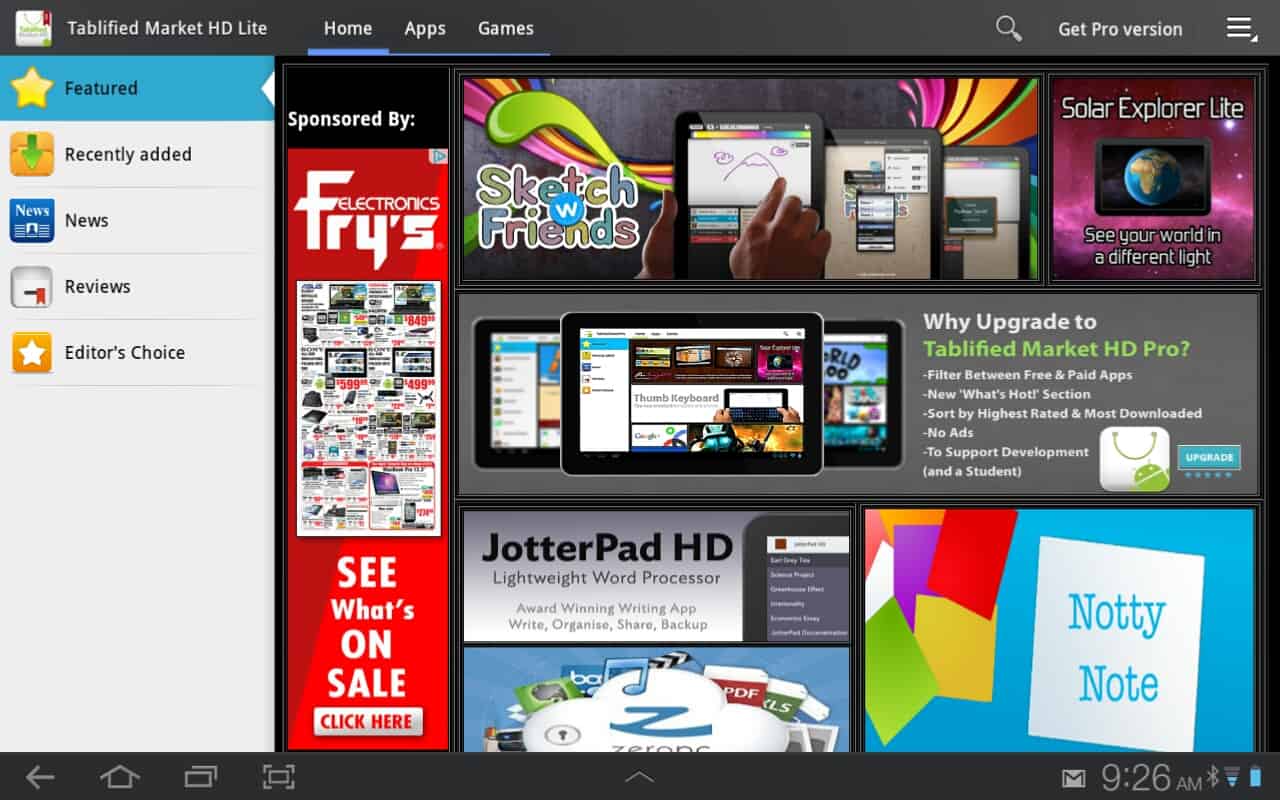
Right off the bat you’ll notice something you don’t see on Google Play: ads. To get rid of those, you can buy the Pro version ($1.49) which also includes stronger filtering control. But the free version should do everything you need. A tab along the top allows you to filter by apps and games. On the left column, there are 5 navigation options: Featured, Recently added, News, Reviews, Editor’s Choice.
Browsing Tablified was a mixed bag. At least once the app force closed, and overall performance was sluggish, even on wi-fi. When I clicked on “Jotterpad HD” (a lightweight word processor) I was taken to the Play Store and received an “Item not found” error message. “Sketch W Friends” also goes to the store, but linked properly and I could download, or read more information about the app.
The difference between Tablified and something like the Amazon App Store for Android is that the former is purely about discovery. Think of it as an index.
I particularly like the recently added section. You can’t sort by new releases for tablets in Google Play so Tablified is undeniably helpful.
If you own an Android tablet, there’s no reason not to download Tablified. You’ll surely discover something you’ve previously overlooked. Just don’t expect iTunes or the fastest browsing experience.
Download from Google Play: Tablified Market HD
Tablified Market HD