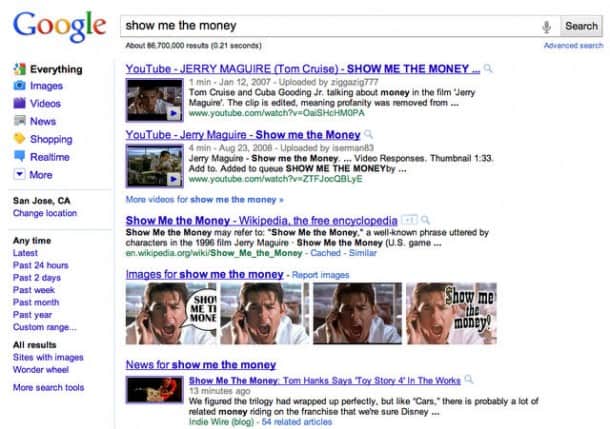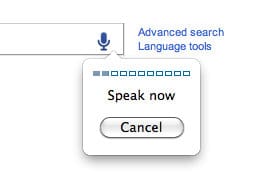
Why type? Google has added voice search to its search home screen on Chrome browsers. Although it was announced a few weeks back, I noticed it for the first time early this morning. The feature, dubbed “search out loud,” uses voice recognition so that users can search based on voice generated queries. A small microphone at the end of the search box can be clicked, which then captures voice entry. After a rapid processing cycle, the voice is converted to text and the search is executed.
Us Android users will feel right at home with the new capability. Voice search was one of the features I was most impressed with when I bought my Moto Droid back in 2009 (has it been that long?!). I routinely use it for Navigation: “Navigate to American Conservatory Theatre in San Francisco” … followed by… “Navigate to nearest In ‘n Out Burger.” It’s utterly brilliant stuff.
Of course, there is a pragmatic aspect here, and I suspect it will be a welcome addition to the computer accessibility portfolio.
I tested the new feature using a variety of searches and found it easy, fast, and accurate.
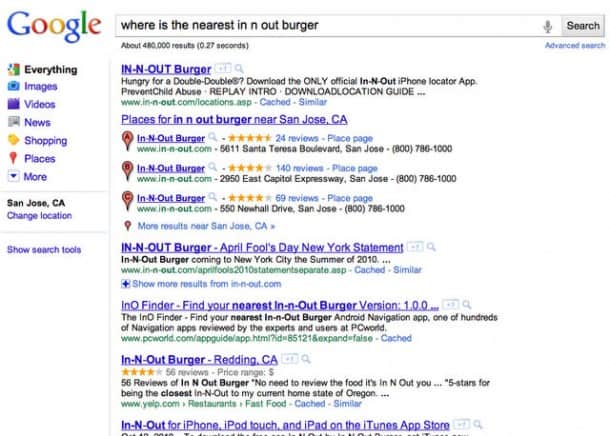
There’s not much to know here. Simply click the microphone icon. Speak. Wait for Google to process. Et voila, your results served.
Note that one thing you can’t do (at least as far as I can tell) is issue commands. You only speak queries. So, for example, you can’t say “Open New Tab” and expect a new Chrome tab to open. Again, this is merely a substitute for typing into the Chrome search window. However, it will recognize any special searches such as “What is 2 + 2?” or “Current Weather San Francisco” (51F) which return specific information followed by traditional search results.
Although I’ve yet to test it, Google has also added “Search by Image” which enables a photo dragged onto the Chrome Browser to be analyzed for people, places, and objects. If it sounds slightly familiar it’s because it uses the same engine as Google Goggles (which I never use). So it appears Google is extending its mobile technology (Voice Search, Image Search, etc.) to the desktop. That makes sense, and one more little bit of innovation we can all enjoy today.