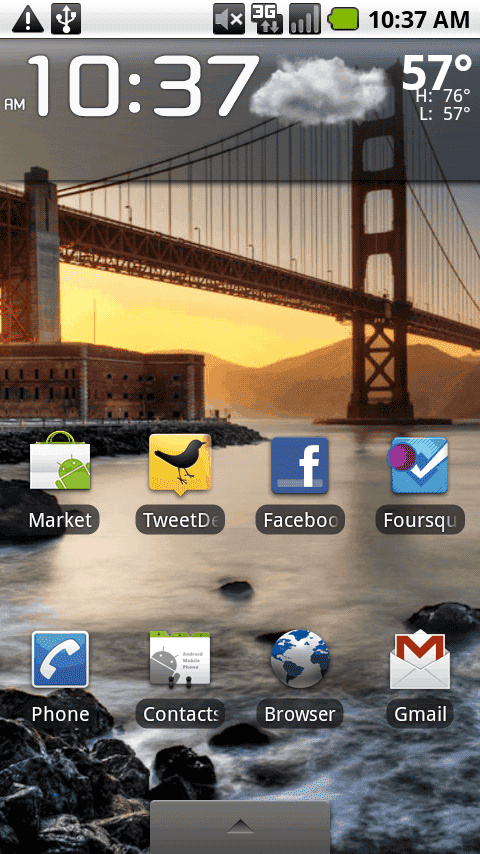
UPDATE 8/20/10: TweetDeck has released an updated beta (0.9.4) that contains several bug fixes and enhancements (font resizing). It’s available here from the TweetDeck blog. Also, the company has indicated the Android App will lead design direction for other platforms too (iPhone, iPad, BlackBerry, etc.).
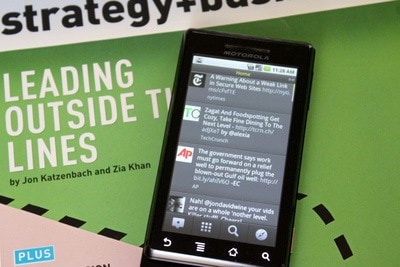
TweetDeck beta for Android is out, and it looks like a winner. Advanced Twitter users may scoff at the lack of depth in terms of features (list management is basic, lack of trending, etc.). For them Twidroyd, Seesmic, and the official Twitter client should do the trick, but for those looking for a fast and pretty alternative with hallmark column swiping, TweetDeck is tops.
 I downloaded the beta after signing up on the TweetDeck and within minutes had it installed on trusty Droid (classic) that continues to rack up the miles with nary a hitch (but occasional slow-down). I use the desktop version so I was anxious for the Android version to finally be released. iPhone users have had it for a while, and dare I say that this may be the first time an Android app actually outshines it’s App Store counterpart.
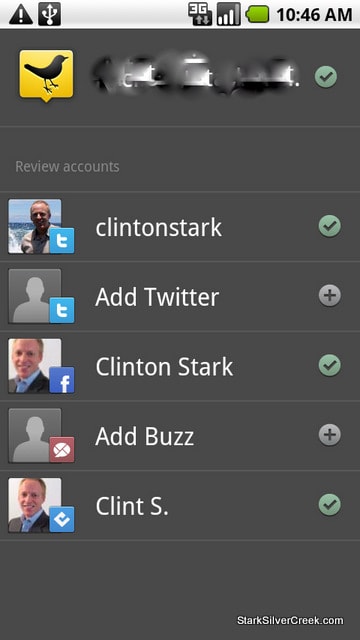
One immediately useful feature for existing users is TweetDeck’s account sync feature. You’ll find that it works much the same on Android. Enter your credentials and your accounts are synced across all clients, be it desktop, web or mobile. It’s convenient, and a differentiator.
TweetDeck on Android also supports multiple accounts including Twitter, Facebook, Buzz and Foursquare. All feeds are integrated automatically and color-coded in the Home view. I had no problems setting up my accounts and was impressed with the overall speed.
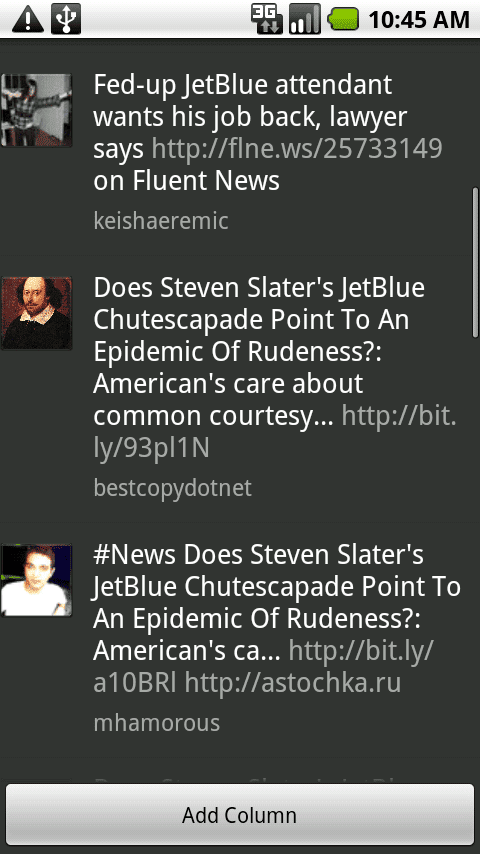
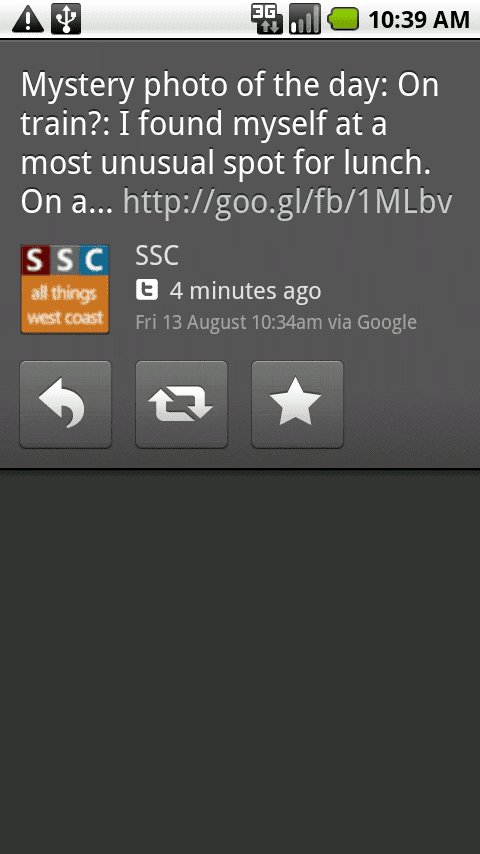
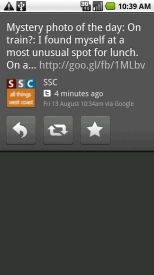 Aesthetically, the interface works for me. Others may miss the details on what Twitter app are being used; the TweetDeck presentation is simple: Avatar, Content, User name (and, if applicable, photo). The scrollable time line is responsive. A quick tap of the top bar scrolls to the top so you can see the most recent activity. Following a shortened link takes two clicks, one to bring up the Tweet details, and another to click on the specific link (hashtag, shortened URL, Twitter user).

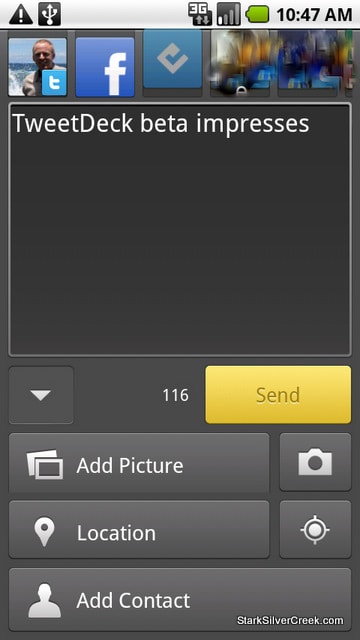
Tap the create tweet button in lower left and you’re presented with a full-screen to update your status. Along the top, you can select which accounts to use. Unlike the rest of the app, this does work in landscape mode.
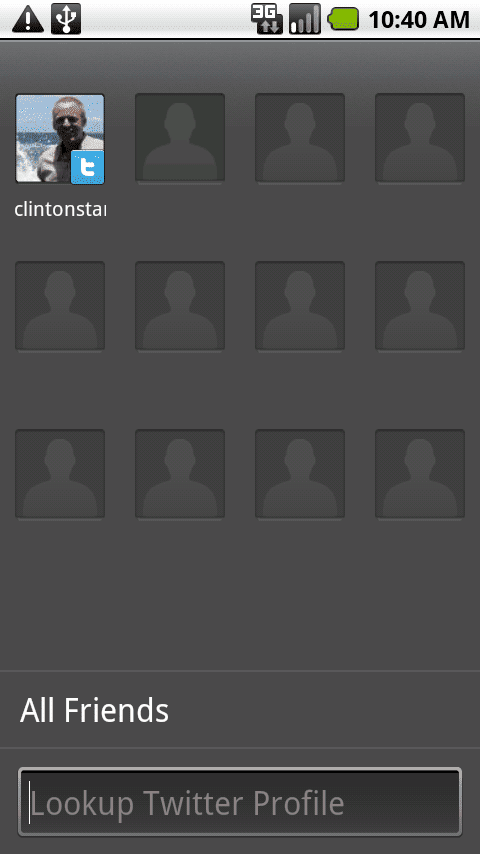
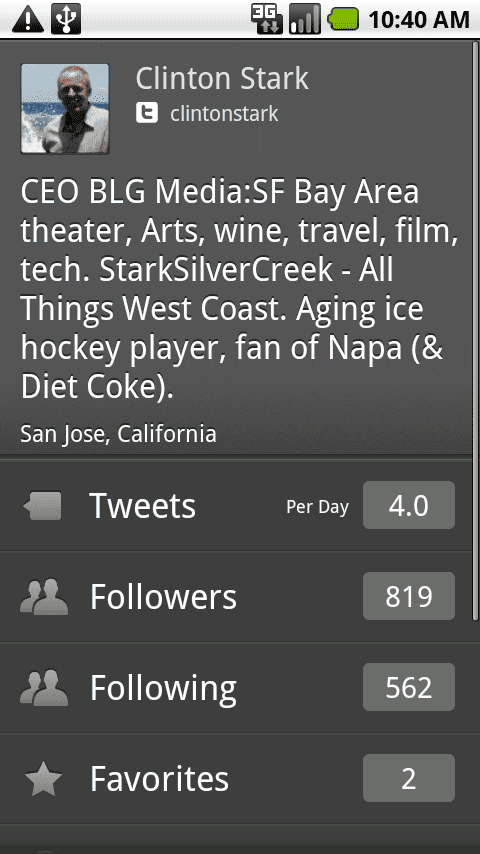
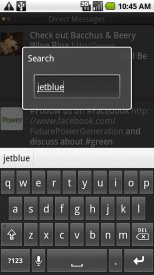 A friends screen allows you to store up to 12 shortcuts to your favorite friends so you can access their streams with a single click
One thing notably missing is a trending feature. I could not find a way to list the most discussed items.
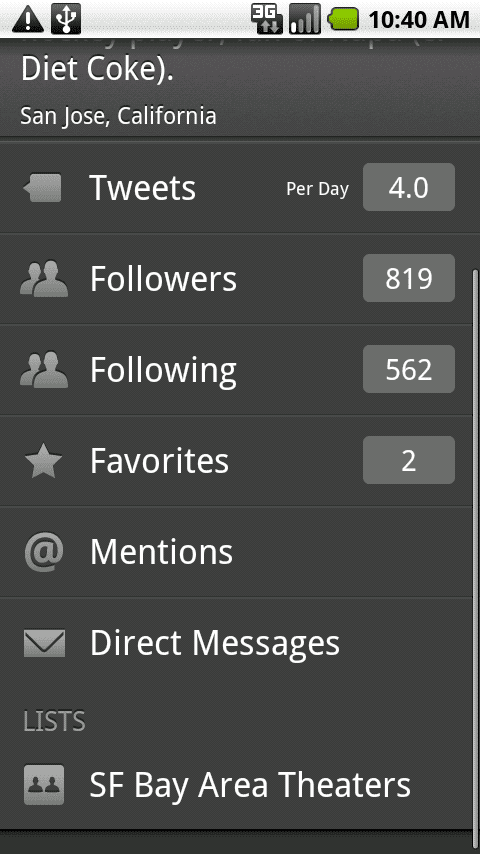
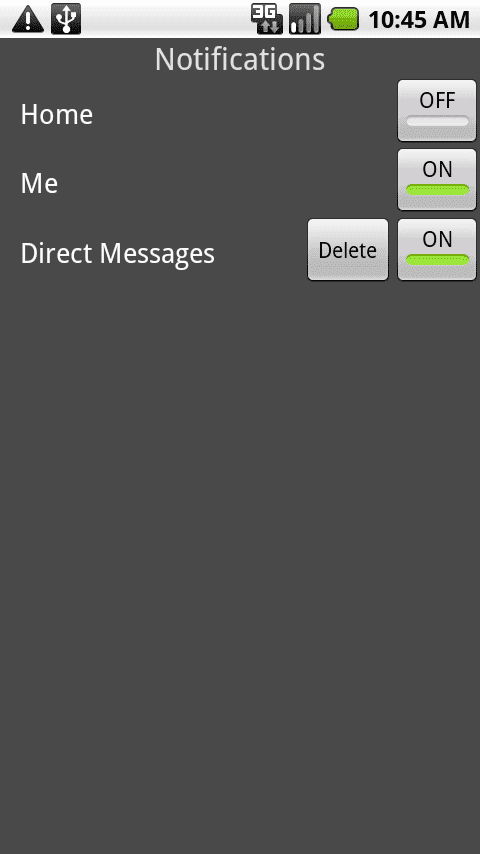
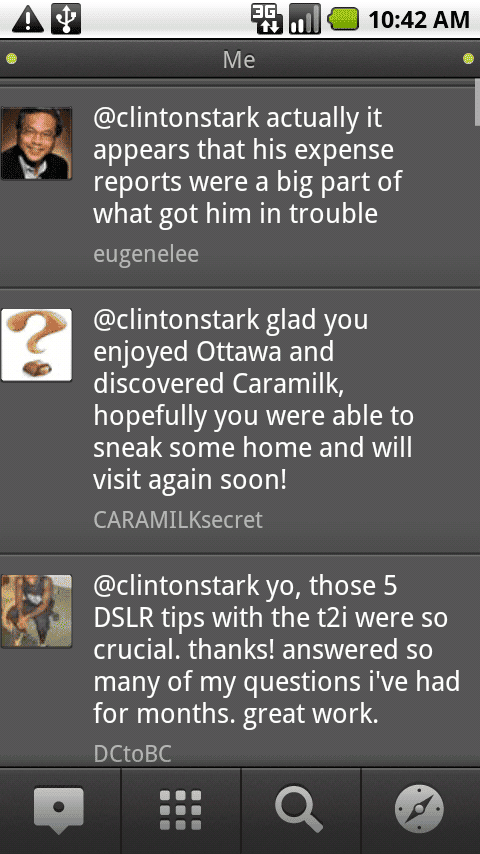
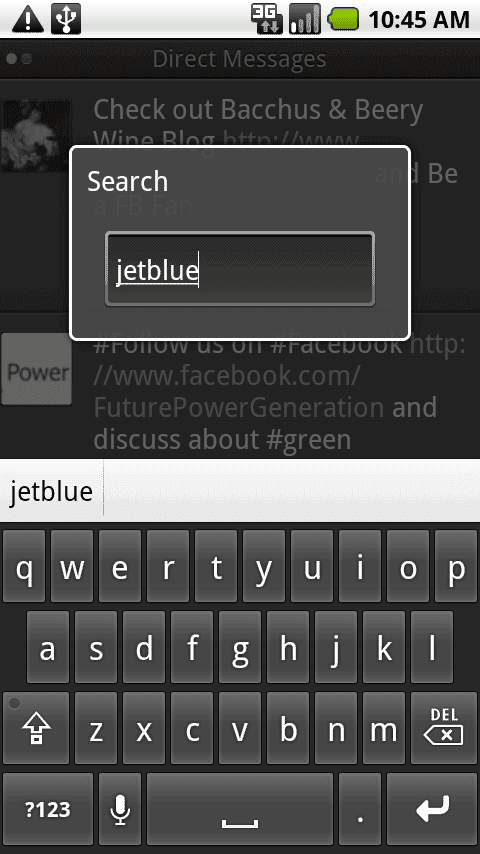
Swiping left or right will display other columns. By default you get the Twitter standard convention: All (home), Mentions (me) and Direct Messages. Adding columns is straightforward.
So TweetDeck for Android is finally here. Based on my early testing, it appears to be a strong alternative to the plethora of existing choices out there on Android Market. Is it the best Twitter app? Well that depends on what’s important to you. If you value advanced list management, link shortening and so on, then you’ll want to look elsewhere. For me, though, TweetDeck scores points for being very reliable, fast, and easy to use. On the road, that’s exactly the qualities I want in a Twitter app. FTW!