Today I got my hands on Swype for the Moto Droid, and after having tested it for a bit, decided to post some first impressions. Bottom line: it works as promised, has strong prediction algorithm, and I’m going to try using it on a regular basis. An impressive start.
Still in beta, the software has attracted significant attention in recent months. It is an alternative keyboard entry technology for mobile phones that allows you to simply “swype” your finger across letters instead of individually pecking (or thumbing) them.
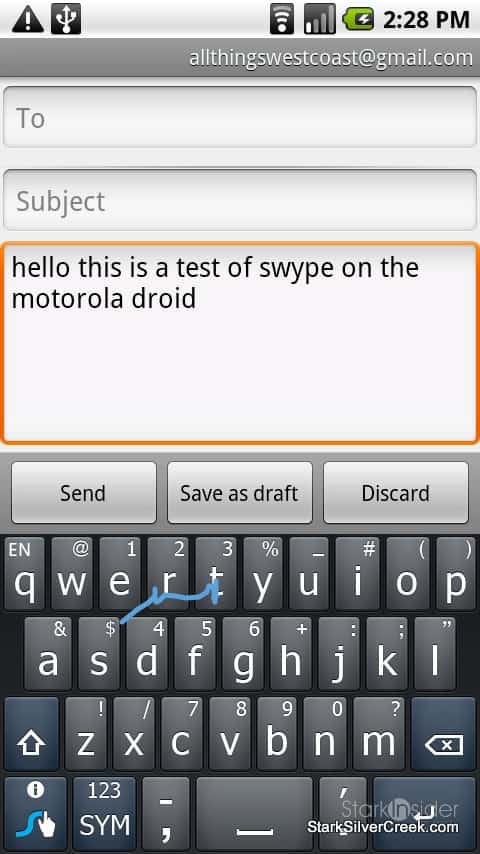
Thanks to the open and modular design of Android, I was easily able to transfer a beta copy of Swype to my SD card on the Droid. I then installed it by un-checking the standard Android keyboard in the settings menu, and instead chose “Swype” as the default. Now whenever the keyboard pops up, to enter an email for example, I can see the new keyboard. It looks similar to the stock Android keyboard, but with rounded keys, and secondary letters in a smaller font at the top of each key.
The big difference, of course, comes when I begin entering text.
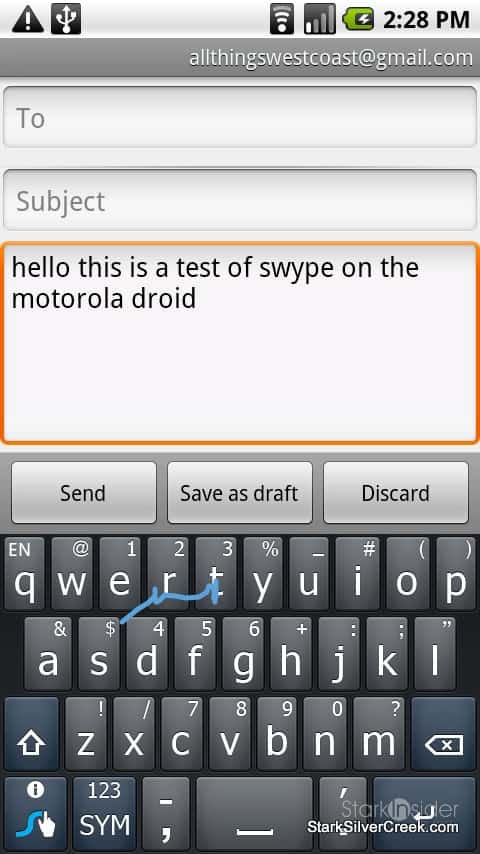
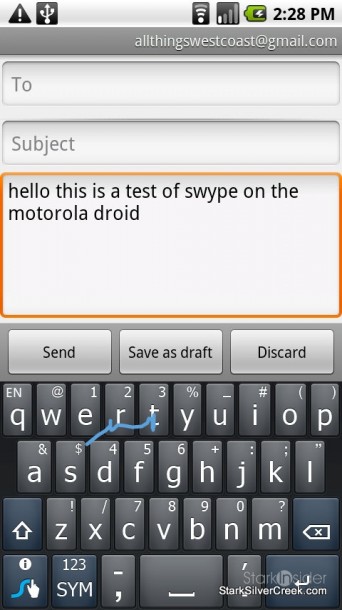
Instead of tapping individually on keys, I use an extended swipe, tracing across letters of a word in one motion without lifting my finger.
I was surprised with the accuracy. I tried typing “StarkSilverCreek” – a word that I thought might trip it up. To my surprise it got it no problem, and much faster than if I typed it out using a standard keyboard.
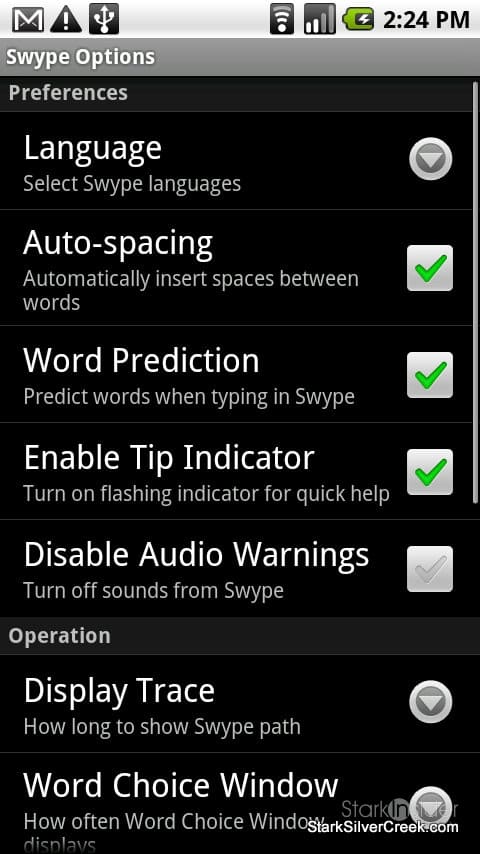
Typing sentences was equally easy, thanks to nice features like auto-spacing and prediction.
There is no need to tap a space between words as Swype automatically adds them.
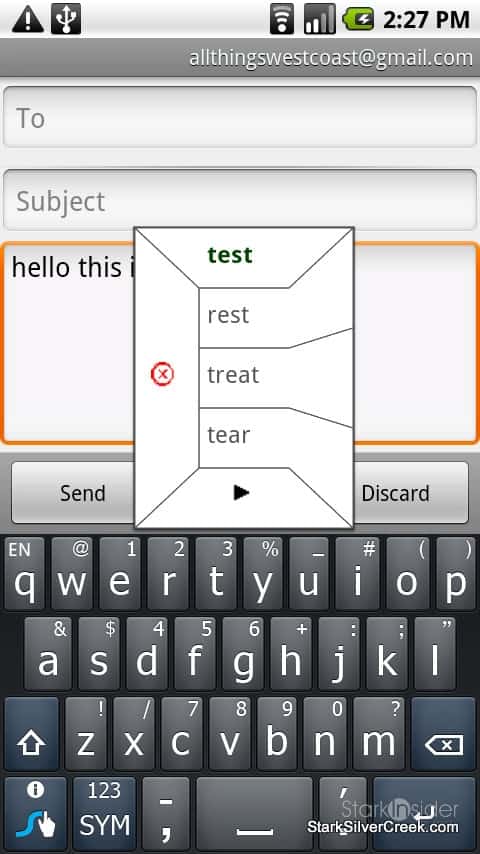
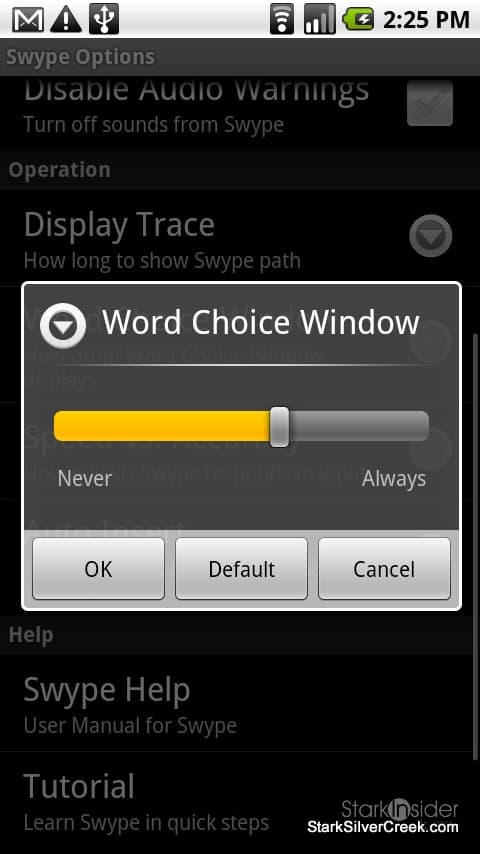
If you enter a word that has multiple possibilities, Swype takes a best guess at what you intended and displays a small pop-up word choice menu with the default in bold. Continue typing and Swype automatically uses the bold word. Or you can choose one of the alternatives that pops up instead.
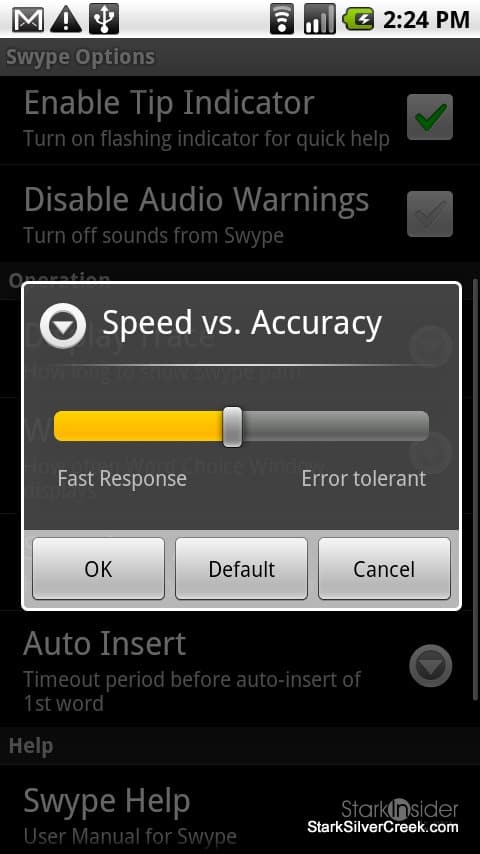
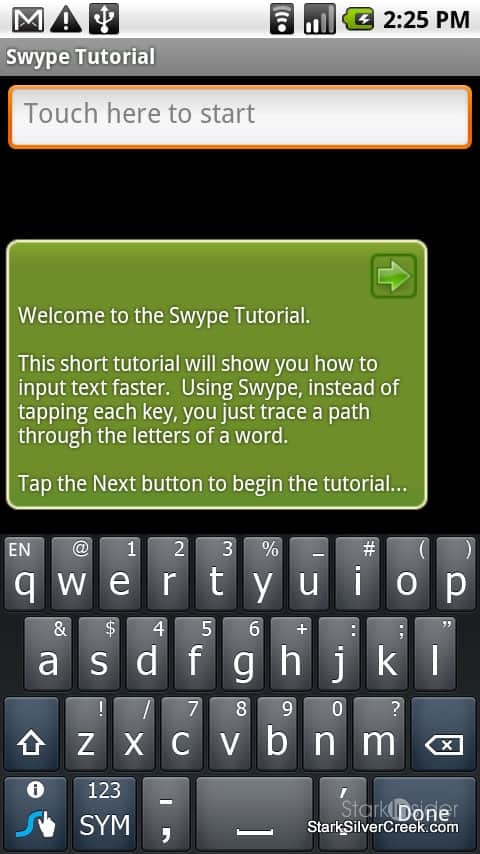
Swype includes a detailed user manual, accessible from the Swype Options screen. Also a nice touch, there is a good tutorial included.
I did run into some minor issues:
- Apostrophes don’t appear to auto-insert (wont -> won’t, Ill -> I’ll) – I will continue to experiment, perhaps I’m missing something; either that, or the beta release does not have that feature.
- Same for automatic periods. Normally double tapping the space bar inserts a period and a space so you can continue typing the next sentence; I could not get this to work.
- The backspace key won’t repeat if you hold it down; instead, when you hold down backspace it deletes blocks of words at a time which can be helpful, it just takes practice.
It’s too early to tell if my typing speed will increase. On my former BlackBerry I could fly with thumb typing, and admittedly I’m still learning the Droid keyboard (both virtual and the physical slider). But so far, so good. This appears to be excellent software, well executed.
Finally, it looks as though mobile smartphone users have a legitimate alternative to standard hunt-and-peck thumb typing. That is reason enough for an early 2010 celebration.
UPDATE #1 – this is one piece of impressive software. Swype is a game changer. I’ve played around with it some more and can’t believe how accurate it is; even when I’m not touching all the keys in correct order, it manages to predict the word I intended.
UPDATE #2 – I figured out how to type words with apostrophes and other special combinations (such as “https://”); for “I’ll” for example I just start with I, then swipe across the apostrophe followed by two l’s. I end up with “I’ll” with one easy finger motion.
UPDATE #3 – Capitalization is easy. Start with letter, then move to top of keyboard (to signify shift) then continue tracing remainder of letters. Simple. It works.
UPDATE #4 – Read through the online help. I’ve learned a lot in just a few minutes. Swype can handle accents. And there are all sorts of shortcuts.
UPDATE #5 – It’s official. I’m blown away. I actually like seeing the keyboard pop up now. Ironically it’s easier to type faster with Swype in portrait mode since the distance between keys is shorter. One handed users are going to love it.