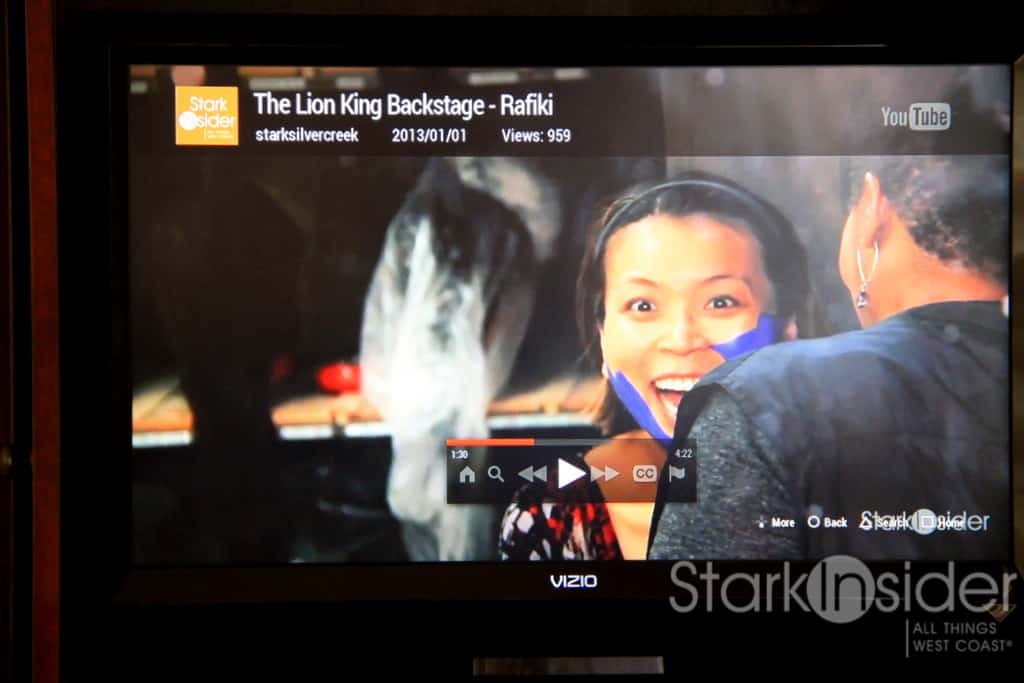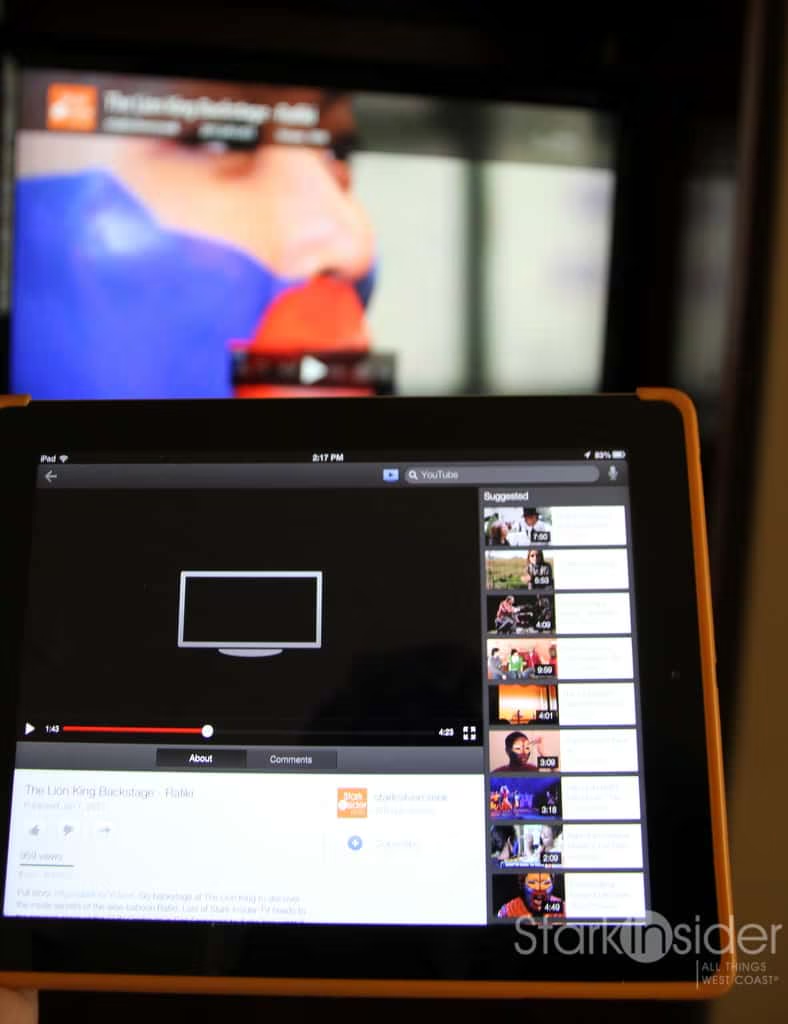
Google today updated its YouTube app and now gives iOS users a “Send-to-TV” feature. Available on Android devices for a while now, the feature allows you to pair a smart television, Google TV, or Sony PlayStation game console to an iPad, iPhone or iPod Touch. So long as the two are connected to the same wi-fi network, you can control YouTube videos on the television using the smartphone or tablet.
I tested the new YouTube app feature using an iPad, PS3 and older Visio television.
Since all of the devices were already on the same wi-fi network in our home, setup was straightforward; the process will be instantly familiar to those who have configured streamers such as Roku and Apple TV.
To stream YouTube videos using an iPhone, iPad or iPod Touch:
1. Ensure all devices are on the same wi-fi network.
2. On the iOS device, open the YouTube app, and click “Settings” and then “Pair YouTube TV”:
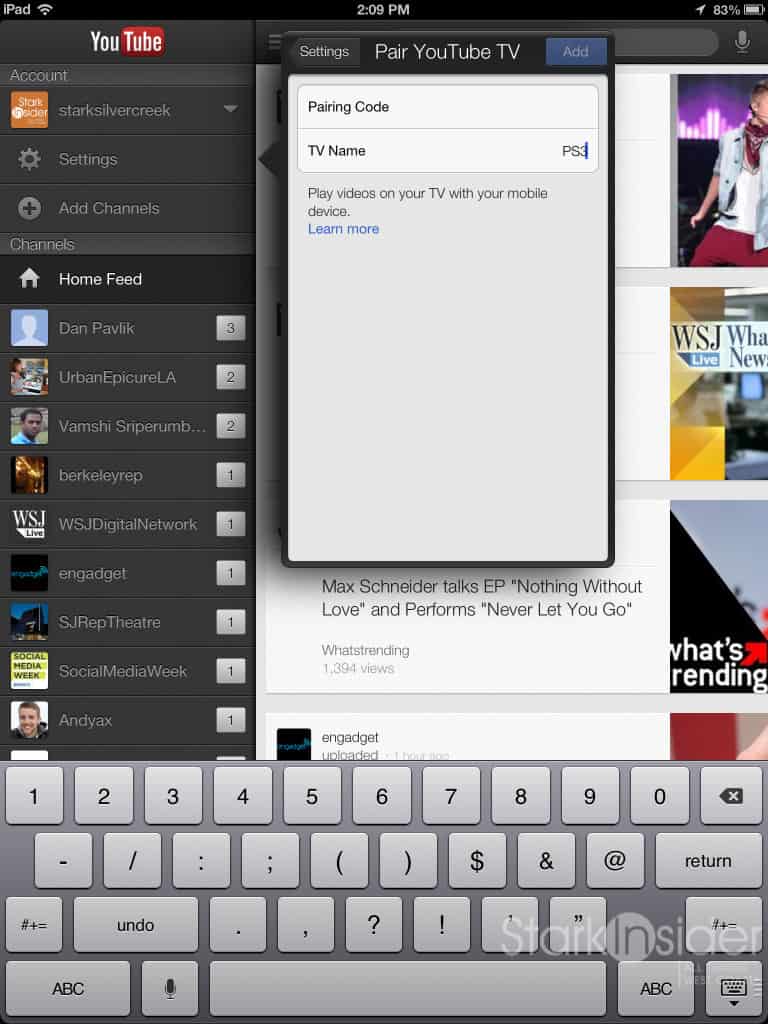
3. On the television device (Google TV, a smart TV with the YouTube app, or PS3) click “Settings” within the YouTube app and then “Pair Device” – a code will be generated.
4. Type the code into the YouTube app on the iOS app.
5. You should get a confirmation, and you’re done.
The steps involved probably look more kludgy than they really are in practice. I didn’t ran into any issues, and had the iPad paired with a PS3 in a matter of minutes.
ALSO: Tips for naming your YouTube video
Once set-up is complete you’ll notice a new icon at the top of the YouTube app that enables you to select which device will play any given video:
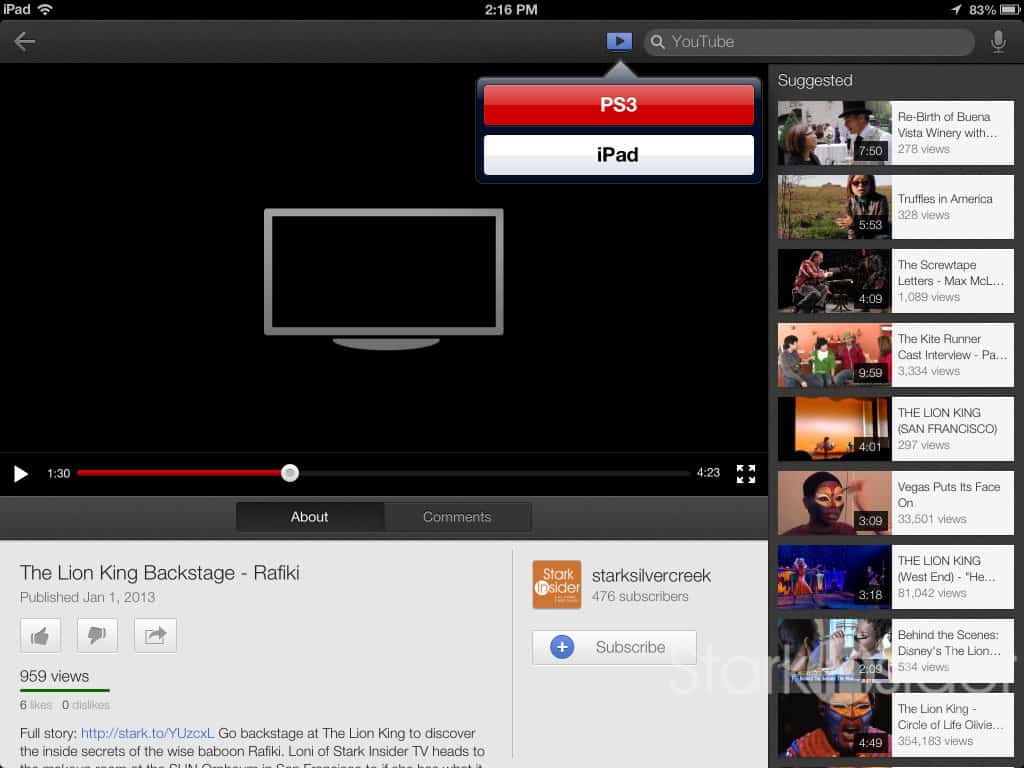
In my testing, I could only send to one output at a time, so there doesn’t appear to be a dual screen capability. A bit of a shame that, as it would be handy for longer videos where someone could be watching on the iPad somewhere else in the house, while others are watching in the family room; this could be an ideal arrangement, say, for a live concert, keynote, or Presidential address. Or, in my case, incessantly watching those gobsmackingly incredible Stark Insider TV videos.
I found the controls responsive, contrary to what some have reported.
Play/pause were near instantaneous. Skipping ahead worked well too.
In the end this is a bit like Apple Airplay.
How useful this feature is to you is a matter of preference. To play videos on the big screen, the YouTube app for PS3 (or for any Smart TV, or device) already enables you to search videos, play them, comment, like/dislike, etc. In essence you can already do everything without the need for pairing an iOS (or Android) device.
So why bother?
Well, the touch controls on the iPad or iPhone could be more intuitive for one. I do not enjoy using the PS3 DualShock controller to type or navigate in general.
Another possibility is that friends can take control using their own device, and serve up entertainment, home videos, or whatever programming they have planned for a get together. I’m not so sure that’s important to me, but for some it could be.
Google continues its push for the living room. Apple has its second-gen, rebooted Apple TV product making inroads. I am somewhat surprised that Amazon has yet to make a box for the living room and given it away for almost free (or maybe bundle it with Prime memberships). After all, this is all about the ecosystem and content.
One challenge YouTube has in its quest for eyeballs is the perception that its the place of silly cat videos, viral stuff, and otherwise shock value-oriented programming. In the past few years its reputation has improved. But it’s not uncommon when I tell someone that we’ve almost reached one million views on YouTube with our Stark Insider TV channel here in San Francisco and get the reaction that the great Frank Ferrante once gave us during a frenetic interview at Teatro Zinzanni: “YouTube? YouTube?! My aunt’s on YouTube?!”
Yes, and so is the President, the Wall Street Journal Digital Network, and TedTalks. Oh, of course, wouldn’t you know it: that Justin Bieber guy is also on YouTube.