
“This is a big one!”
Lutron today at the CEDIA Expo 2017 announced a “completely redesigned” version of its app for its Caséta wireless smart home lighting system.
Available now for iOS and Android, version 5.0 features a new look to the UI (get ready for lots of blue and white), room-based organization, a simpler way to add devices, quick access icons and a new optimized layout for iPads.
With the app, as before, users can control Lutron Caséta-enabled lights, dimmers and shades around the home. In addition, you can create scenes so that groups of lights turn on and off together, and at pre-defined brightness levels.
Here’s a quick look at the before version:
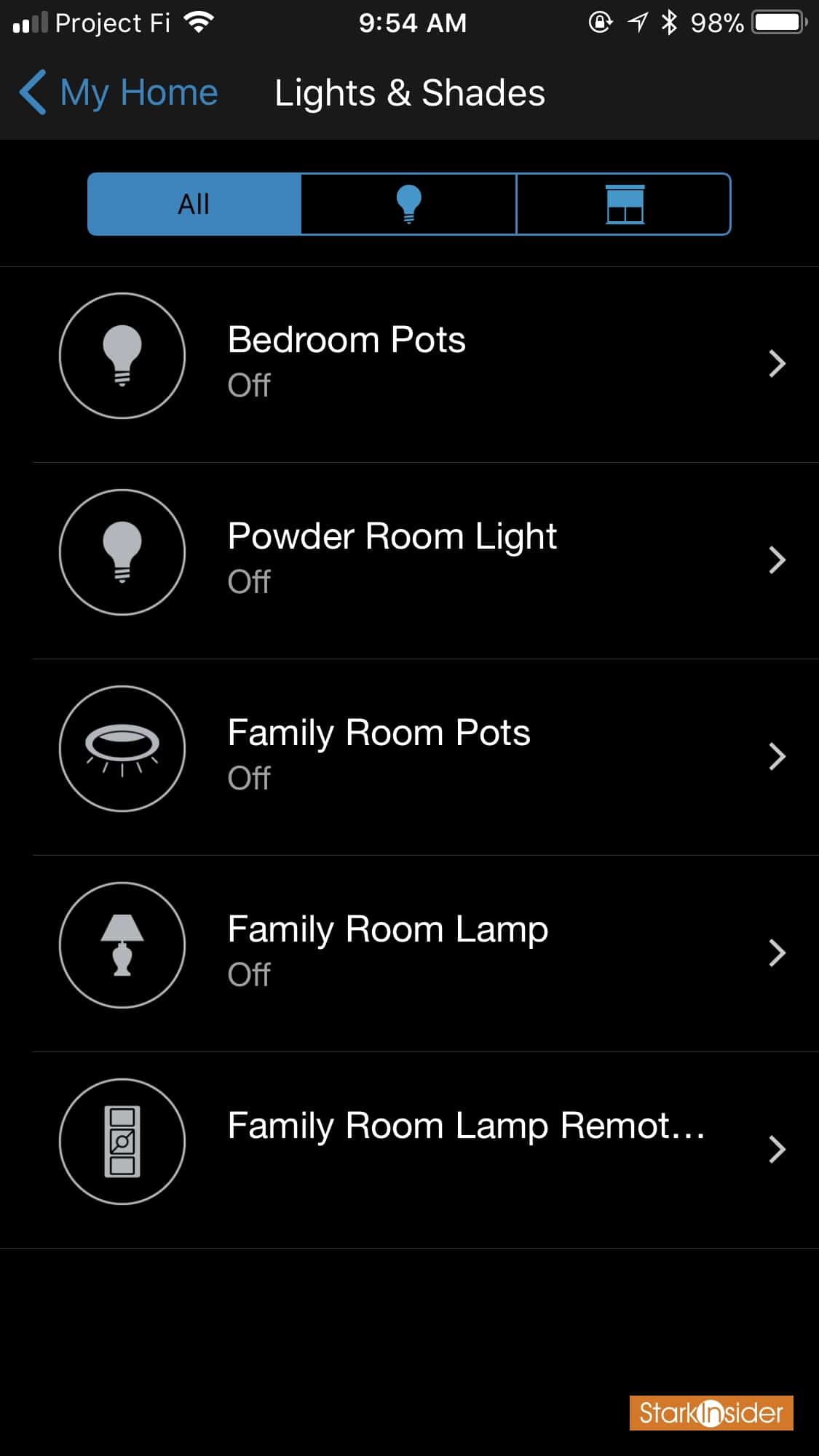
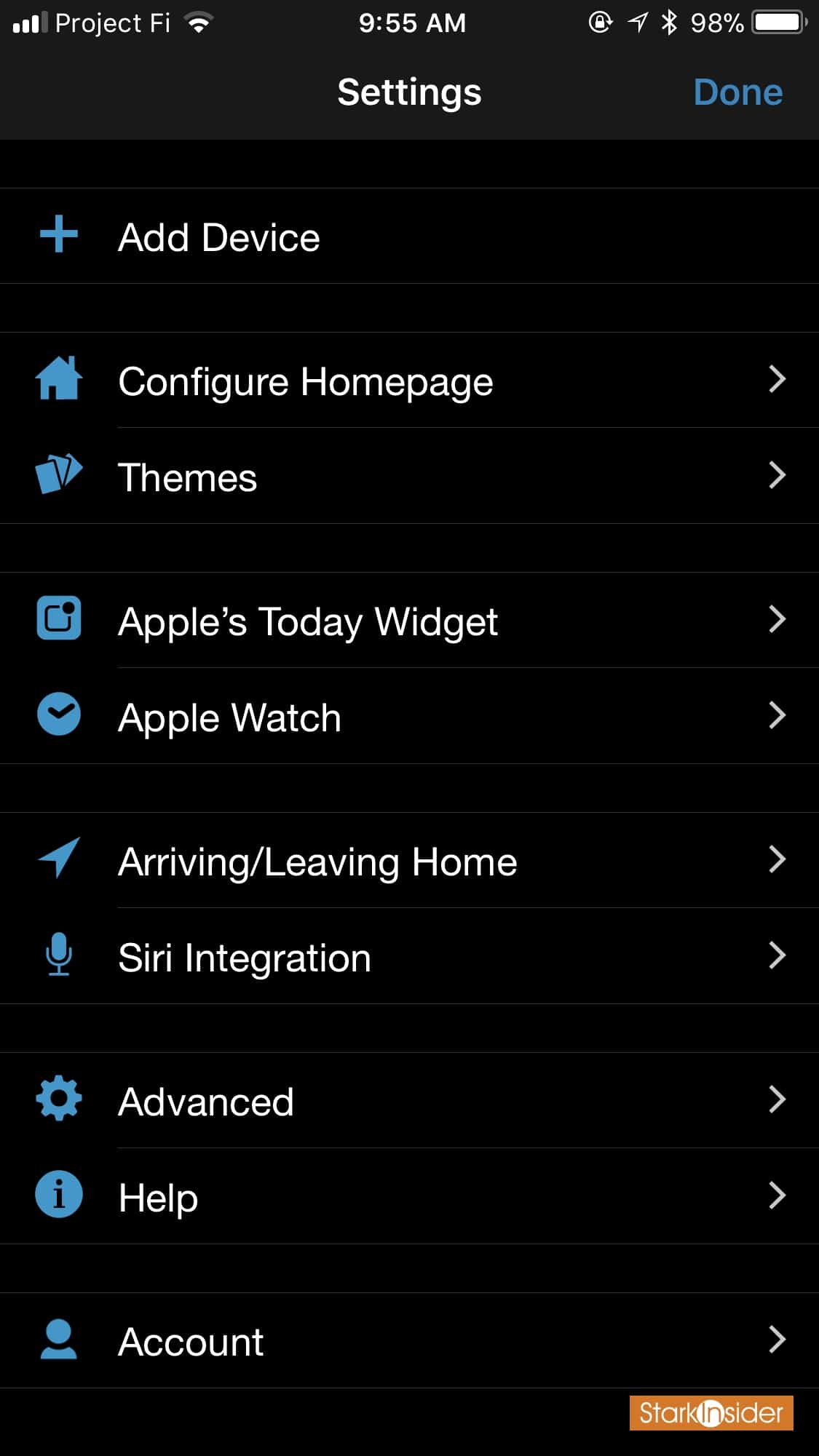
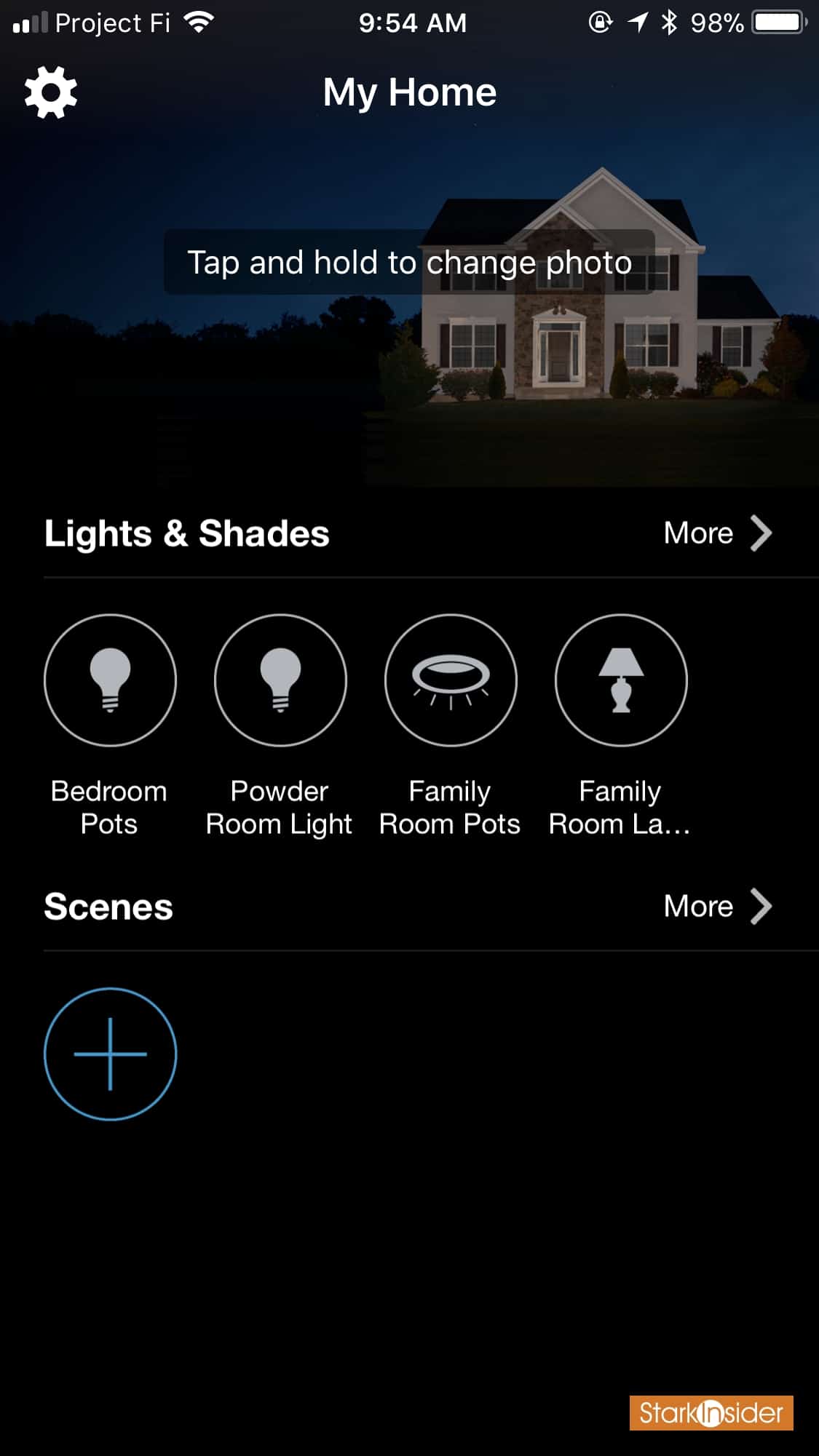
And the after version with 5.0:
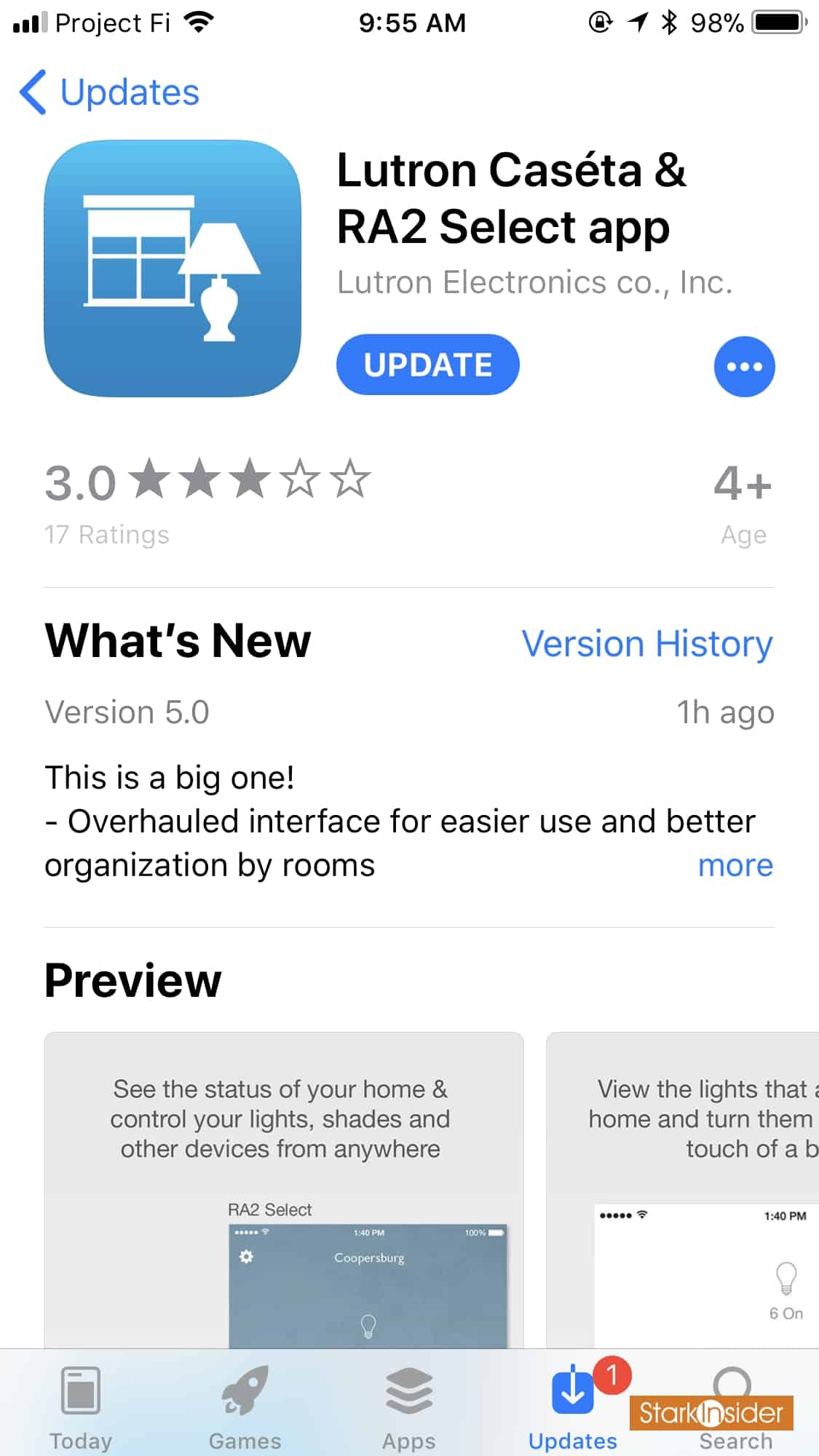
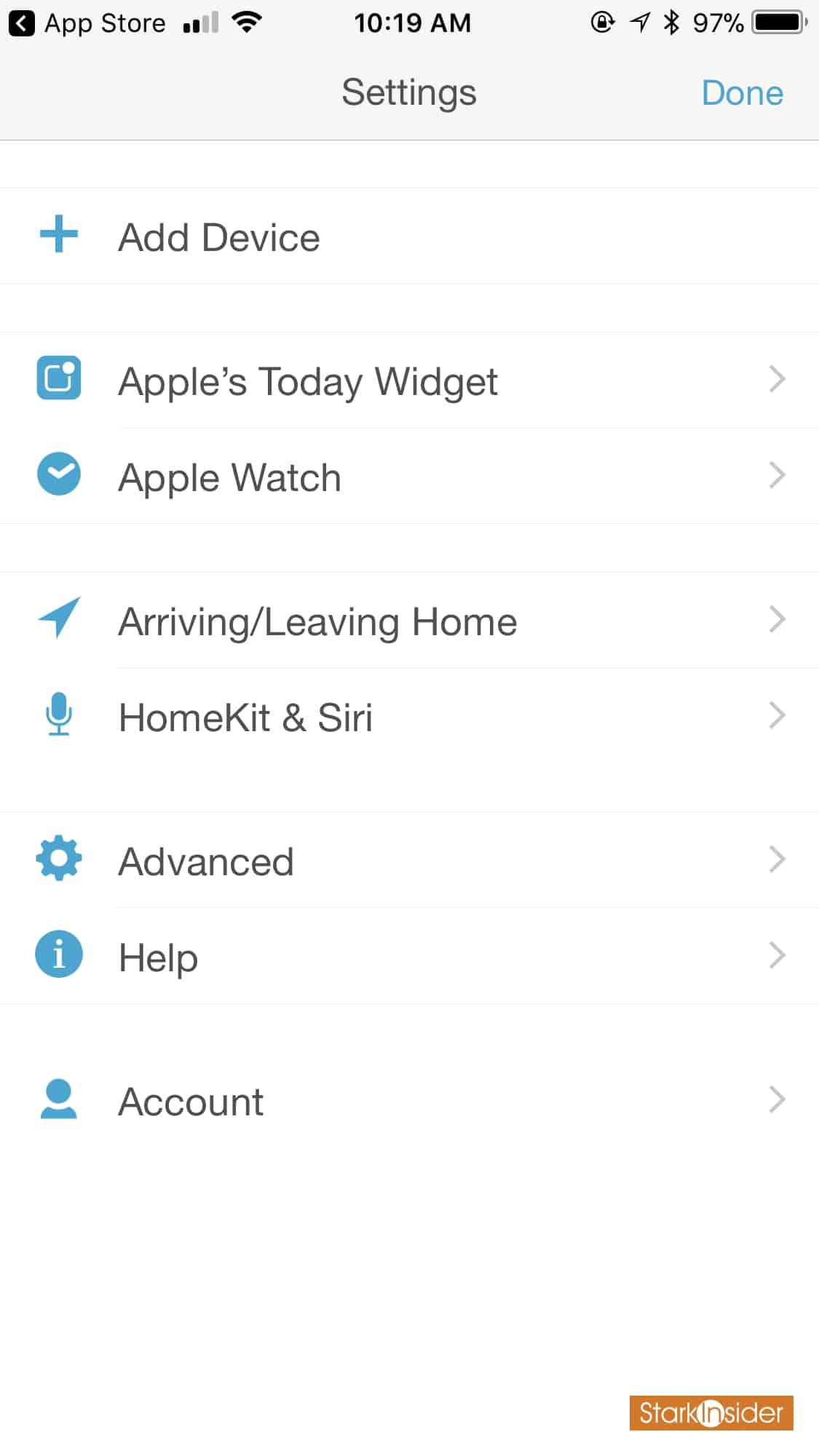
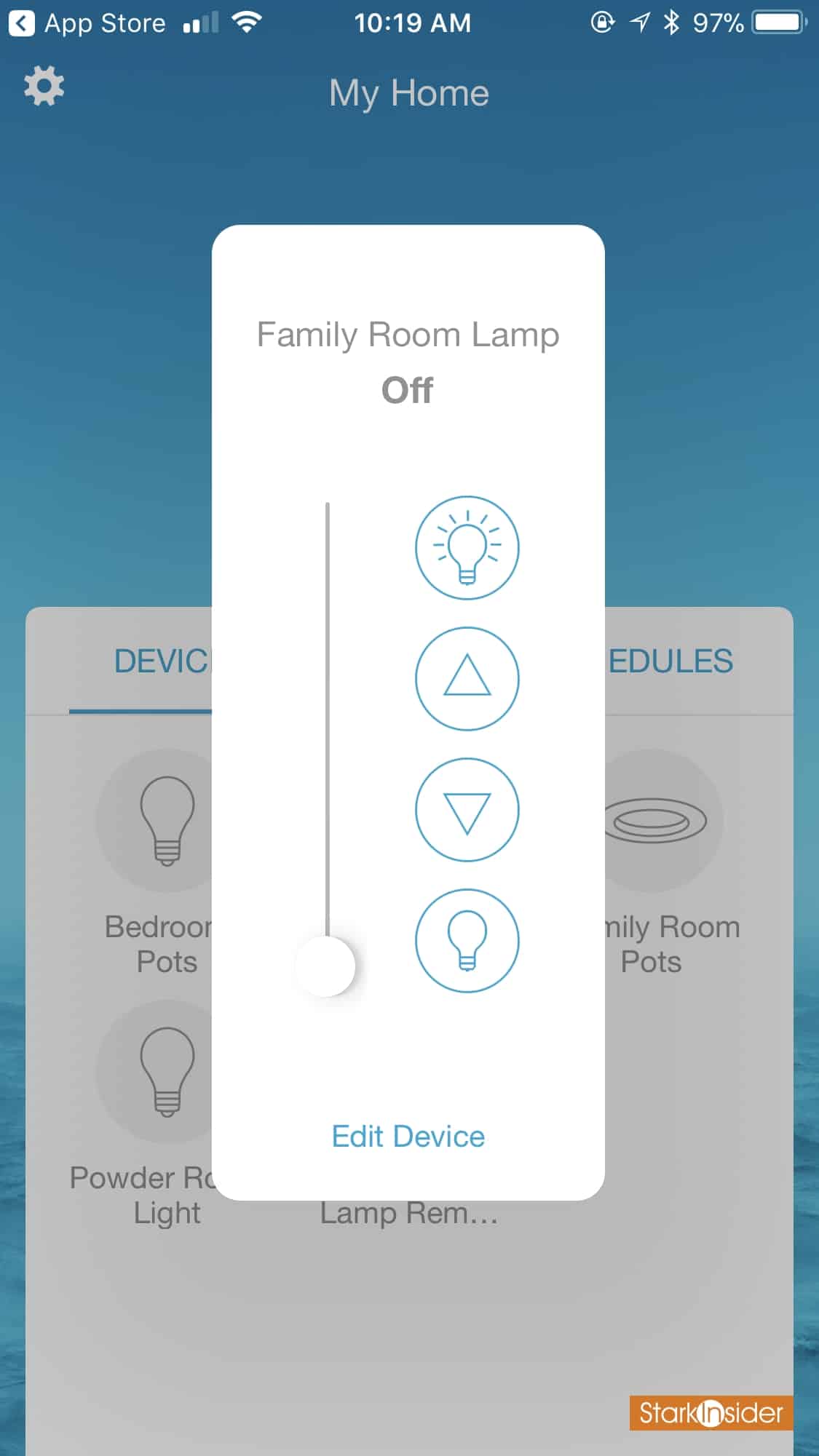
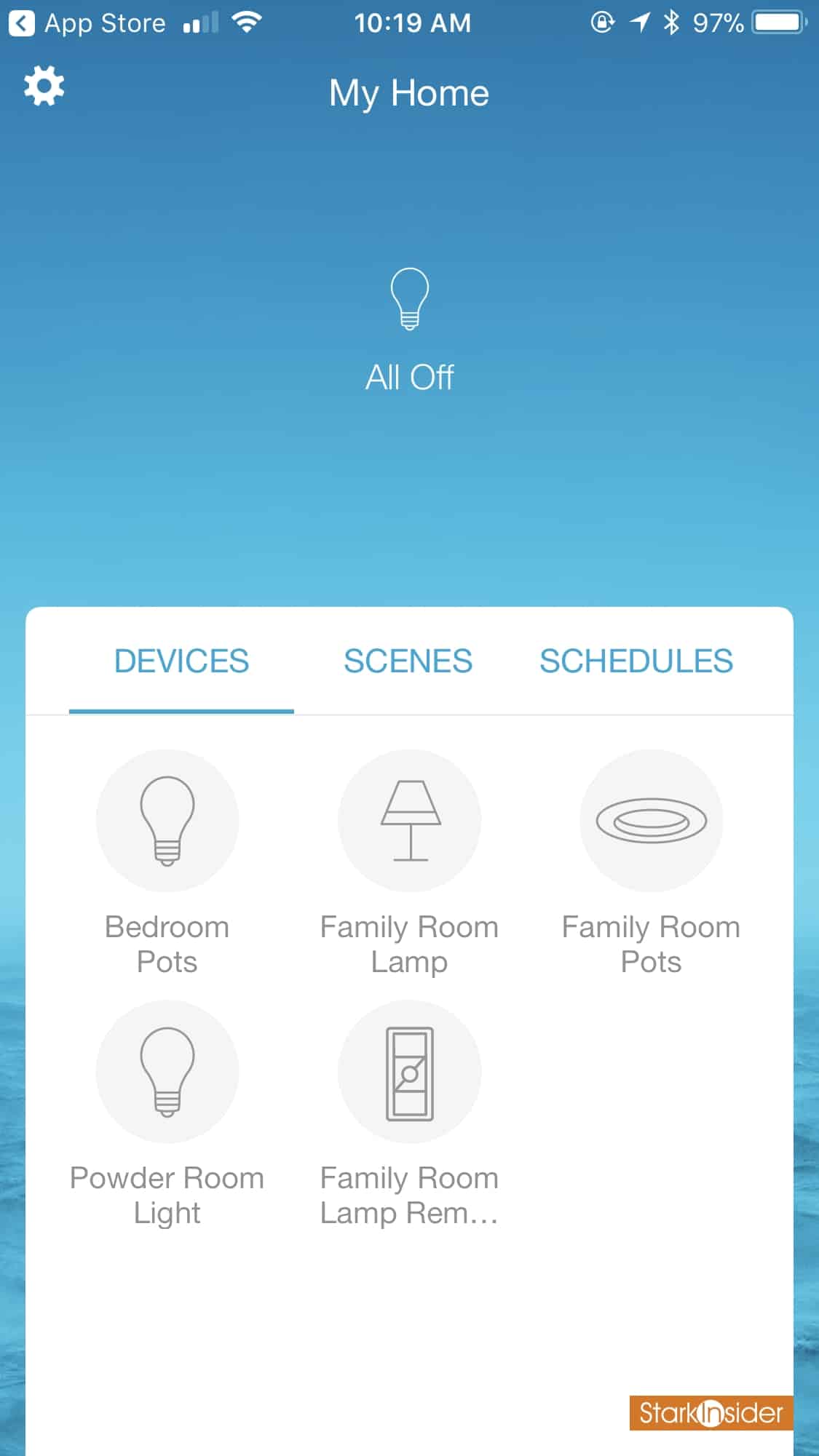
I gave the Caséta app a quick whirl on my iPhone 7 Plus. Everything looks cleaner — dare I even say, material design-ish? — with everything organized into three major tabs: devices; scenes; and schedules. No surprises.
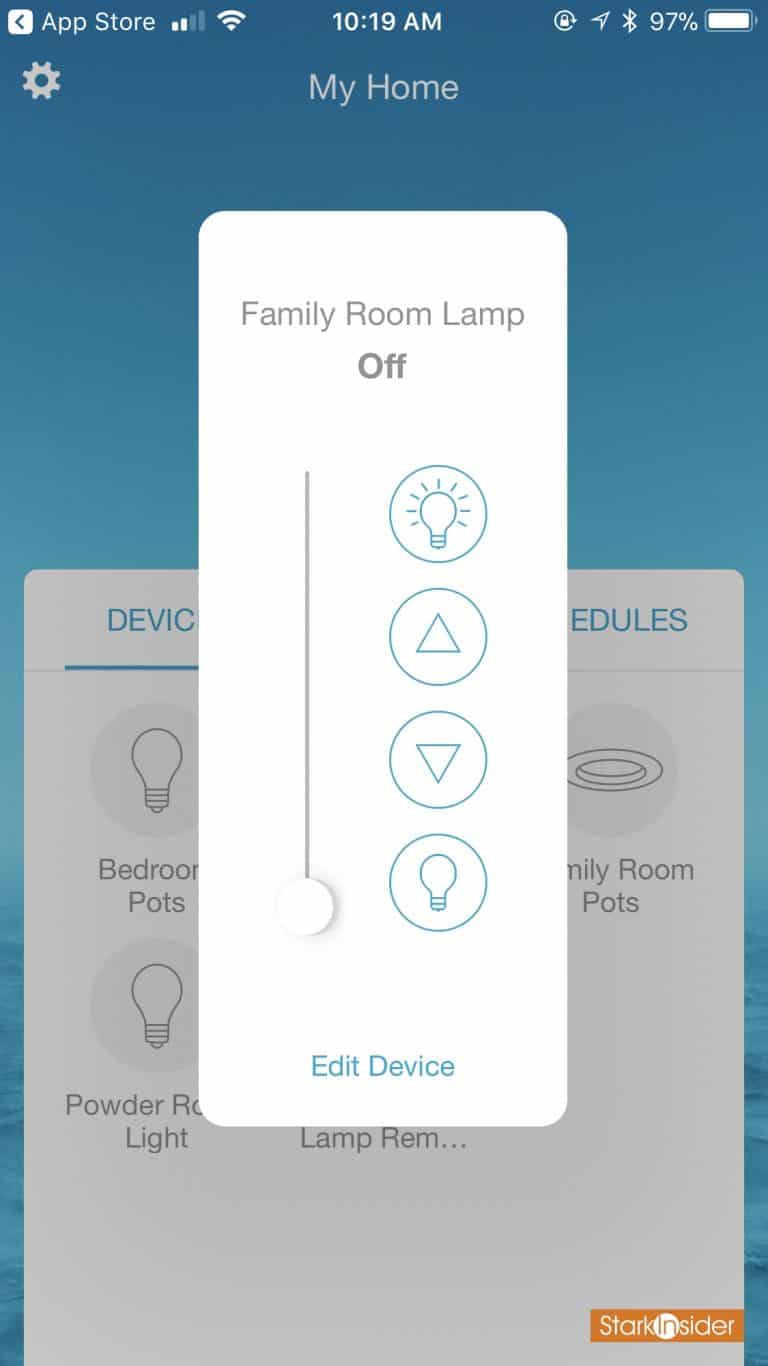
Tap on a light icon and a small control window pops on top. There you can set it on or off and adjust the dimming level.
In addition, Pittsburgh-based Lutron offers a widget so you can simply tap to set a scene on your iPhone lock screen or Android home screen.
Thoughts on Lutron Caséta App v5.0
Overall, a clean update. Nothing ground-breaking to be sure, but it does add some nice polish to an already decent app. I did wish it would load faster (though it seems in my non-scientific testing to load about 50% faster than the old app).
Then again, one of the many nice things about Lutron Caséta is its HomeKit compatibility (in addition to Amazon Alexa and Google Home for voice control). That means I can use the Home controls in iOS with a swipe up to reach them in control center. In my experience, that’s typically a faster way to control your lights than tapping and waiting for the Lutron app to load.
Lutron Caséta v5.0 Announcement & Feature Summary
From the press release:
“Sleeker. Faster. More intuitive. Say hello to the all-new Caséta app—reimagined and rebuilt. Version 5.0 provides a higher level of convenience and ease of use. And it raises the bar for smart lighting control. Here’s some of what this new app has to offer:
- Easier to navigate, room-based organization for all your devices, scenes, and schedules. For example, tap “Edit Device” to add your selected device to a room.
- Adding devices to your system is even simpler—the system will automatically add dimmers to Pico remotes.
- New quick access status icons allow you to check on and control lights, shades, and temperature in a snap.
- The all new iPad-optimized layout provides a great experience in both landscape and portrait mode.
Download version 5.0 of the Caséta app for your iPhone, iPad, Android phone, or Android tablet. There is no update to the Apple Watch version of the Caséta app at this time.”


Also, you can create automations for Lutron accessories within the Apple Home app. Either way, the Lutron App or with HomeKit, you’ve got lots of choice, and I’ve found in a few months of testing Caséta that it’s extremely — extremely — reliable. I especially like the RF (“Clear Connect”) radio signal. Unlike some of the competition, it doesn’t rely on wi-fi — which can present delays and clog your home wireless system.
Note that the corresponding Apple Watch app was not updated as part of this rollout.
Lutron Caséta 5.0 is available now for iOS and Android.