
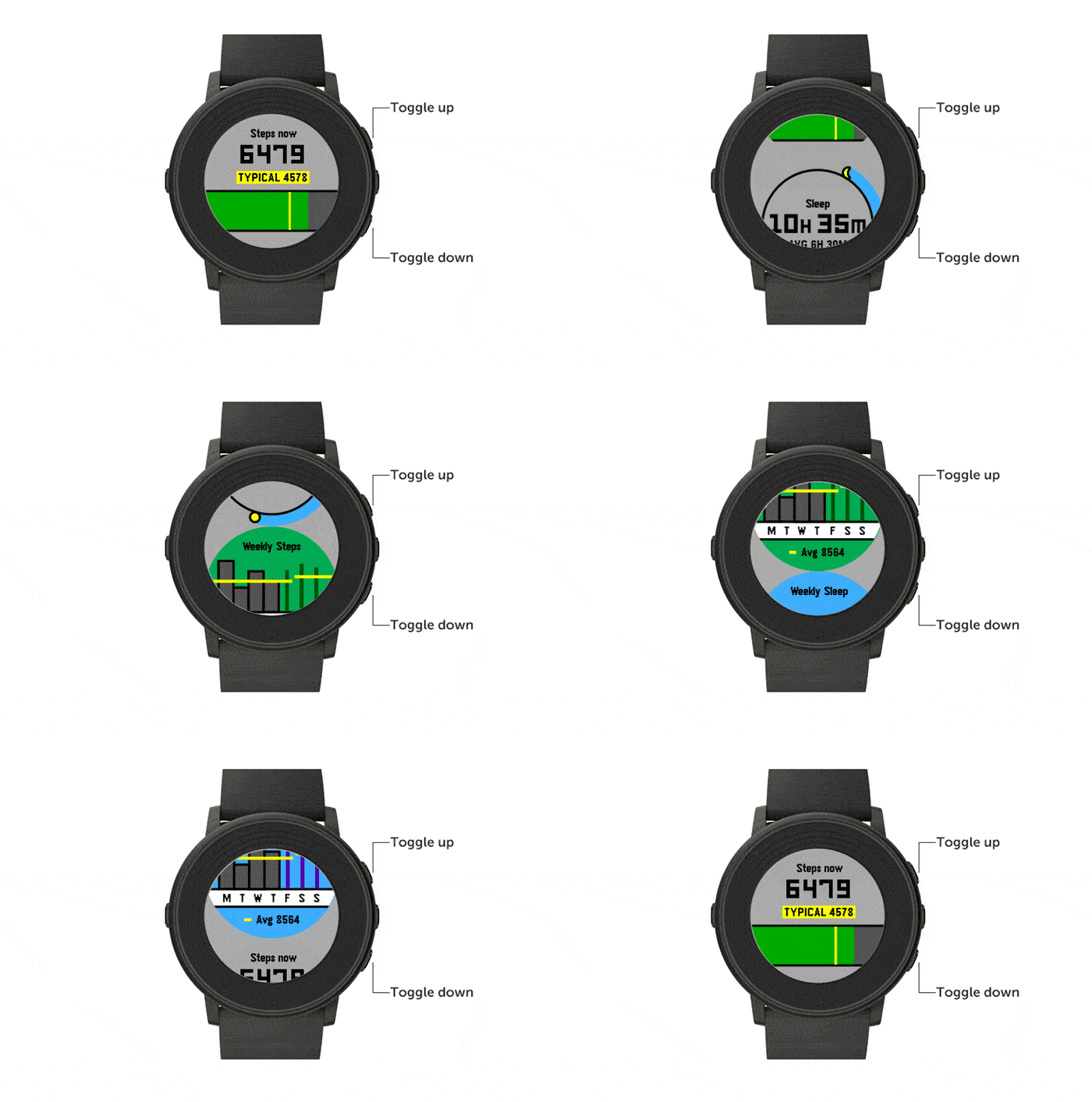
Pebble today announced a new app designed to track fitness. Called Pebble Health, the app is available as part of an update to the core Pebble app, available on the Google Play Store and the Apple App Store.
In an email (Kickstarter Project Update #32) and blog post, the company says the new functionality was developed in partnership with Stanford University and its Wearable Health Lab.
In addition to standard step tracking, Pebble Health will also automatically detect “sleep phases” and provide weekly metrics in easy to read graphics and charts.
Pebble Health is compatible with Google Fit and Apple HealthKit which means all your existing fitness data on your Android smartphone or iPhone will conveniently integrate.
Fitness trackers are the largest category in the wearables market. Clearly, Pebble wants a piece. By integrating the functionality into its Time line-up of smartwatches, it can potentially grab sales from competitors like market leading FitBit. Why by only a fitness tracker when you can have that plus all the benefits of a full-on smartwatch like the Pebble Time?
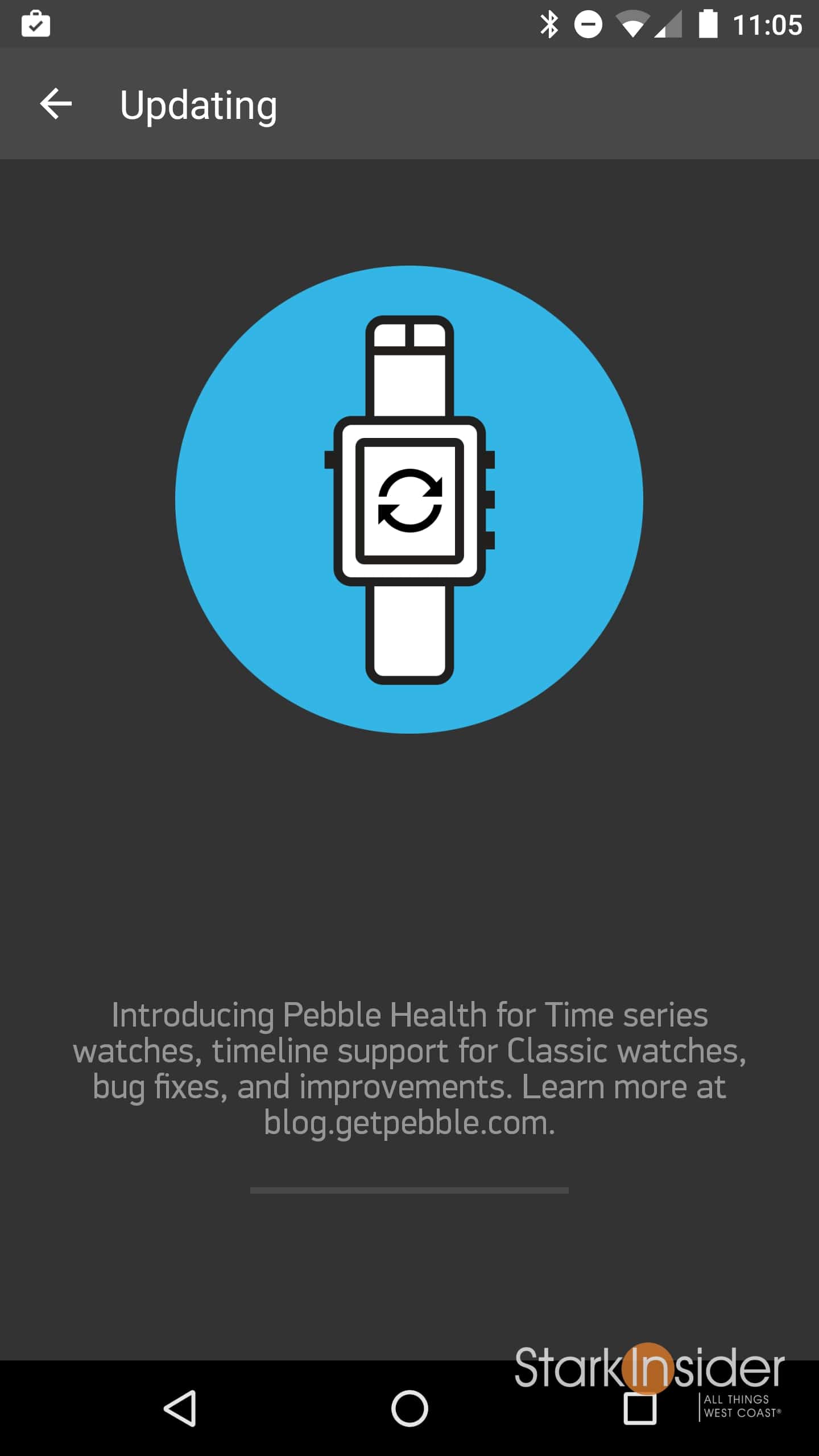
I updated my Pebble Time app (version 3.8.0-941-3eac5bc to be exact) on my Nexus 6 to give it a spin. In addition to the Pebble Health app (Time watches only), the update introduces the much-loved “timeline” to the older Classic Pebbles.
Hint: To update to the latest firmware, select Menu » Support » Update Your Pebble within the Pebble Time app for iOS or Android.
After downloading the update on my phone, the app updated my Pebble Time firmware (to 3.8), which took only a few minutes.
A new Health app is installed (heart icon) and is accessible on the Pebble in the usual way (click right middle button, then up/down to scroll through apps).
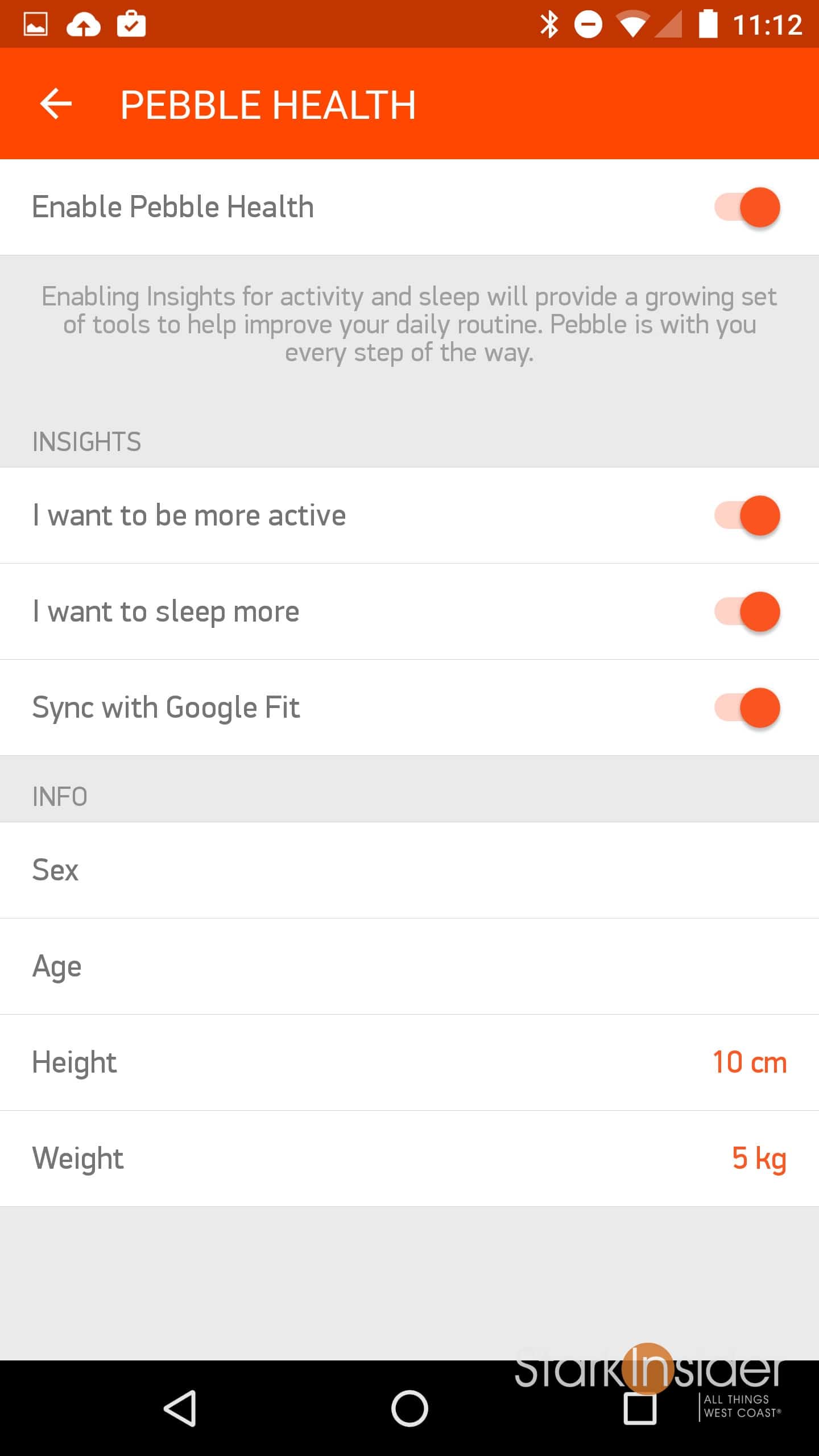
To begin using Health first enable it in the Pebble health. This is where you can also switch on Google Fit sync (or Apple HealthKit). The settings screen looks like this:
Selecting the Health app on my Pebble Time reveals four scrollable screens:
- Steps Now
- Sleep
- Weekly Steps
- Weekly Sleep
Simple enough.
All are obviously blank at this point so I can’t say much about the functionality until I’ve used it for at least a week or so.
Also see: Pebble Time Review
I can say now that Pebble has integrated sleep tracking, I can delete the Misfit app.
One thing I like about Android Wear watchfaces is that they can incorporate step tracking. It’s nice to be able to see steps at a glance without having to switch to an app, as is the case currently with Pebble Health. I suspect it won’t be long (today?) before new faces show up that integrate step counters (along with weather, calendar events, etc.). Update: It looks like Pebble will enable this functionality in January with new developer API, after which new faces should begin appearing with integrated step counters.
The timing is interesting.
With under two weeks to go to Christmas, holiday shoppers may be inclined to gift a Pebble watch instead of a traditional fitness tracker. The latter generally can do more because they are single purpose, however the appeal of a smartwatch than can do basic fitness tracking and provide a whole bunch more functionality (notifications, messaging, apps, watchfaces, etc.) may be too good a deal to pass up — especially given the latest price drop of Pebble Time to only $129. Pebble certainly hopes so, and wants us to “keep on Pebbling.”