With the new hands free cell phone law now in effect in California, we decided to buy a bluetooth handsfree headset. There is a lot of choice and it can be confusing. About 4 years ago, I bought a Jabra model and found it too clumsy to use and returned to my tried and true cable headset that worked fine.
But there have many advances in handsfree headsets. And this Motorola H700 model is a great example of how easy they are to use now.
 Packaging and Design
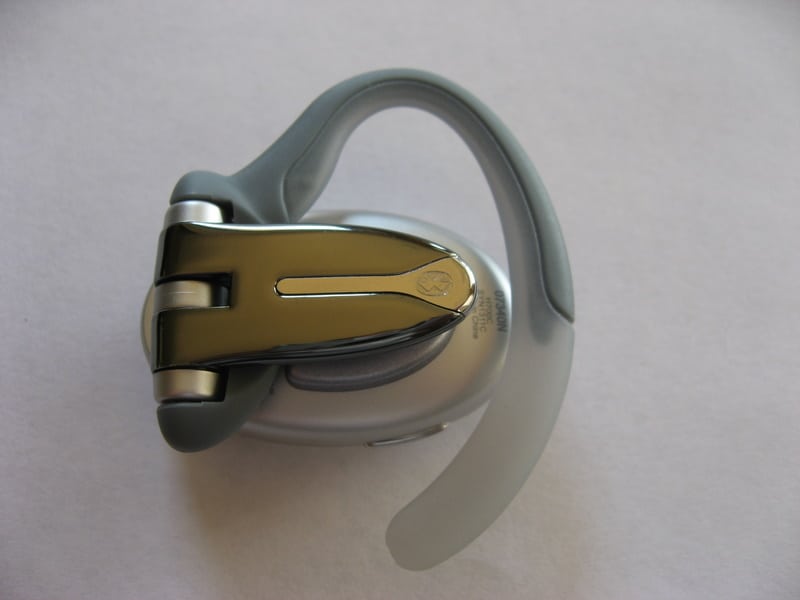
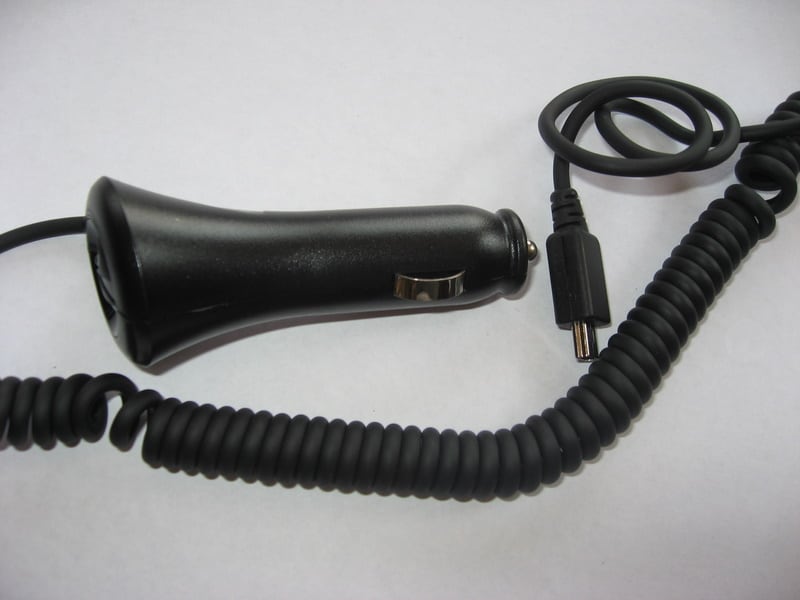
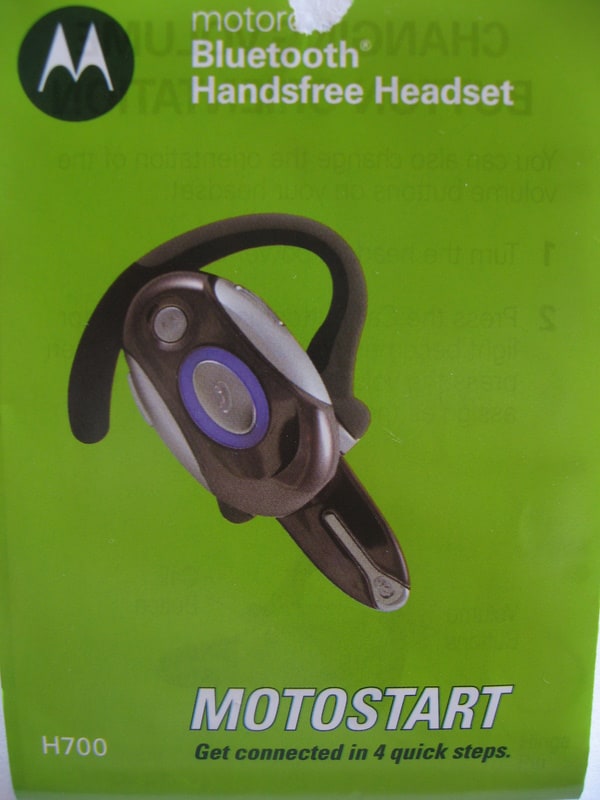
The package included the H700 headset, a wall charger, a car charger and a fold-out “Motostart” quick start guide. The headset itself is deceptively light. It’s design is elegant and clever.
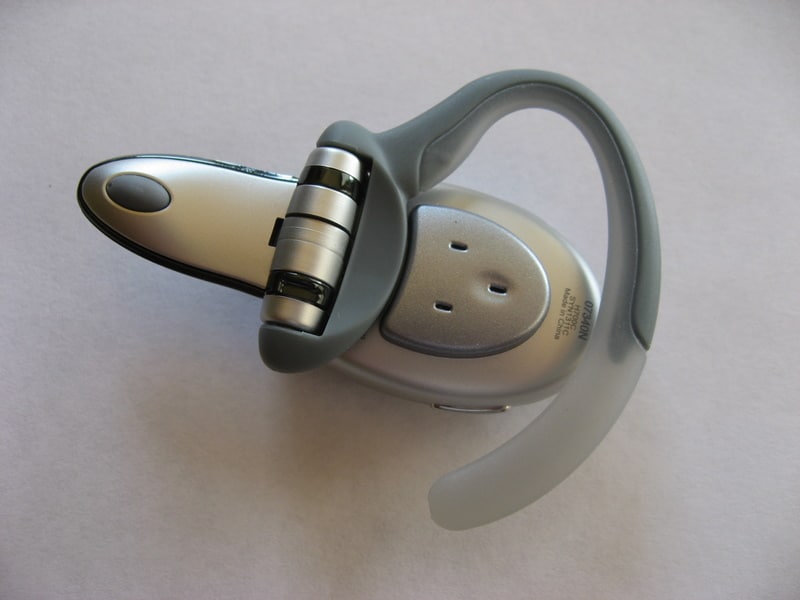
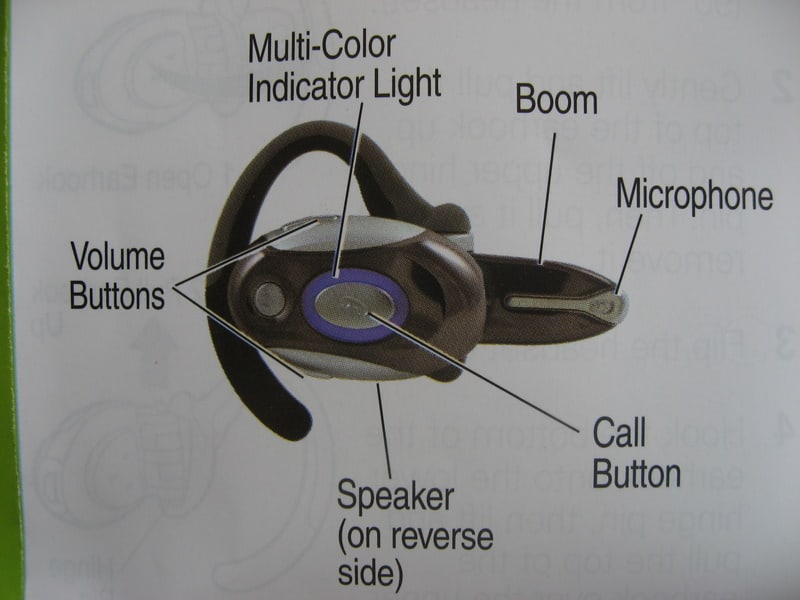
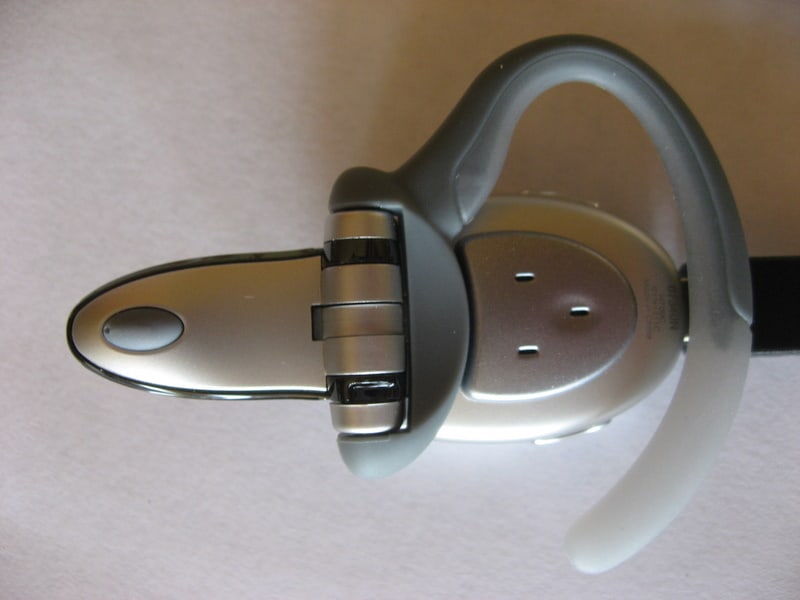
The tiny boom microphone flips out and also acts as the power button. To power on the headset simply unfold the boom mic, and reverse for power off. When folded it’s a neat little portable package that slips easily into a pocket, purse or car arm rest.
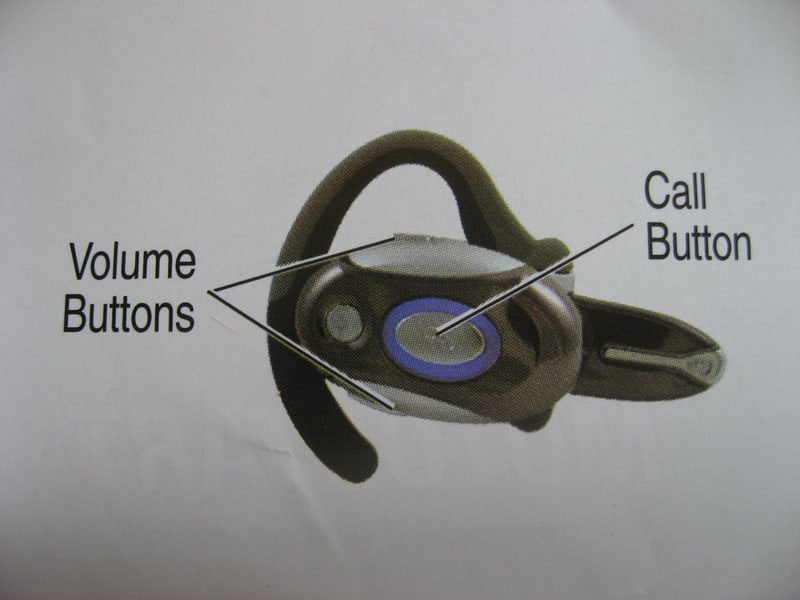
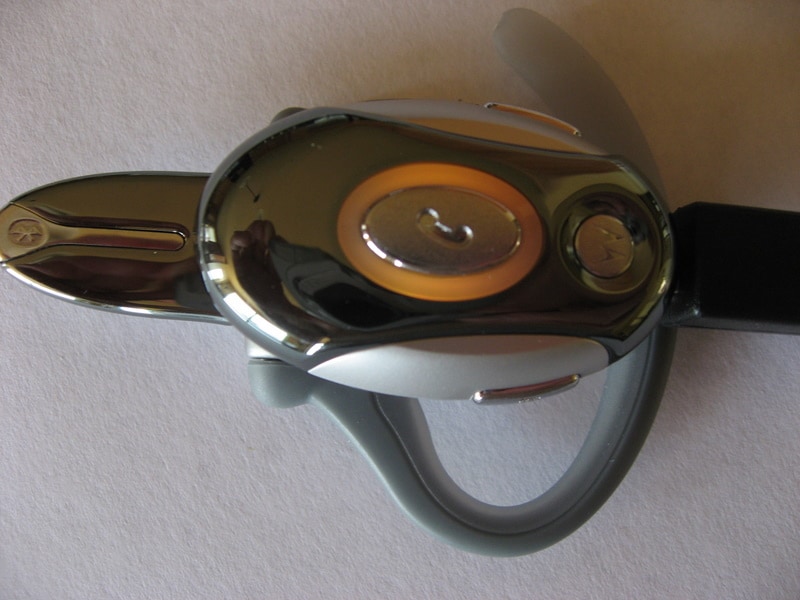
There are only 3 buttons on the H700: volume up, volume down and call. Using combination presses and extended button holds you can perform all of the major functions including answering a call, ignoring a call, redialing, mute/unmute, etc.
A stylish light ring encircles the call button and indicates various modes. When charged it glows steady red, yellow or green depending on level of charge. In my test, the headset completely charged in less than 2 hours. With no charger plugged in the light glows blue when paired with a phone, or red to indicate low battery.
The included quick start guide is excellent. High marks here to Motorola for keeping it simple. It walks you through 4 easy steps to get started, and provides diagrams to explain all the buttons and parts.
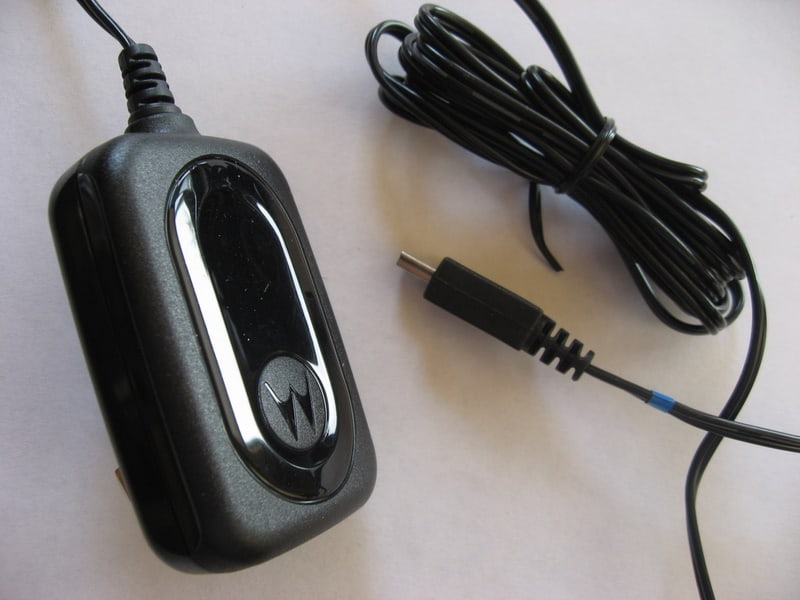
The H700 uses a mini-USB connection for charging. This is convenient for users of mini-USB powered devices since you only need carry one charger. A travel blessing.
Setup and Pairing to Bluetooth Phone
Setup was a breeze; far easier than in past years. First I charged the phone. When the ring glowed green I proceeded with pairing. For the test I used two phones, the BlackBerry 8700c and a BlackBerry Curve, both on the AT&T network.
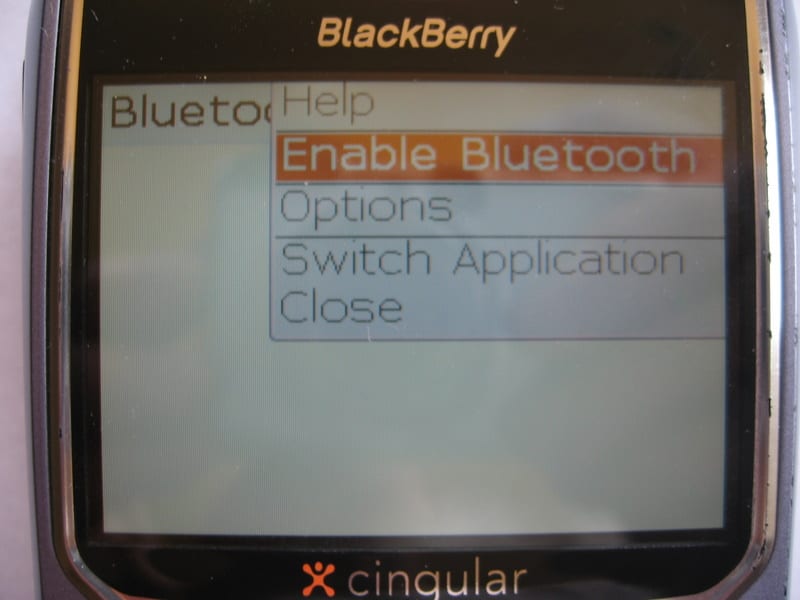
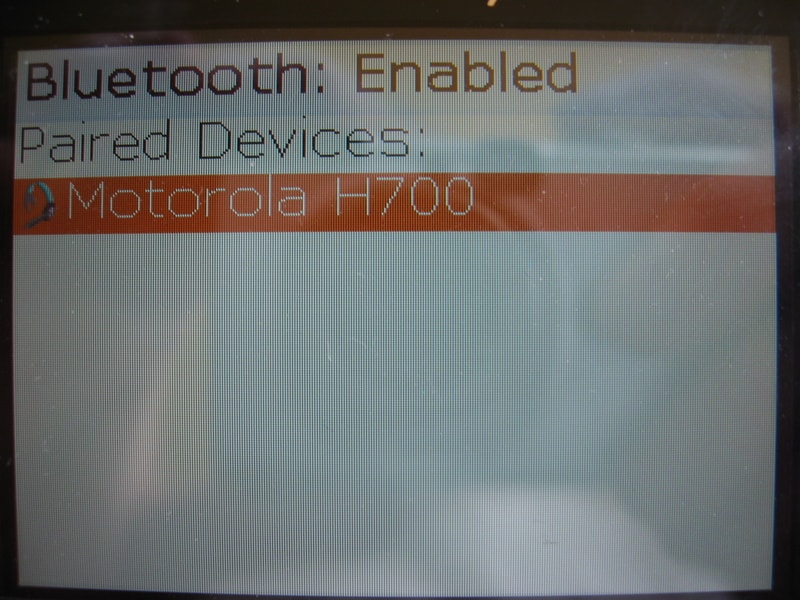
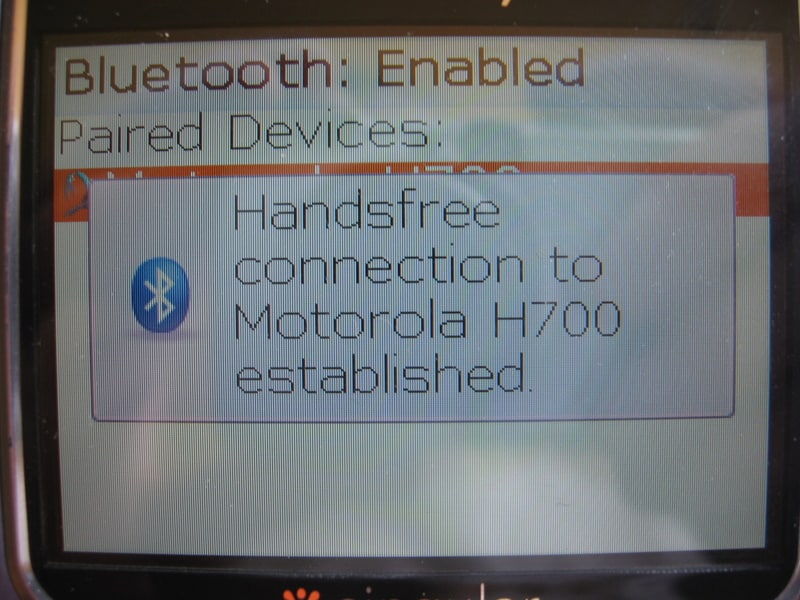
A purple light indicated the H700 was ready to pair. I activated bluetooth on the 8700c and searched for bluetooth devices. The display on my BlackBerry quickly identified the Motorola headset and I entered “0000” to connect. That was it. I was done in less than 30 seconds.
Wearing the headset is generally comfortable. The included plastic ear earhook snaps off for right or left ear use. Aside from the inevitable dork factor, it was comfortable to wear, and after driving for a while even forgot it was hanging on my ear. The only issue I had was getting it to sit properly while wearing sunglasses. This may even be a bigger challenge for Loni and her LA style vanity.
Sound Quality
I always have doubts about wireless sound quality, my trusty wired headset never let me down. The H700 was a pleasant surprise with uniformly great sound quality. I could hear callers clearly and with plenty of volume. So much volume at times I had to lower it. Other reviewers have complained that callers could not hear them clearly because the boom microphone would muffle sound. However, I did not have that problem. People on the other end, although they could tell I was in a car or airport, never had a problem hearing me clearly.
Audio tones provide information about the headset status such as volume control, battery life, voice activation, mute and other functions.
Answering calls was simple, as was adjusting volume.
Loni is still practicing with voice recognition on her BlackBerry Curve but it seems to be quite powerful. On my 8700c I just used standard phone dialing without an issue.
I am still testing battery life. It is rated at 6 hours of talk time which seems like plenty.
Summary
I am impressed. For an excellent price, you get a portable, high performance, well designed bluetooth headset. Recommended.